Setting Up a Clean, Optimal Computer Workspace
by cmhblog in Living > Organizing
63 Views, 1 Favorites, 0 Comments
Setting Up a Clean, Optimal Computer Workspace
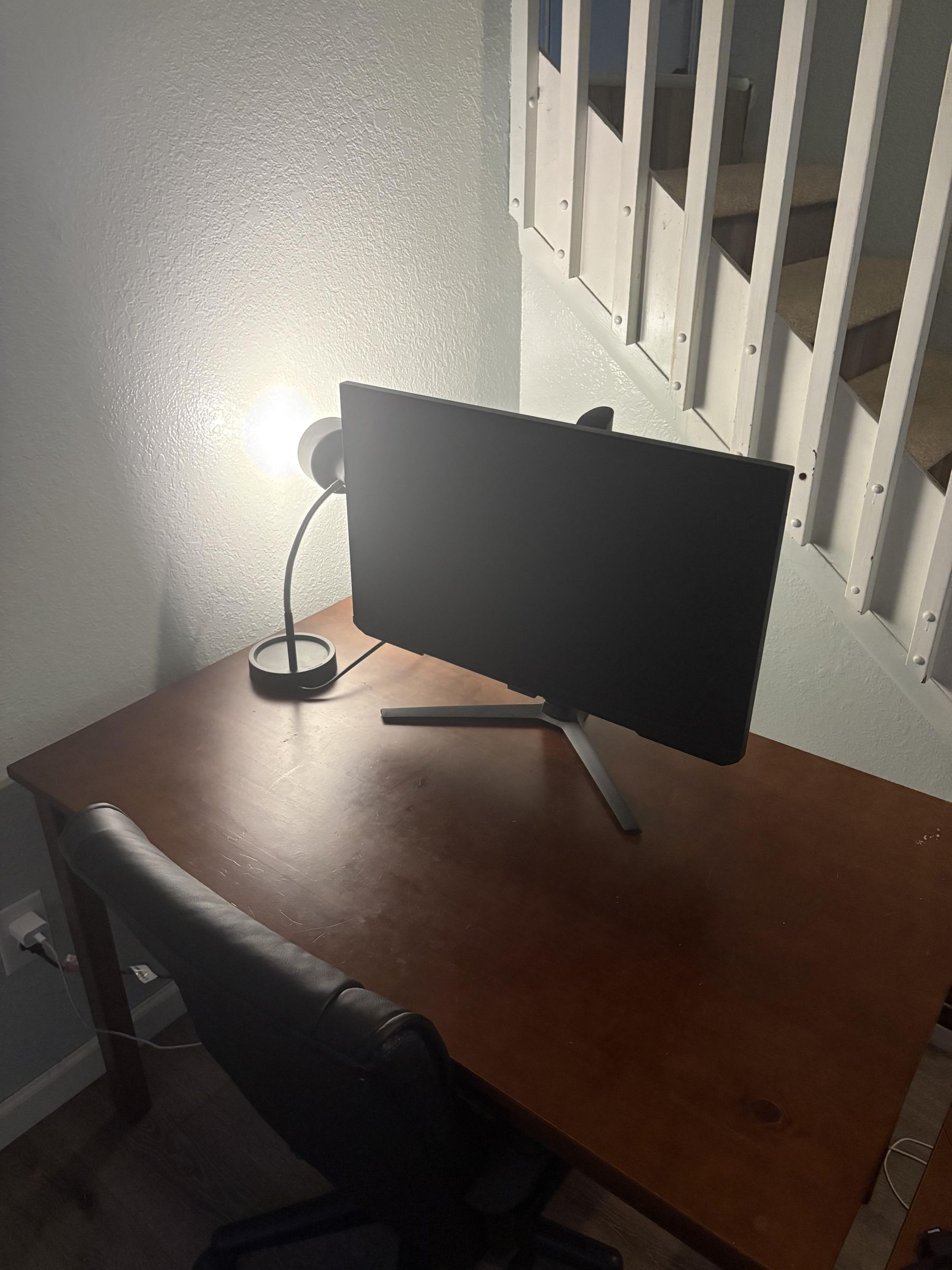
Before beginning any computer hardware project, whether building a PC, cleaning components, or performing an upgrade, having a properly prepared workspace is essential. A poorly set up space increases the risk of static discharge, lost or damaged parts, and unnecessary interruptions once the actual hardware work begins.
Skipping proper workspace preparation is one of the most common reasons beginners damage components on their first build. A single static discharge, invisible and painless to the person handling it, can silently destroy a processor or graphics card worth hundreds of dollars. Taking fifteen minutes to set up your space correctly prevents mistakes that are often expensive and sometimes impossible to fix. This instruction set walks a first-time builder through preparing a safe, organized, and efficient workspace before starting any hands-on computer work
Supplies
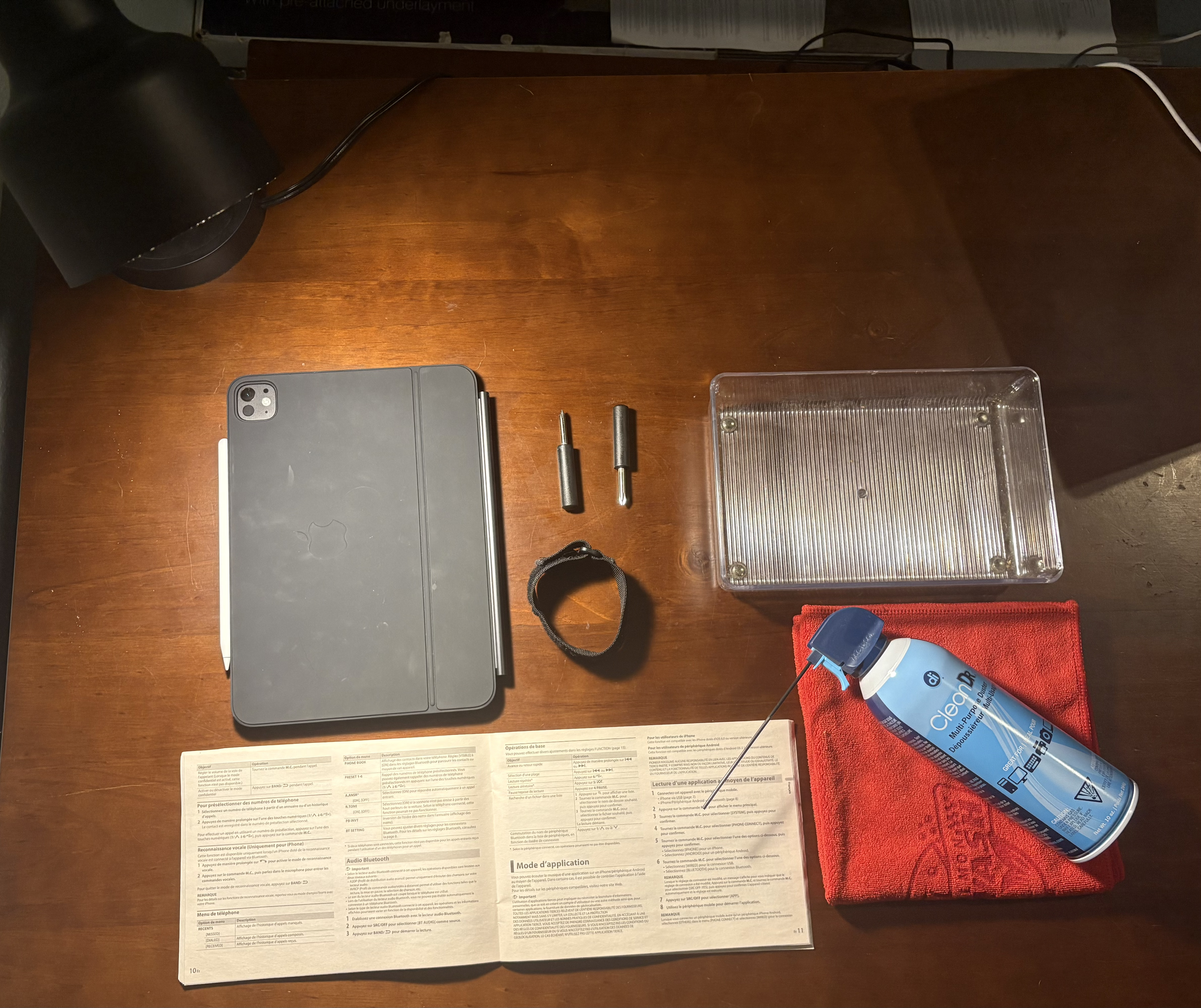
A flat, stable, non-carpeted work surface
Anti-static wrist strap
Anti-static mat (optional but recommended)
Small parts trays or containers for screws and connectors
Adequate lighting, either overhead or a directed desk lamp
Phillips head screwdriver (magnetic tip recommended)
Compressed air canister
Microfiber cloth
Phone or camera for documenting cable layouts before disassembly
Manufacturer manual or documentation for the specific component being worked on, if applicable
Safety Considerations

Working around computer components carries a few specific risks that are easy to overlook if you have never done this kind of work before.
Static discharge: The human body regularly carries small amounts of static electricity that we cannot feel but that are more than enough to destroy sensitive electronics on contact. This is the single greatest risk to components during setup and handling.
Power safety: If you are working on a computer that has been plugged in, always unplug it fully before touching any internal components.
Lighting and eye strain: Poor lighting does not just make small parts harder to see; it increases the likelihood of mistakes such as misaligned connectors or dropped screws.
Liquids near electronics: Keep drinks and any liquids well away from your workspace at all times, since a single spill can destroy thousands of dollars in components in seconds.
Selecting a Surface
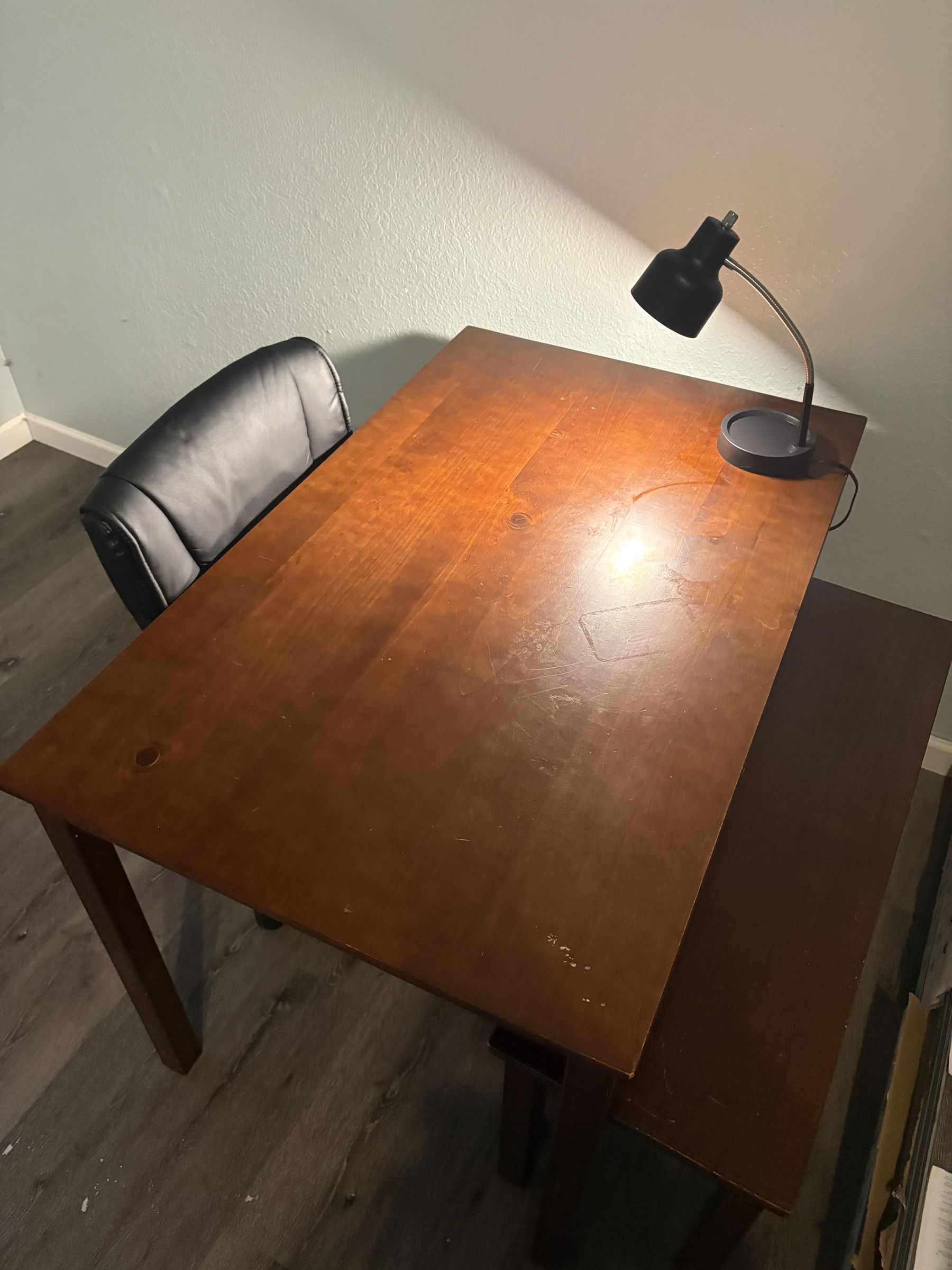
- Select a stable, hard-surfaced work area. Avoid carpeted rooms or surfaces near sources of static buildup, such as fabric furniture. A kitchen table, garage workbench, or hard-surfaced desk works well. Carpet in particular generates significant static electricity through friction and should be avoided entirely for this kind of work.
Workspace Cleanliness
- Clear the surface completely. Remove any unrelated clutter, liquids, or loose fabric from the immediate work area to reduce the risk of spills or static contact.
Lighting
- Set up adequate lighting. Position a lamp or overhead light so that the work surface is fully and evenly lit, minimizing shadows over small components and connectors. Good lighting also reduces eye strain during longer projects.
Anti-Static Considerations
- Put on your anti-static wrist strap and ground it to an unpainted metal surface, such as a computer case chassis or another grounded metal object, before handling any components. Grounding yourself discharges the static electricity your body naturally holds, protecting sensitive components from invisible damage the moment you touch them.
Anti-Static Mat Placement
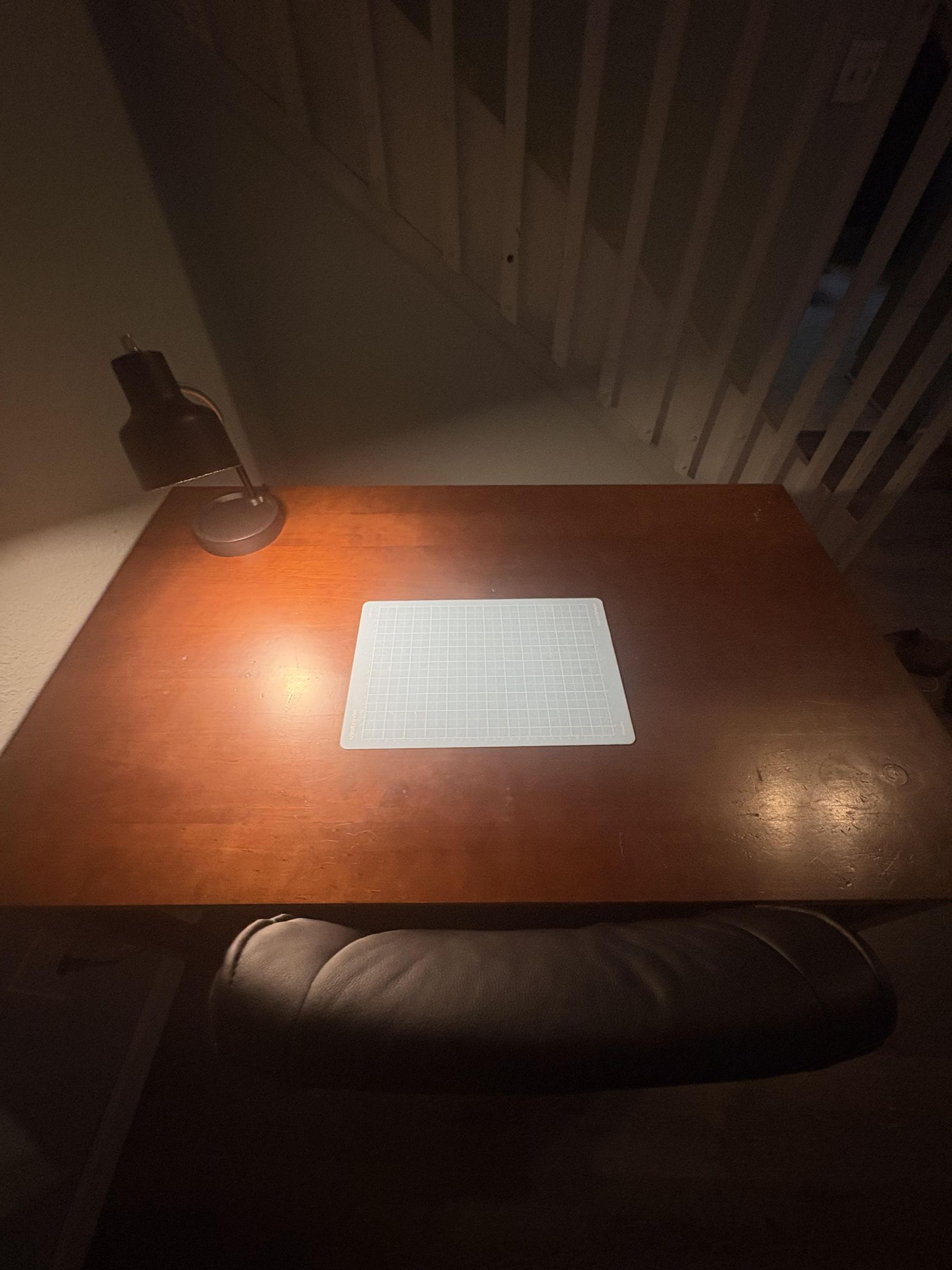
- Lay down an anti-static mat, if available, to create a safer working surface for handling sensitive components. This is especially useful if your work surface is near any fabric-covered furniture.
Parts Organization
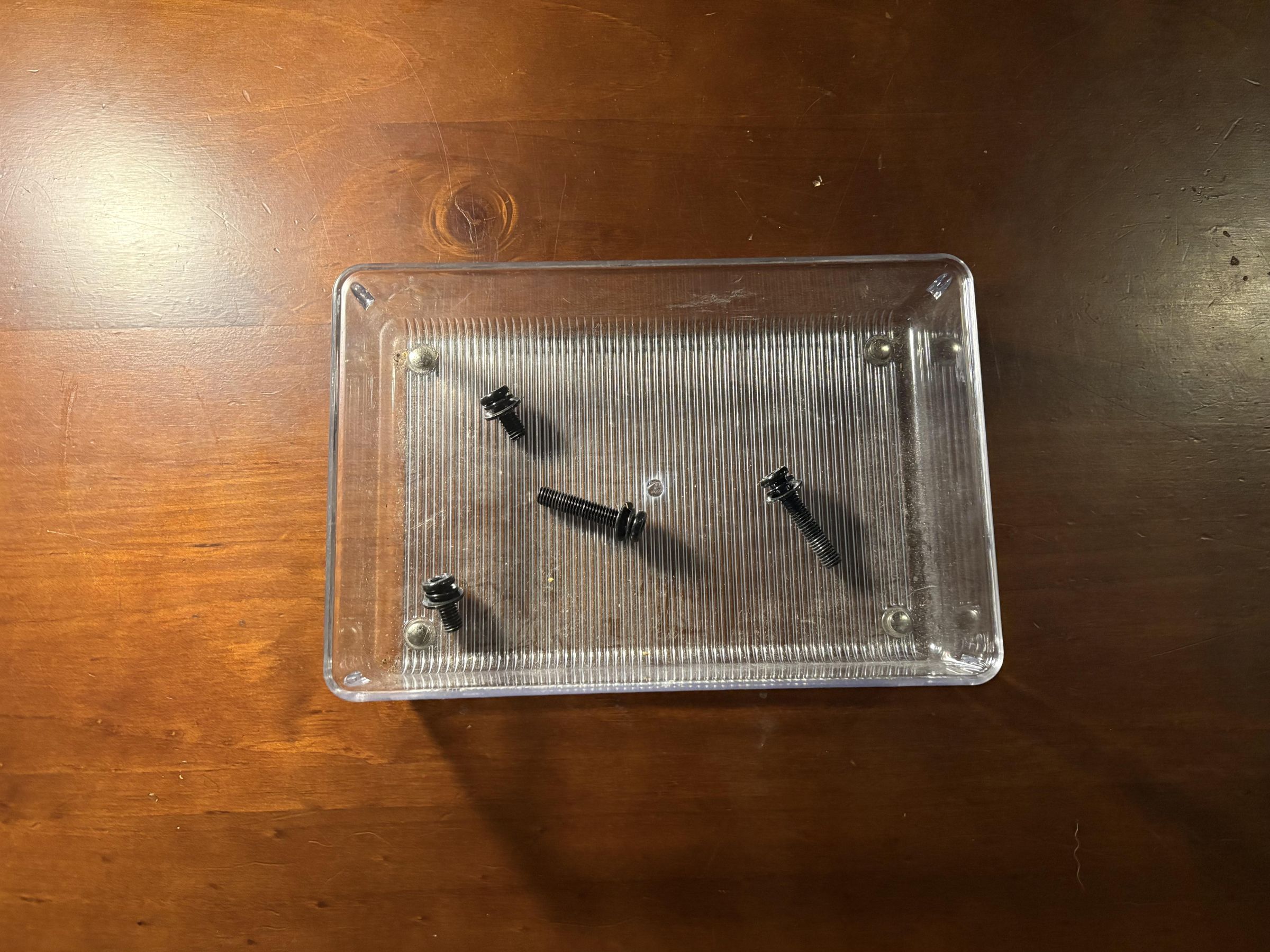
- Organize small parts trays or containers near your workspace to hold screws, standoffs, and connectors as you remove them, keeping them sorted and easy to find later. Losing a single screw partway through a project is one of the most common and avoidable frustrations beginners run into.
Step Logging
- Keep your phone or camera within reach to photograph cable layouts and component placement before disconnecting anything. This step alone can save significant time and frustration during reassembly or troubleshooting later.
Final Check
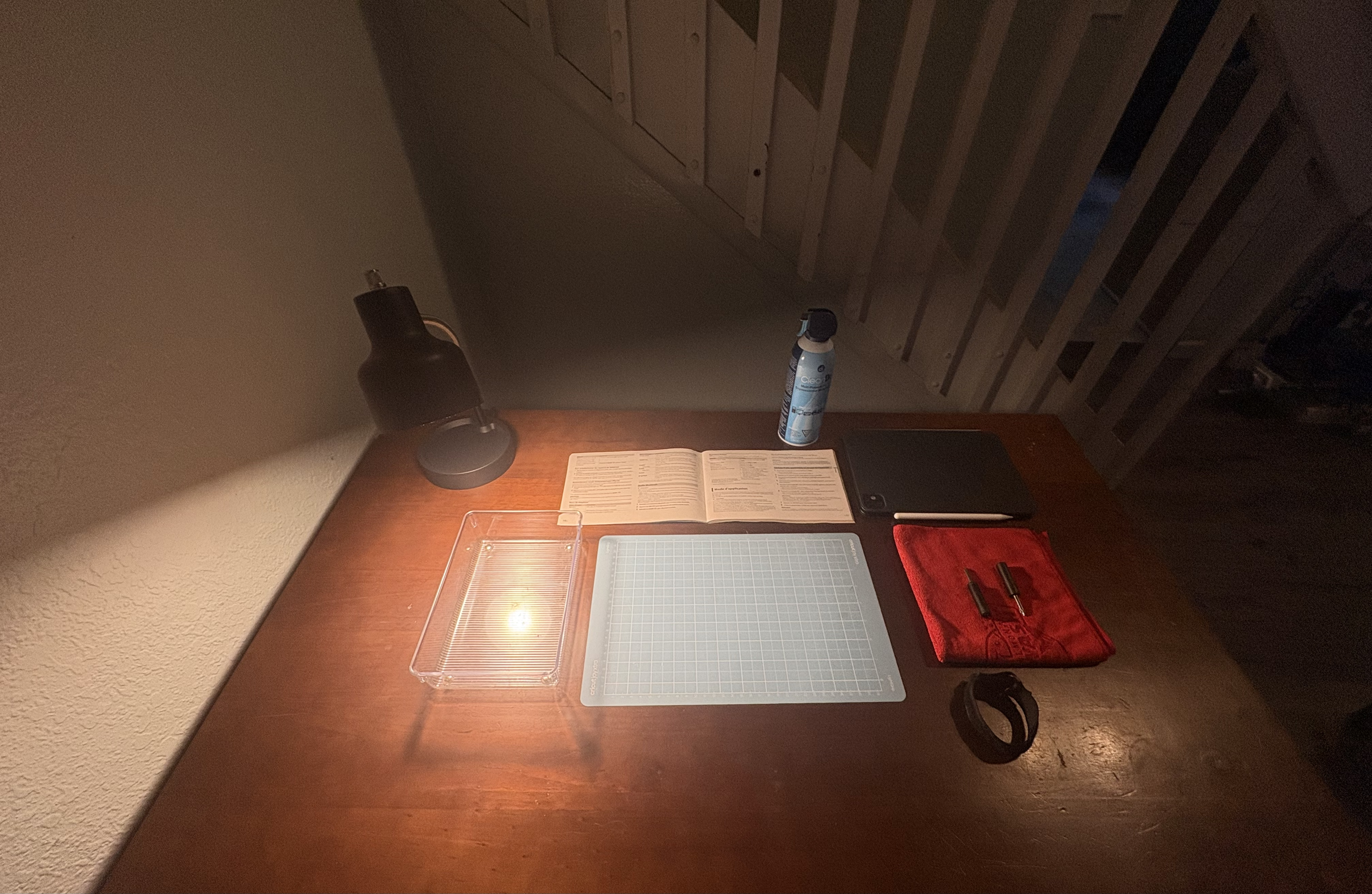
- Do a final visual check of the workspace before beginning hands-on work: confirm the surface is clear, lighting is sufficient, the anti-static strap is grounded, and all tools and containers are within reach.
Confirmation
Before proceeding to any hardware work, confirm that you are properly grounded, your tools and containers are organized and accessible, and your surface is stable and clutter free. If any of these conditions are not met, address them before continuing.
Trouble Shooting
What if I don't have an anti-static wrist strap? Periodically touch an unpainted metal surface, such as the inside of your computer case or a metal desk leg, before handling components. This is not as reliable as wearing a strap continuously, but it significantly reduces risk if a strap is not available.
What if my workspace is in a carpeted room and I can't move it? Place an anti-static mat under your immediate work area and ground yourself more frequently than usual, since the risk of static buildup is higher in carpeted spaces.