Smart EInk Table-Reservation-Sign
by Splash_5 in Circuits > Microcontrollers
95 Views, 0 Favorites, 0 Comments
Smart EInk Table-Reservation-Sign
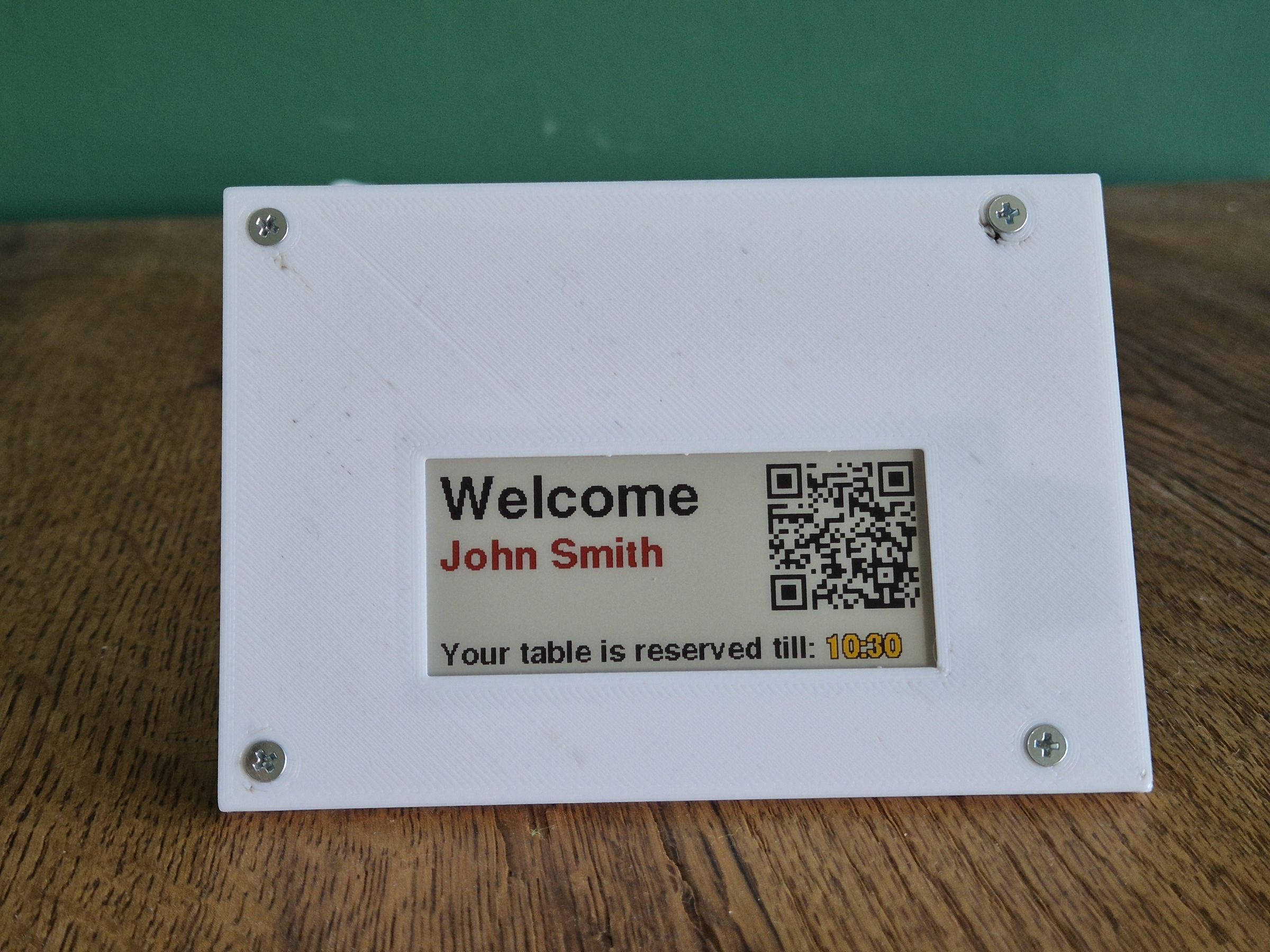
I started playing around with some eInk Displays (monochrome and colored) and wanted to create something "usefull".
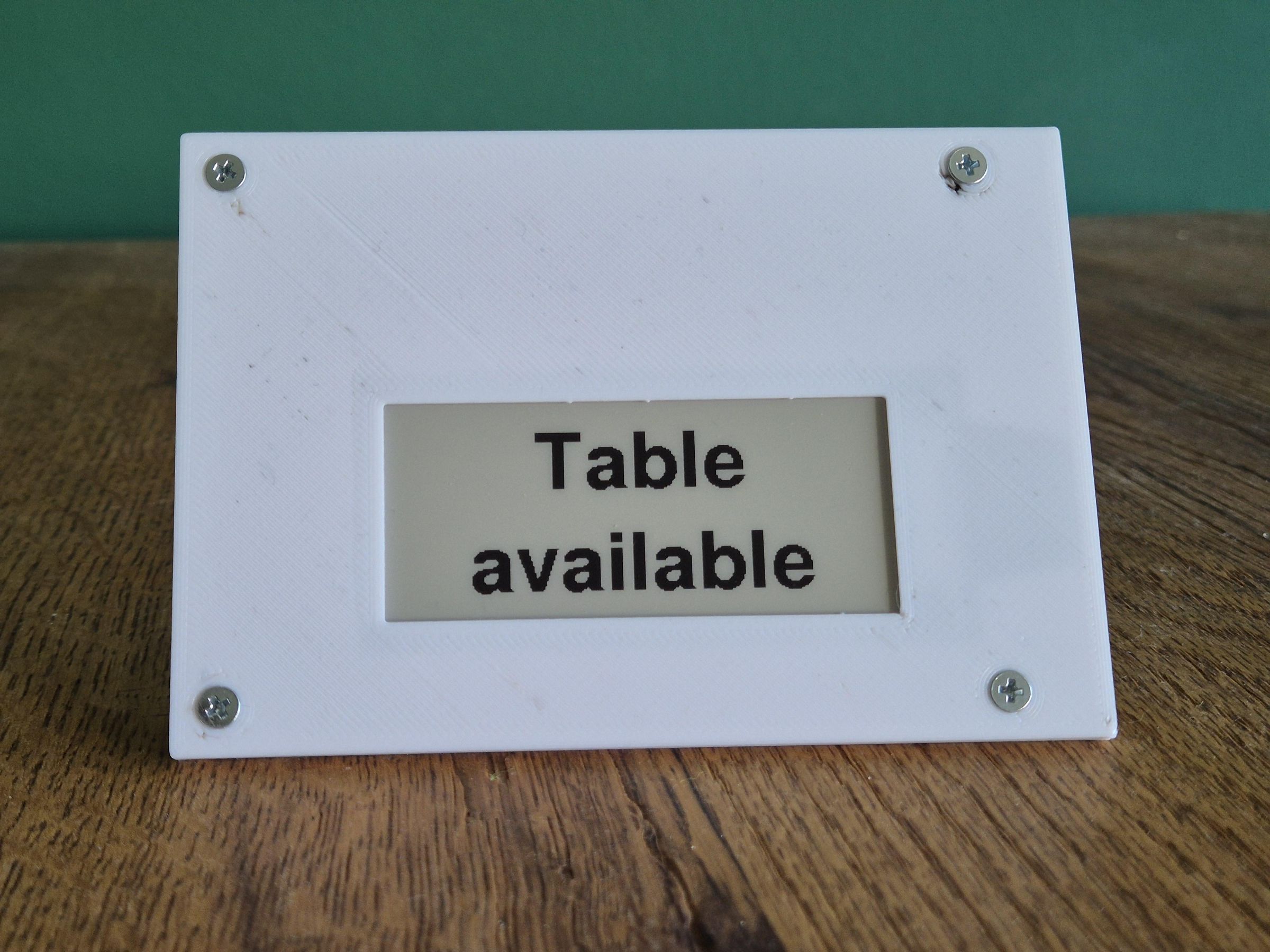
I was thinking how I can implement a colored eink display in a restaurant setting and therefore I tried to make a table reservation sign to implement the features of low powered eink display and a great customer experience when entering the restaurant.
My goal was to implement a reservation sign which checks the the time and before the customer comes (1 hour ahead) shows that the table is reserved for the customer. This shows other customer from when to when the table is reserved. When the customer arrives, the display will welcome the customer and show a QR code to the online menu or ordering system. After the reservation time the table is shown as free again.
The great benefit of that approach is to have a great battery life (in my case it is still usb powered) and a personal experience for the customer. The Reservation handling is currently on a local Webserver of the ESP, but could be changed to a server client architecture where the esp checks on a remote server which upcoming reservations are done for this table.
Supplies
- ePaper Driver Board with ESP32-S3
- 2,9" quadruple color eInk Display
- USB-C cable
- Arduino IDE (Software)
- 3D-Printer optional for enclosure
Connect the Electronics
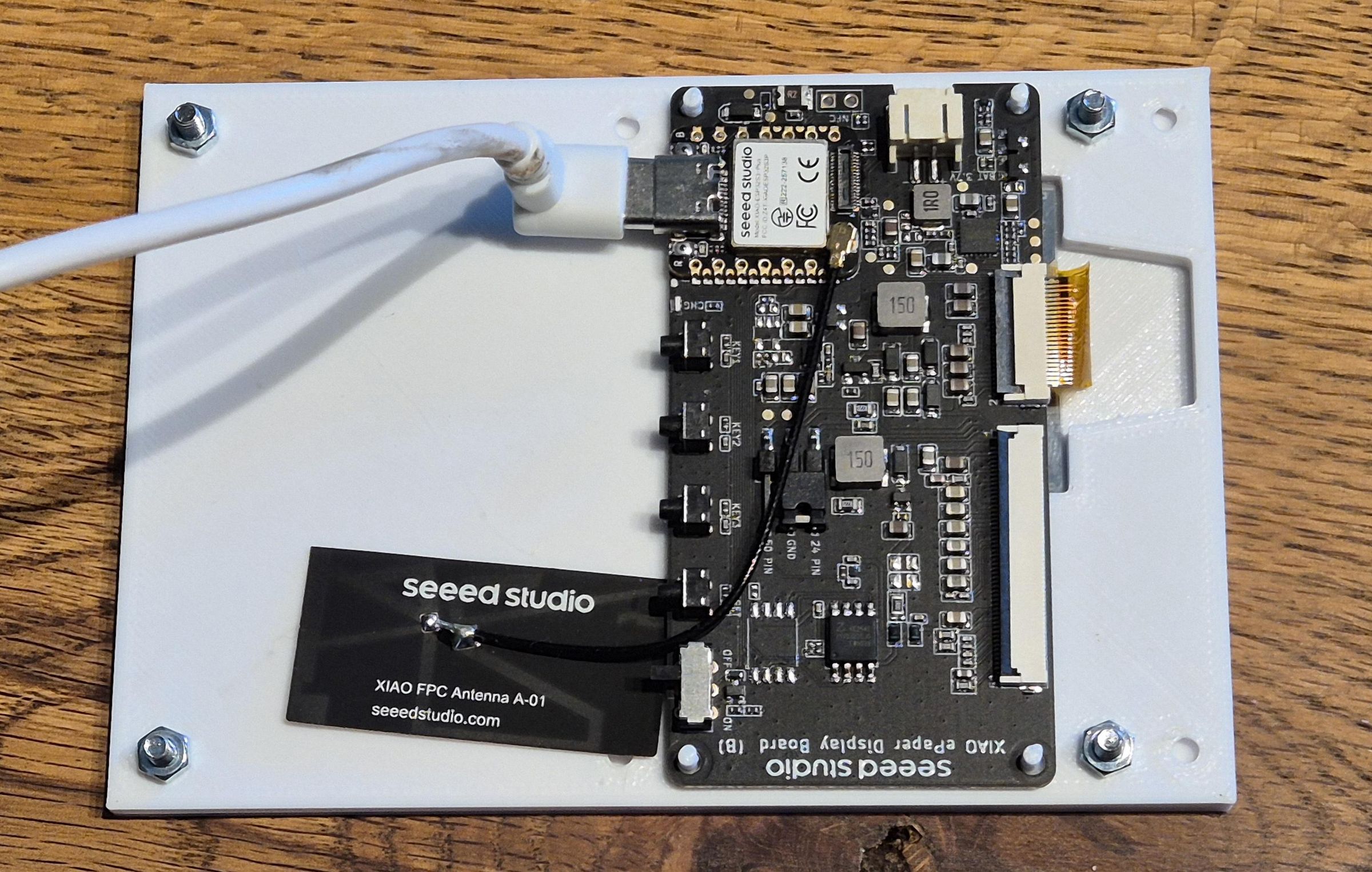
- Connect the Wifi Antenna with the driver Board.
- Connect the flexible display cable with the driver board
- Connect the USB cable with the PC
Download and Upload the Software
- Download the software and open Arduino IDE.
- Select as a Microcontroller the XIAO ESP32S3 PLUS
- Download the software to the Chip
Github Link to the software:
https://github.com/Splash005/eInk_Table_Reservation
Configure the ESP to Connect to the Wifi
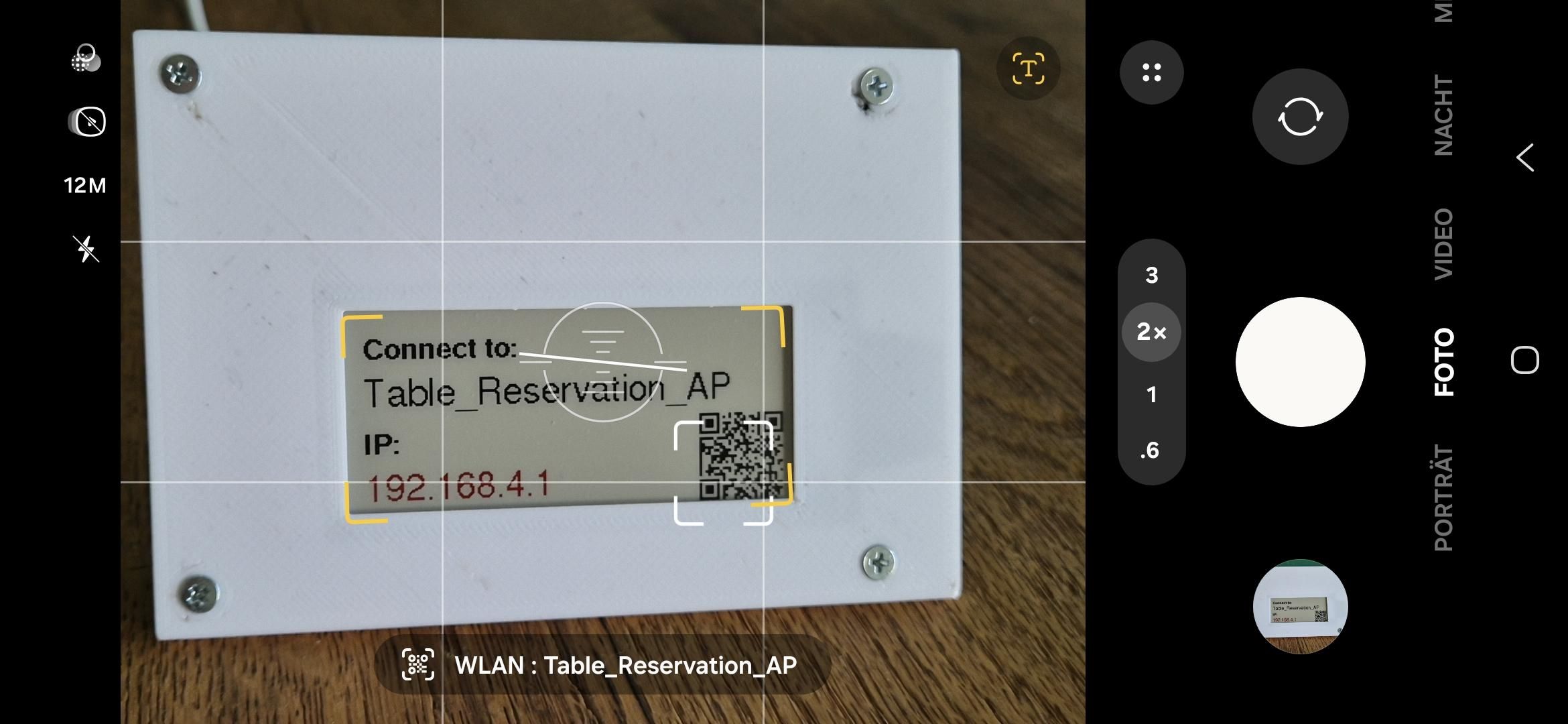
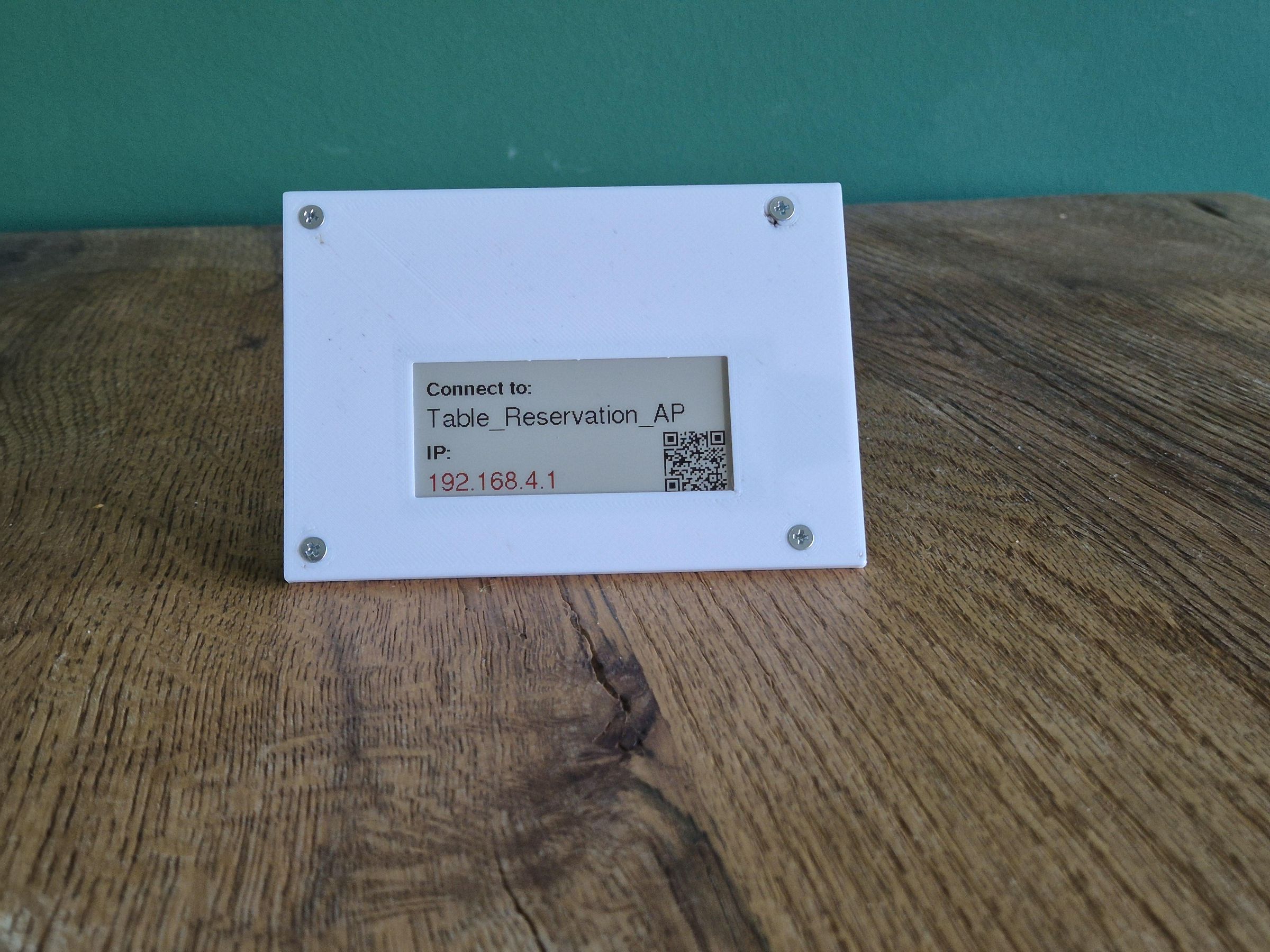
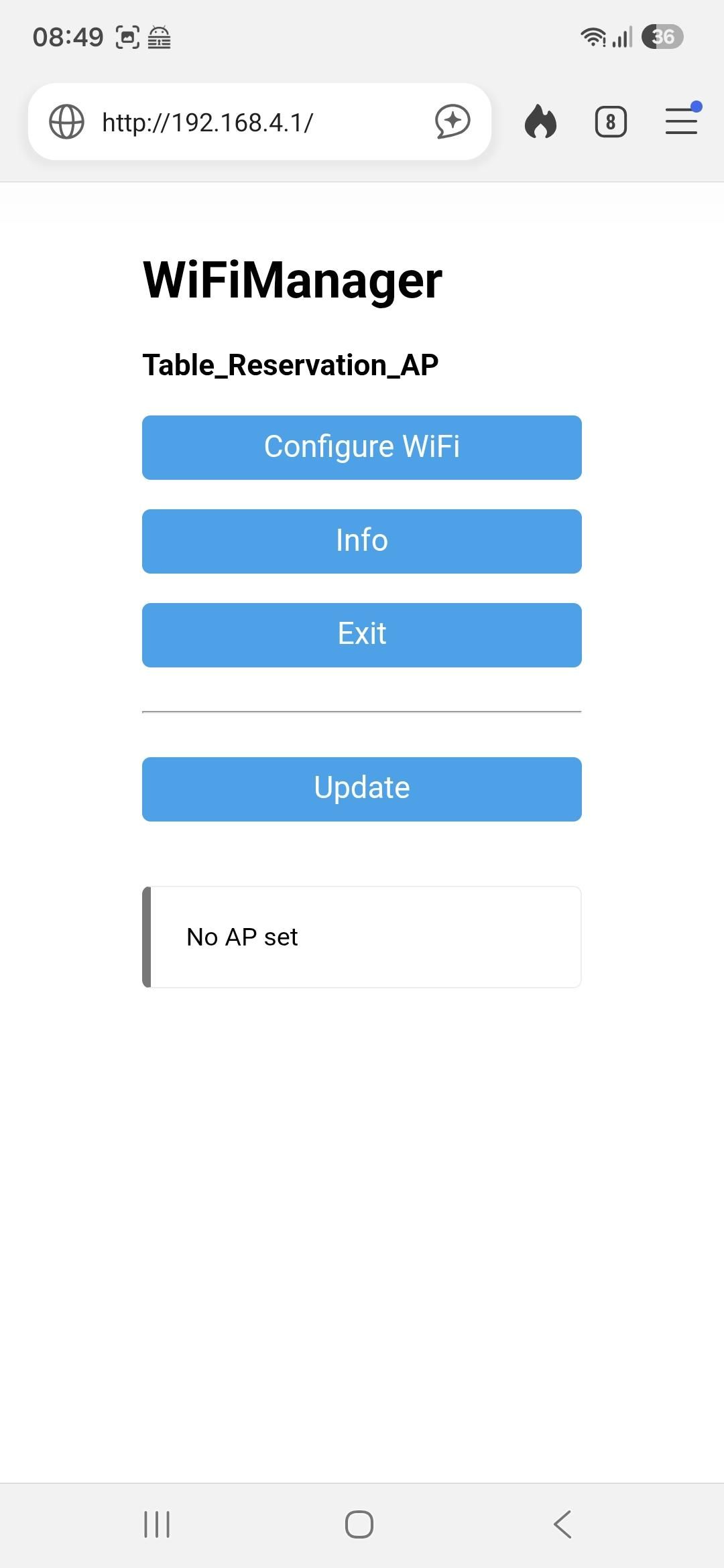
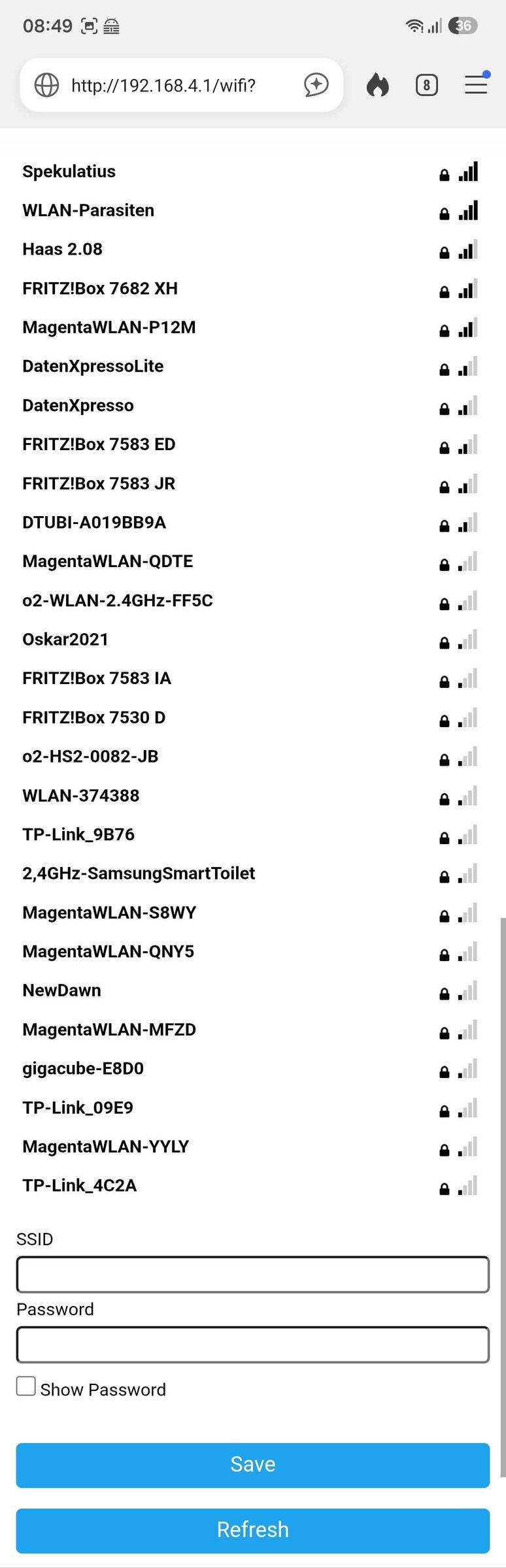
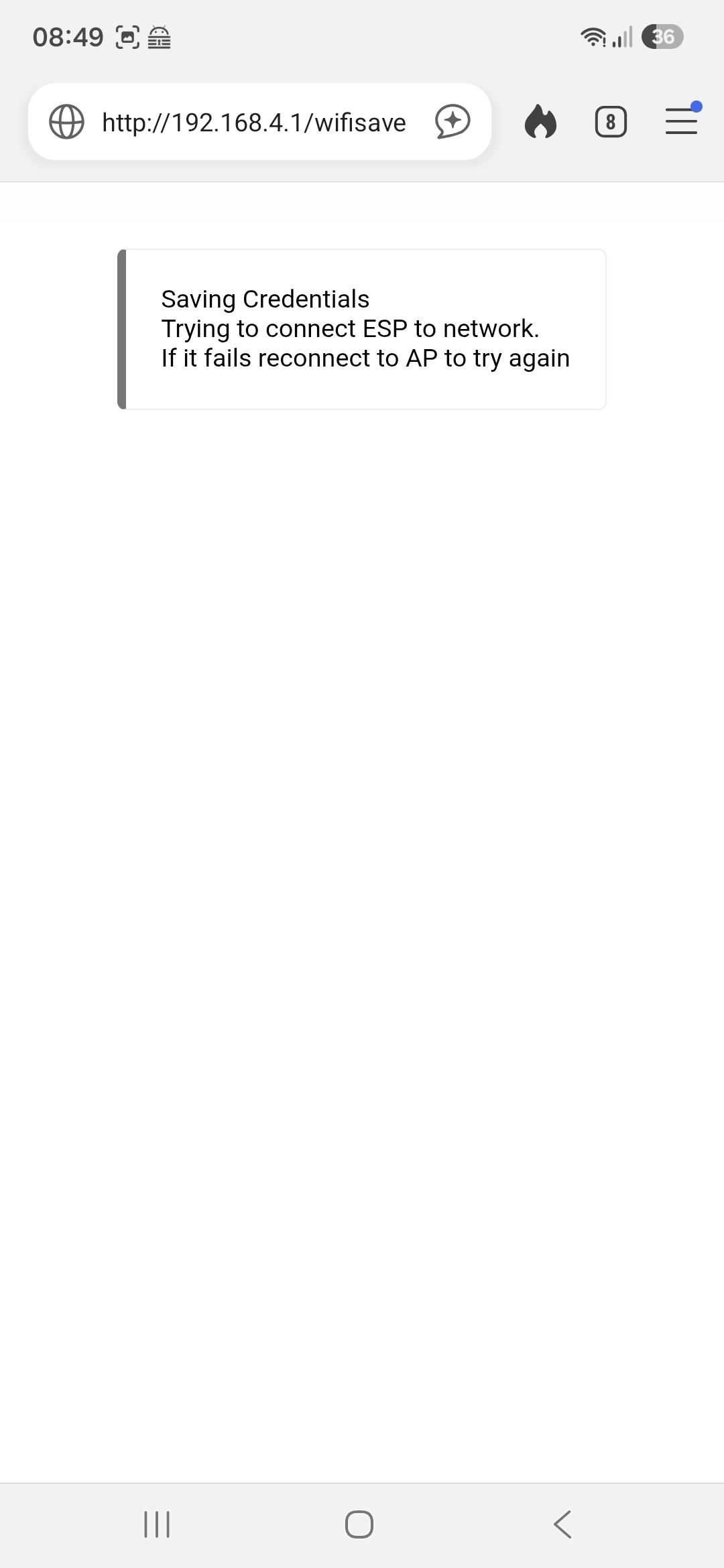
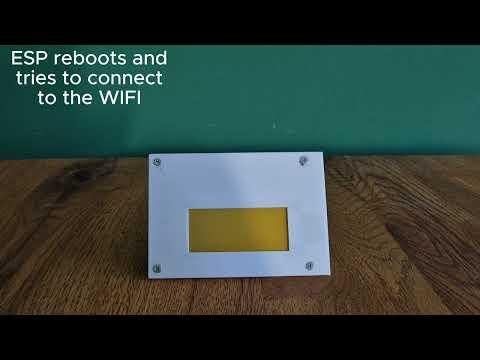
The table reservation sign will show an QR code to automatically connect to the WiFi and there you can go to configure wifi and configure the SSID and Password. Then it will reboot and connect to the WiFi.
Enter a Reservation
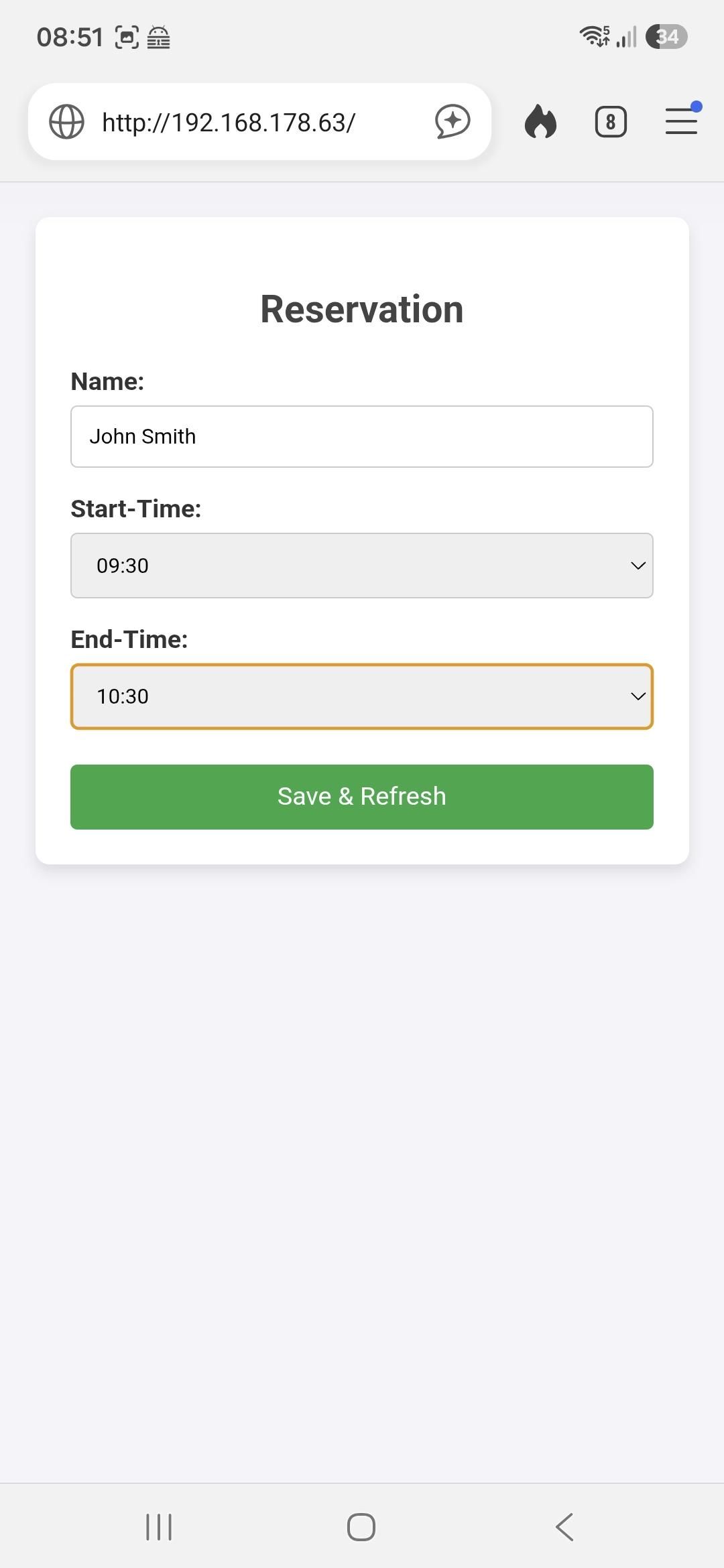
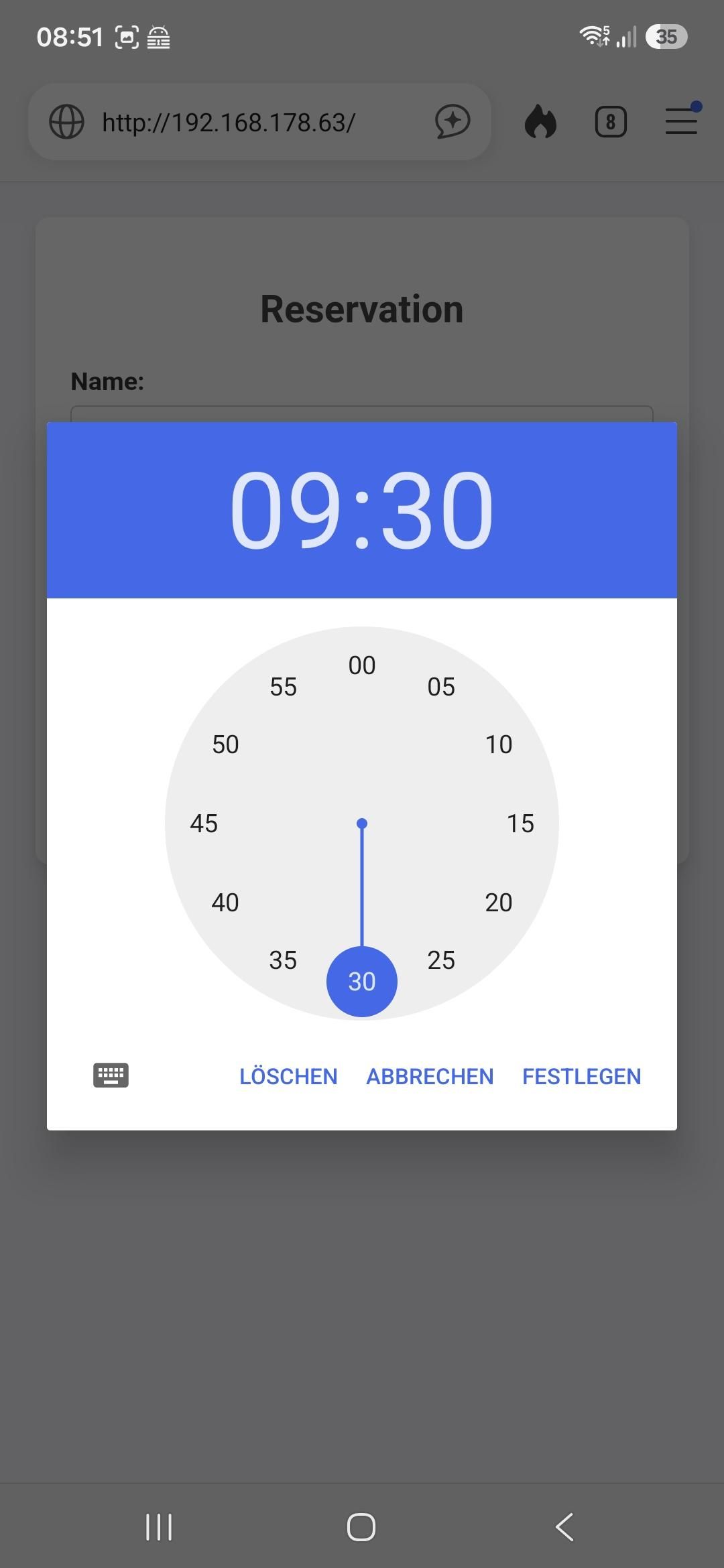
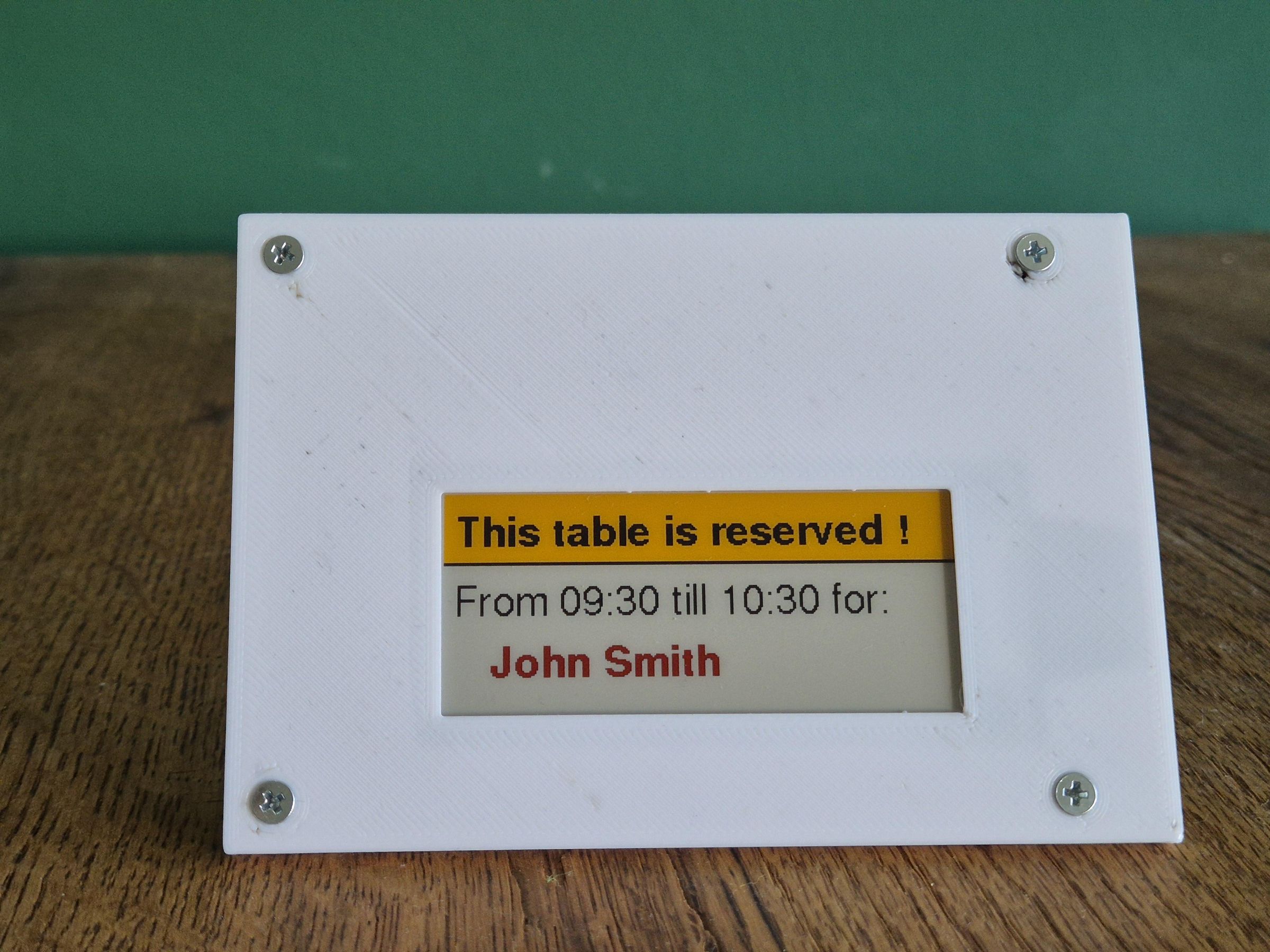
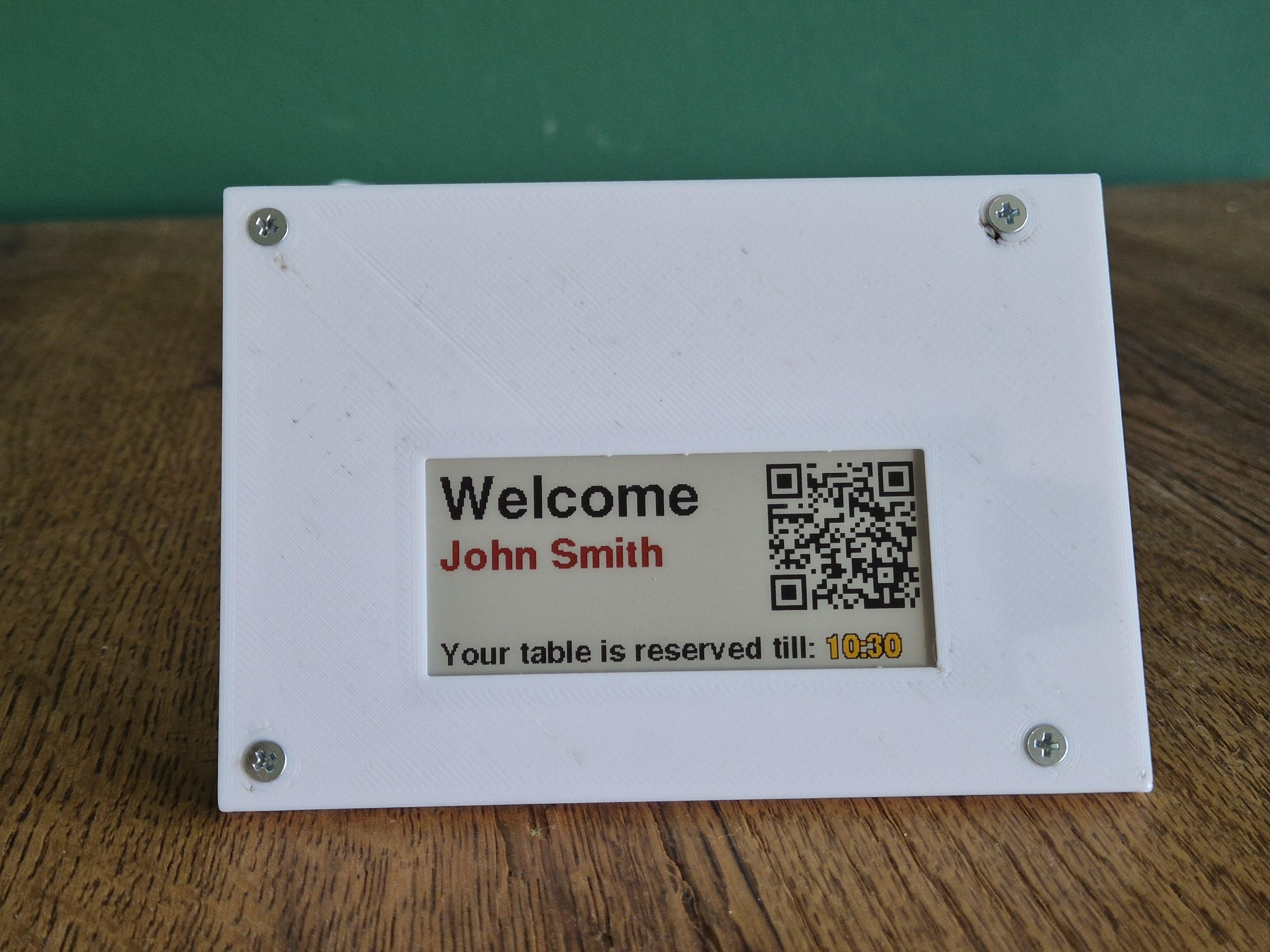
Navigate to the IP adress of the ESP and enter some Reservation Data to test the programm.
Contribute to the Project
Write your ideas or improvements for the Project to my GitHub page. I can think of putting in an external reservation server which handles multiple reservation of several Table signs and the table sign goes into deep sleep when there is no update.
This should create a battery life of multiple month on a 1000mAh battery