Space_Clock
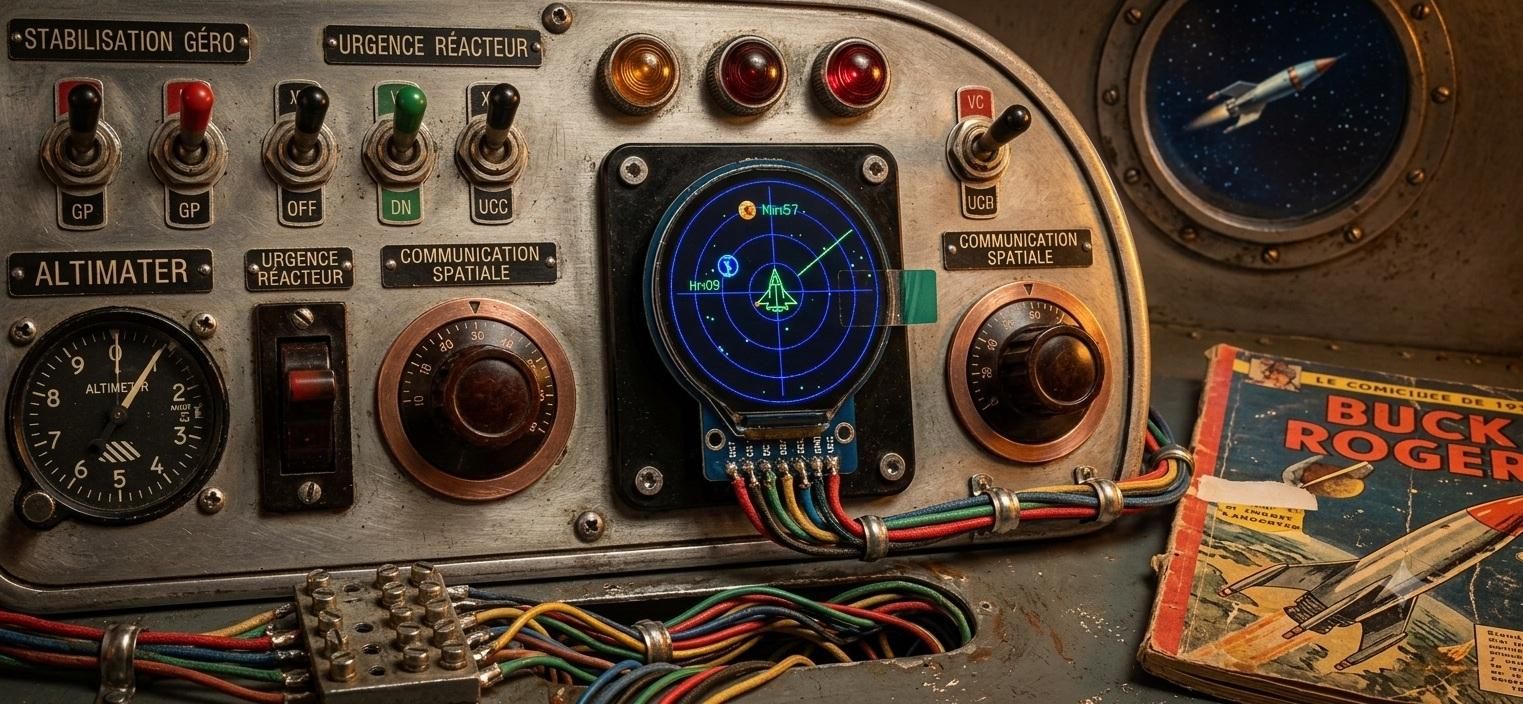
Built around an ESP32-C3 and a circular GC9A01 display, Space Clock is an autonomous, NTP-connected clock that mimics an interplanetary radar. It brings a space traffic control screen to life with a central spacecraft, planets marking the hours and minutes, and real-time astronomical events.
Connect the hardware, upload the code, set up Wi-Fi using the embedded Access Point, and explore the stars!
Supplies


It doesn't take much to spark wonder in kids — young and old!
Components needed:
Connecting Components
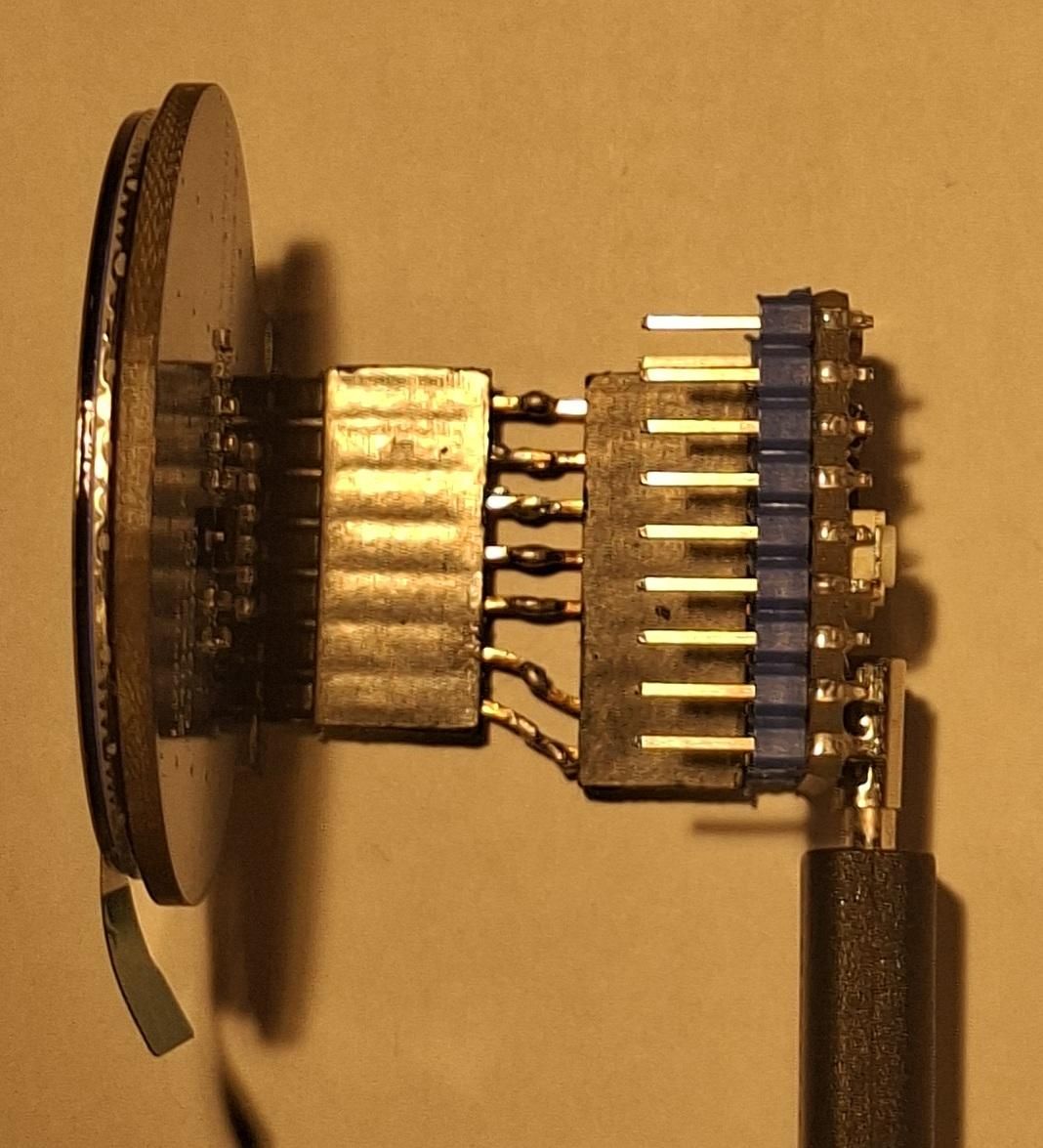
By matching the pinout of the round display, connecting it to the ESP32 is quick and easy with female-to-female Dupont jumper wires :
Pin GC9A01 (Fonction) <> Pin ESP32-C3
VCC (Power supply) <> 5v
GND (Ground) <> GND
CS (Chip Select) <> GPIO 0
RST (Reset) <> GPIO 1
DC (Data/Command) <> GPIO 2
SDA (MOSI) <> GPIO 3
SCL (SCLK) <> GPIO 4
I also used pin connectors to reduce the length of the connections.
Code
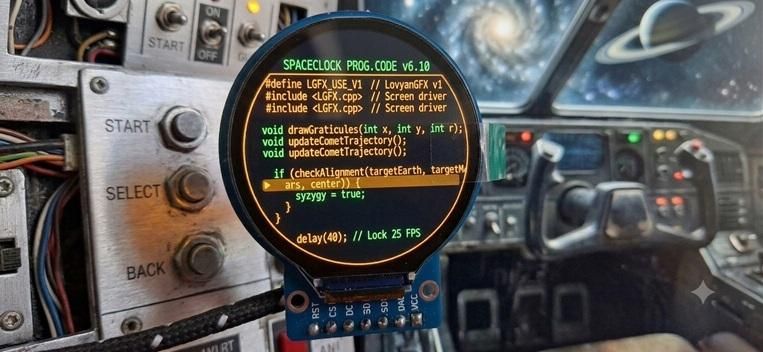
Download code from the GitHub deposit to your ESP32-C3 using Arduino IDE
Configuration Sequence (Captive Portal)
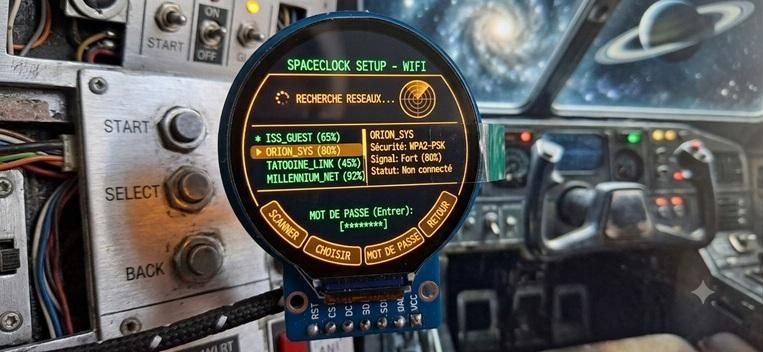
- Network Detection: If no valid credentials are found in NVS memory, the system launches a secure local Wi-Fi access point named SpaceClock_Setup (static IP: 192.168.4.1).
- User Interface: An HTML captive portal allows the user to scan for nearby networks, submit the security key, and configure the time zone (e.g., Europe/Paris).
- Storage and Reboot: The variables are permanently saved, triggering the deactivation of the access point and a switch to standard operating mode.
Clock Screen
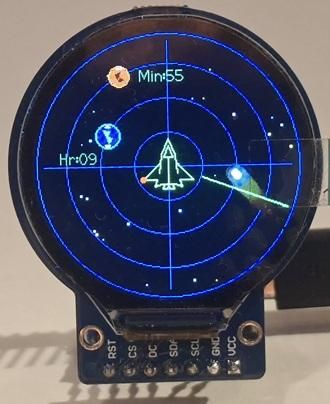
The main screen simulates an Air Space Traffic Control (ATC) interface:
Radar Grid: A design of four bluish concentric circles intersected by indexed orthogonal lines.
Hour (Earth): A midnight-blue and white celestial body positioned on the inner radius (60px). Generates a pulsed green radar echo when the sweep passes over it..
Minute (Mars): A yellow and orange celestial body positioned on the outer circle (85px). Also generates a pulsed green radar echo.
Second (Sweep): A continuous green sweep line emanating from the center and connected to a peripheral circular marker.
Center: An isometric wireframe spacecraft drawn with green vector lines, featuring alternating flashing navigation lights.
On Board Cinematics
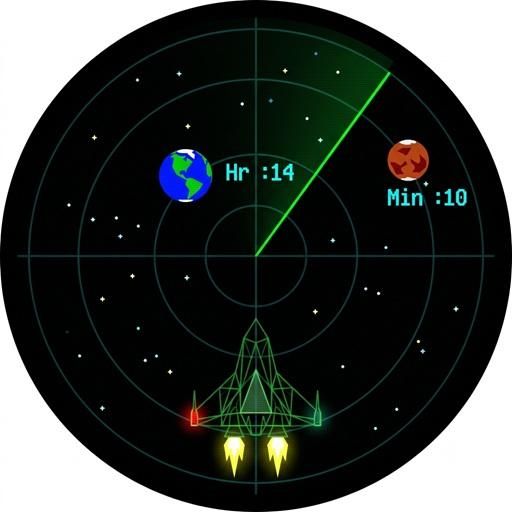
Spoler Alert !
If you want to discover all the embedded cinematics by yourself, don't read back :)
Here is the complete description of the seven cinematic sequences and visual animations integrated into the SpaceClock code.
Each sequence was designed to combine the aesthetic of a sci-fi tactical radar with astronomical precision, all optimized for an ESP32 processor.
1. Radar Sweep and Planetary Echo (Continuous Mode)
- Trigger: Continuous (1 full rotation per minute).
- Visuals:
- A bright green radar sweep line rotates at 6° per second around the screen center.
- When the beam passes over Earth (hour indicator) or Mars (minute indicator), an expanding circular echo wave erupts from the targeted planet.
- Text labels (Hr:XX and Min:XX) illuminate upon beam contact and smoothly fade out over time.
2. Spaceship Mission Cycle (Every Minute)
The central fighter ship features atakeoff and landing sequence precisely synchronized with the arrival of each new minute:
- Phase 1: Alert & Takeoff :
- Wingtip navigation lights flash in red alarm mode.
- Engine thrusters ignite with moving yellow/orange plasma flames.
- The ship accelerates toward the top of the display and fades out off-screen.
- Phase 2: Mission :
- The ship remains off-screen during the Second 0 animation (Ping, Syzygy, or Warp).
- Phase 3: Return & Touchdown :
- The ship reappears from the bottom of the screen with engines firing.
- It glides back to lock onto the exact radar center, cuts its thrusters, and returns to normal navigation lights (green/red).
3. Organic Comet Flyby (Random/Periodic Event)
- Trigger: Once per minute , occurring at a dynamically calculated second and lasting for 15 seconds.
- Visuals : The comet cuts across the screen from edge to edge on a ballistic trajectory.
4. "Real Syzygy" Event (Planetary Alignment)
- Trigger: At second 0, exclusively when Earth, Mars, and the Center are geometrically aligned (Conjunction 6°).
- Visuals:
- Electromagnetic Interference: The entire radar grid undergoes a rapid, jittery vibration along the X/Y axes.
- Tactical Warning: A "SYZYGY DETECTED" alert flashes at the center of the screen with a chromatic glitch effect (amber and red offset shadows).
5. Standard Sonar Ping (Regular Minute Transition)
- Trigger: At second 0on standard minutes (when no alignment or hour transition occurs).
- Visuals:
- A neon-green shockwave expands outward from the center to the radar boundary while fading to transparent, simulating a deep-space sonar pulse.
6. Hyper-Space Jump / Warp Speed (Hour Transition)
- Trigger: Every hour on the hour.
- Visual Sequence (5 Steps):
- Earth and Mars quickly fade to black.
- The radar grid powers down.
- Background stars suddenly stretch into long, glowing speed trails converging from the center.
- Complete blackout in deep space. The star map resets with a newly randomized starfield.
- Smooth fade-in of the radar grid, new starfield, and planets at their updated positions.
7. Maintenance Sequence / NTP Synchronization
- Trigger: Every hour at 25 min 30 sec.
- Visuals:
- The radar interface fades out, replaced by a green-and-white flight computer diagnostic terminal.
- System status messages display: "Wi-Fi Connection", Access Point SSID, and "NTP Sync".
- As soon as time is synchronized, the Wi-Fi radio powers down and the screen snaps back to the main radar mode.
Let's Dream !
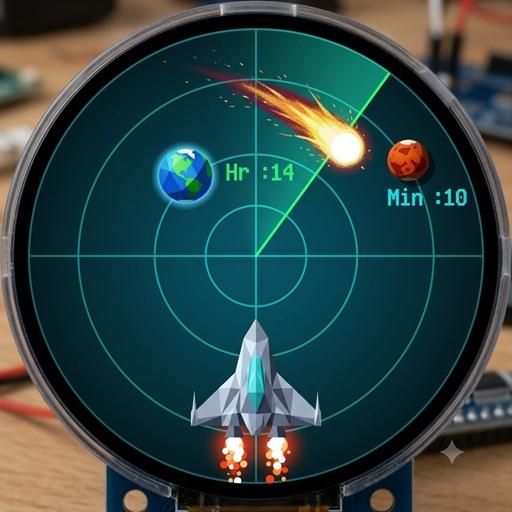
I hope you enjoy this trip into space! It's simple, cheap, doesn't use too many components, and I really like daydreaming while looking at it :)