StrideCity: Interactive GTA Map
by vishalsoniindia in Circuits > Arduino
240 Views, 1 Favorites, 0 Comments
StrideCity: Interactive GTA Map


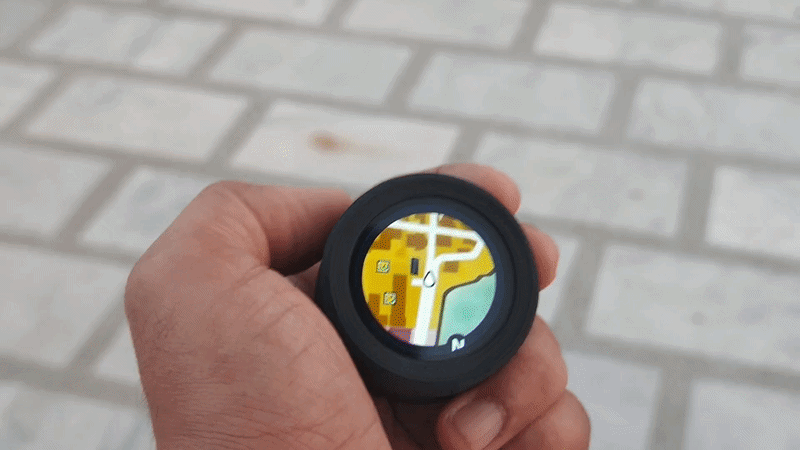
Since my childhood, GTA has been one of the very first games I ever played, and from that moment I became a huge fan of it. One thing that always fascinated me was the small circular map in the corner of the screen that shows your position and the direction you are moving in the game world. It works very similarly to a real-life navigation system like Google Maps, but in a much more immersive and interactive way.
That idea inspired me to create something similar for the real world — an interactive circular map experience that reacts to real movement and footsteps, just like in GTA.
So, I created StrideCity — an Interactive GTA-Style Map that turns walking into a game-like experience. The project uses a round display that shows a GTA-inspired circular minimap on the screen. When the user takes steps, the device uses its built-in 6-axis IMU sensor to detect movement and shakes, causing the map to move accordingly. This creates the illusion that you are actually traveling through the map in real time, just like inside a GTA game.
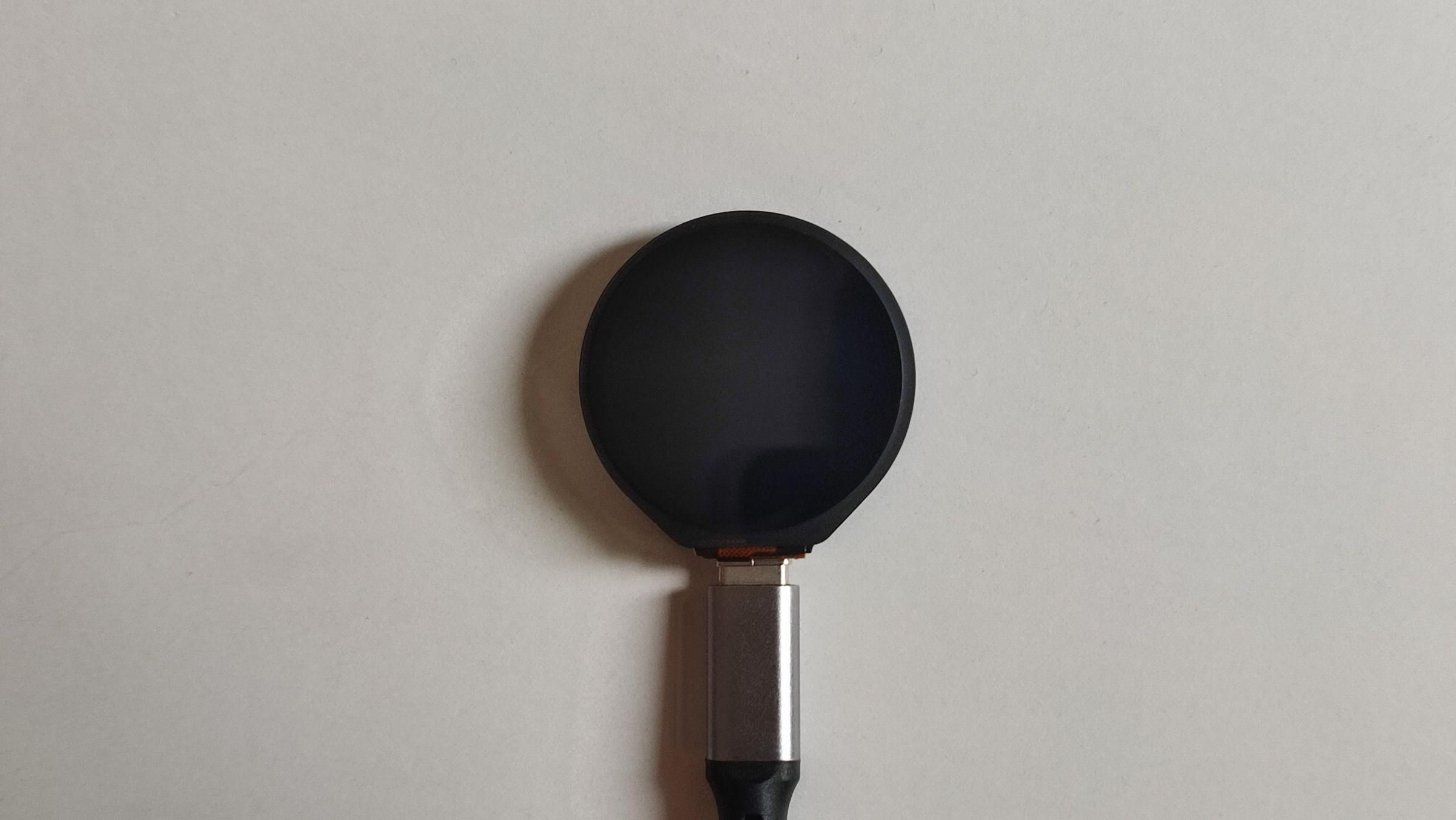
The project is built using the WaveShare ESP32-S3 Round Display, which already includes an IMU sensor and a battery charging circuit, making the hardware setup simple and compact. To make the device portable and durable, I designed a custom 3D-printed case in Tinkercad, giving it a strong and wearable form factor.
This project was a fun and creative spring holiday build that allowed me to follow my passion, explore new ideas, and learn from exciting challenges and experiences along the way.
By the way, Subscribe to my YouTube channel for more projects like this. I also update my upcoming projects on Instagram.
buy me a coffee! ☕: Donate
About The GTA
Grand Theft Auto (GTA) is one of the most influential action-adventure video game franchises ever created. It was first developed in 1997 by DMA Design (now known as Rockstar North) and published by Rockstar Games. The series became world-famous for its open-world sandbox gameplay, cinematic storytelling, and the freedom it gives players to explore large virtual cities.
Over the years, GTA has evolved into a global gaming phenomenon, featuring iconic titles such as Grand Theft Auto V (GTA V) and its multiplayer version, GTA Online. The franchise is especially known for its immersive environments, realistic city maps, and the interactive minimap system that helps players navigate through the game world — an idea that became the main inspiration behind the StrideCity project.
Supplies


For this project, you’ll need just a few components to bring Project to life:
- Waveshare 1.28-inch ESP32-S3 Round Touch Display (amazon.com / amazon.in)
- 500mAh Li-Po Battery (amazon.com / amazon.in)
- USB Type-C Cable (amazon.com / amazon.in)
Waveshare 1.28-inch ESP32-S3 Round Touch Display
This is the heart of the project—a compact yet powerful development board. It features a 1.28-inch capacitive touch LCD, built-in ESP32-S3 MCU, and an onboard 6-axis sensor (3-axis accelerometer + 3-axis gyroscope), making it perfect for interactive projects. It also includes a Li-ion battery charging manager for portable use. With its small form factor and rich features, it’s easy to integrate into DIY builds or final products.
500mAh Li-Po Battery
This rechargeable Li-Po battery provides portable power for the device, ensuring it keeps running even during power outages. A 500mAh capacity is a sweet spot for this project—it’s compact enough to fit inside the 3D-printed case while still delivering several hours of backup time. It also pairs perfectly with the Waveshare ESP32-S3 round display, since the board already has a built-in Li-ion battery charging manager over Type-C, making integration simple and reliable. I chose this battery because it’s lightweight, safe, and provides just the right balance of size, capacity, and compatibility for the display module.
3D-Printed Case
Designed in Tinkercad to fit the ESP32-S3 round display and 500mAh battery snugly. The case has a sleek cylindrical shape, with space for the Type-C port . Lightweight, compact, and modern-looking, it keeps everything protected while blending seamlessly into a home setup.
USB Type-C Cable
Essential for both charging the 500mAh Li-Po battery and uploading code to the ESP32-S3 round display. A standard, reliable Type-C cable makes development and everyday use simple and hassle-free.
Designing the Enclosure in Tinkercad


I wanted the enclosure to look just as sleek and modern as the round display itself. Using TinkerCAD, I designed a three-part snap-fit case—a front shell, back cover, and middle ring. Before designing, I carefully measured the dimensions of the display, battery, and USB Type-C port to ensure everything fits snugly without extra gaps. The middle section holds the display firmly, while also leaving a clean opening for the charging port. The snap-fit design means no screws are needed, making it simple to assemble, lightweight, and easy to maintain while keeping a professional finish.
3D Printing the Enclosure


Printing Details:
- Nozzle: 0.1 mm (for fine detail and smooth finish)
- Infill: 20% (strong yet lightweight)
- Material: ABS – Black (durable, heat-resistant, and gives a professional look)
Programming the Device (Arduino IDE)


Download the Code
Get the project files from my GitHub repository.
Install Required Libraries
In Arduino IDE, open the Library Manager and install:
- TFT_eSPI
Configure TFT_eSPI
- Open the file:
- Documents/Arduino/libraries/TFT_eSPI/User_Setup_Select.h
- Uncomment:
- Comment out:
Modify Setup File
- add this line to the "Setup302_Waveshare_ESP32S3_GC9A01.h" file.
Set Board Settings
Match the board configuration as shown in the reference image (ESP32-S3, correct flash, PSRAM, etc.).
Connect the Device
Use a USB Type-C cable to connect your Waveshare ESP32-S3 display to the computer.
Compile and Upload
- Click Verify to compile the code.
- Then click Upload to flash the firmware onto the device.
Once uploaded, you will see GTA Map on the Display.
Assembly


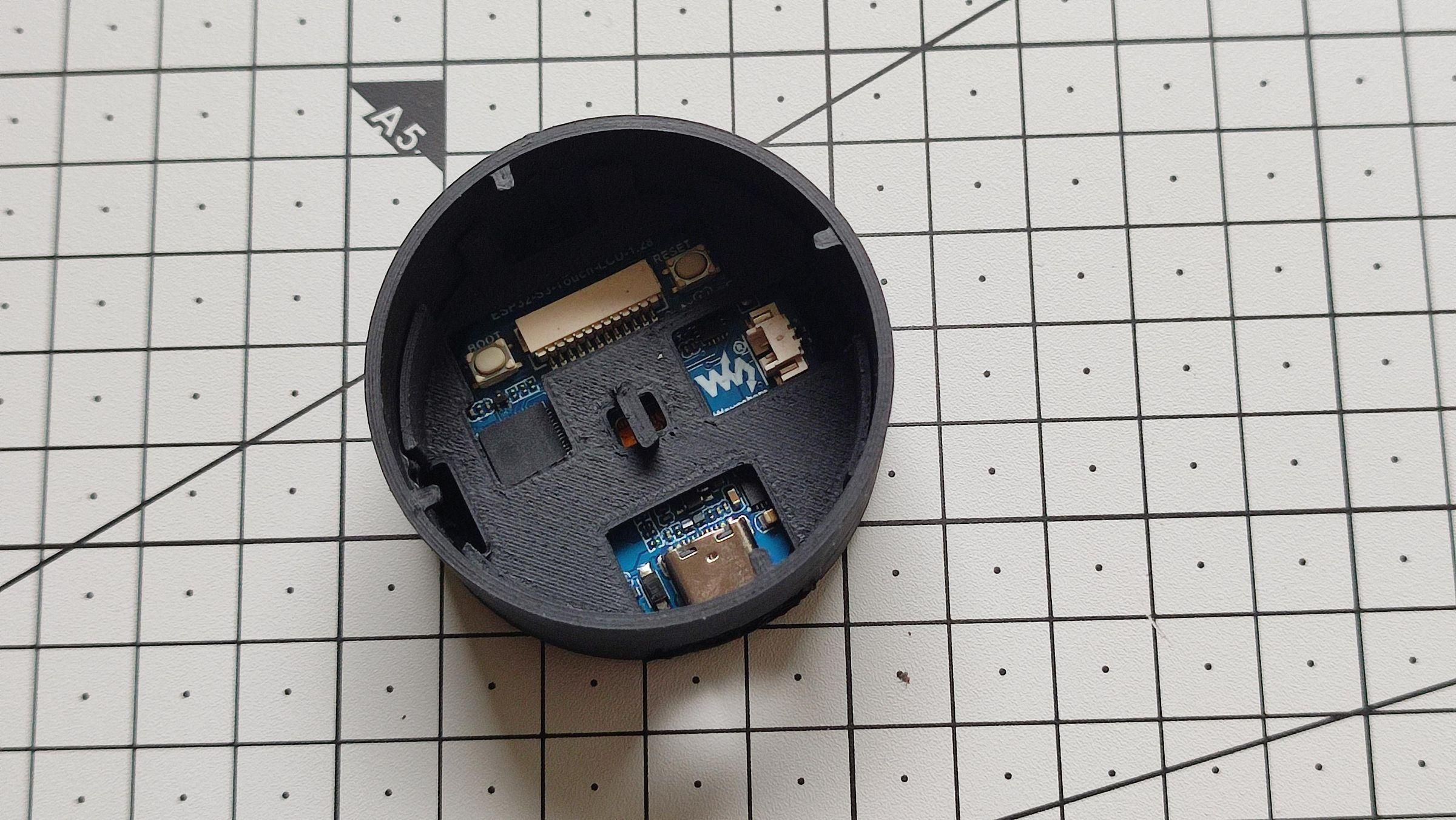
- Clean the 3D-printed parts by removing supports and smoothing edges.
- Insert the display into the top part, ensuring the USB-C port aligns.
- Snap the middle frame into place to hold the display securely.
- Connect the 500mAh Li-Po battery and place it inside.
- Add foam pieces to keep components snug and stable.
- Close the back cover until the snap-fit joints lock.
Using the Device


It is very easy to use and incredibly fun to interact with, making everyday activities like walking or cycling much more exciting and enjoyable. The moving GTA-style map creates a unique experience that makes you feel like you are exploring a virtual world while moving in real life.
- When the device is powered on, the GTA-style map appears on the display in a stationary position.
- As you begin to walk or move, the display detects motion using the built-in sensor, causing the map to move just like a real GTA minimap.
- The faster you move, the faster the map scrolls, and slower movements make the map move slowly, creating a realistic and interactive experience.
- If needed, the movement sensitivity can also be adjusted directly in the code to match different walking or cycling styles.
Improvements & Future Ideas


Here are some ideas for future improvements and upgrades for the project:
- Create a BLE mobile app to display the real-time step count and other activity data.
- Make the map use the user’s live GPS location for a real-world navigation experience.
- Reduce the overall thickness of the device to make it lighter and easier to carry.
- Convert the device into a keychain version so it can be attached and carried anywhere easily.
- Design special mounts for bicycles or cars to use StrideCity while traveling or exploring outdoors.
By the way, Subscribe to my YouTube channel for more projects like this. I also update my upcoming projects on Instagram.
buy me a coffee! ☕: Donate