Swing Speed Monitor
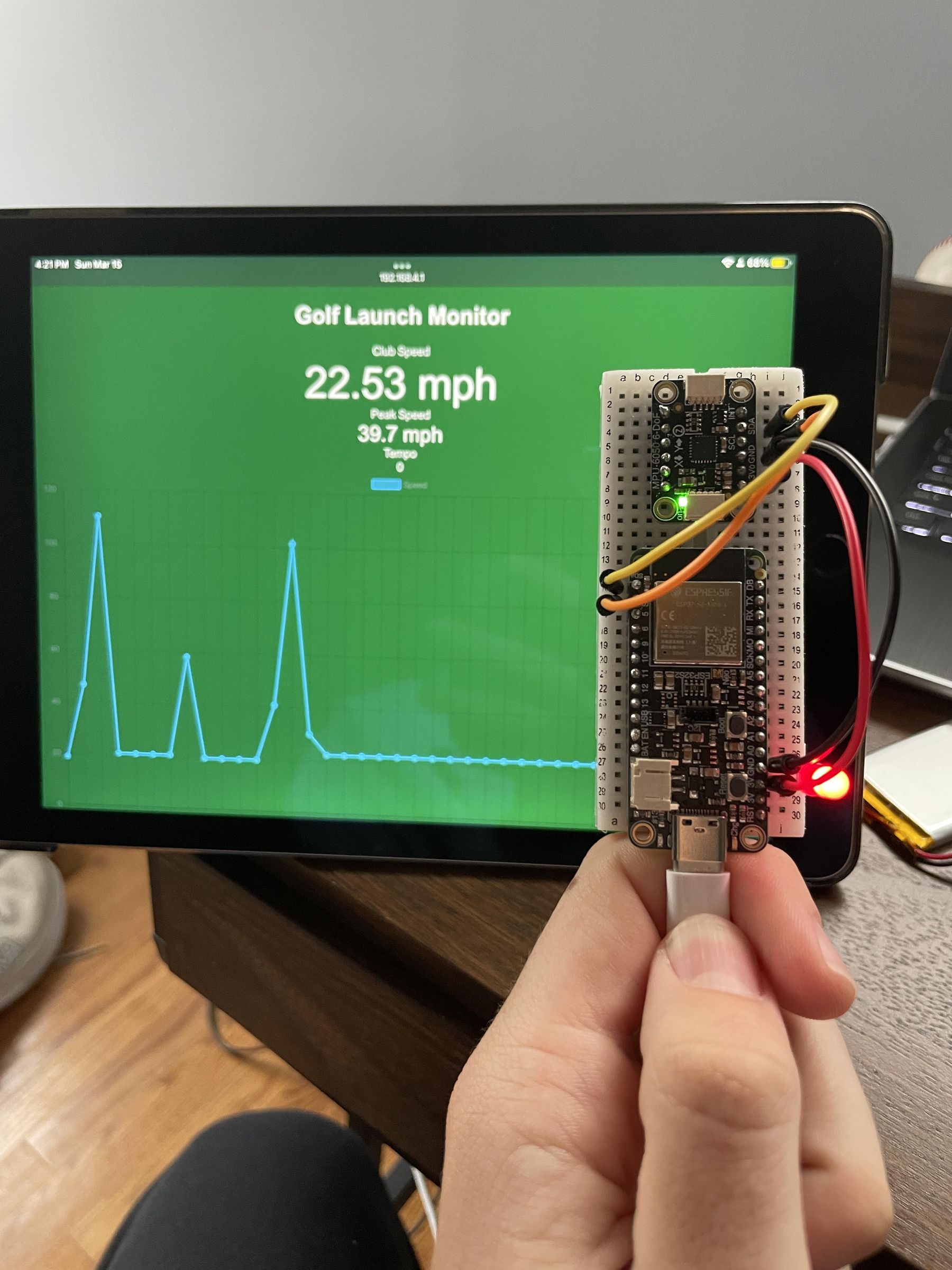
I made this project for the Let There Be Speed Competition, so what better way to let there be speed than to measure it. For bat-and-ball style sports (Baseball, Golf, Cricket, etc), swing speed matters. Using Newton's equation F=ma, you can see that the faster the speed or acceleration of an object, the more force you can exert on the object. Knowing your swing speed can help you to make adjustments to your swing or form to create more efficient speed and exert more force. I made this project using an ESP32 and MPU6050 from Adafruit Industries. I built this project for a total of $46.
The monitor calculates speed by detecting the rate of change in pitch, yaw, and roll, measured by the accelerometer, then averaging them with a Madgwick filter. We can't put the monitor at the end of the club/bat because that would increase the moment of inertia (how difficult it is to swing), so I used some trigonometry in order to estimate the speed at the club head instead of the speed of the monitor itself.
I used the Wifi capabilities of the ESP32 in order to send the data to a website on your phone or tablet.
Supplies
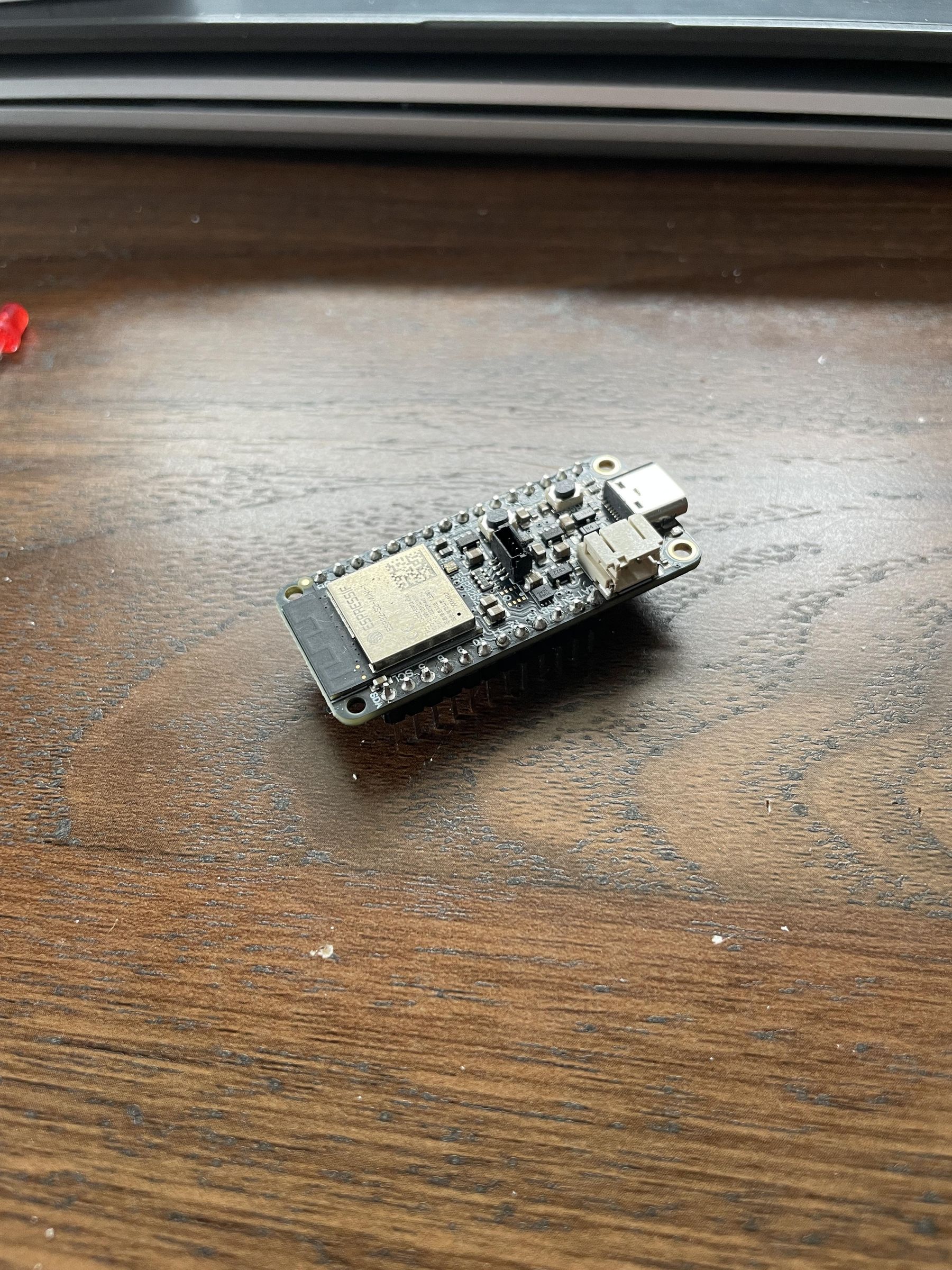
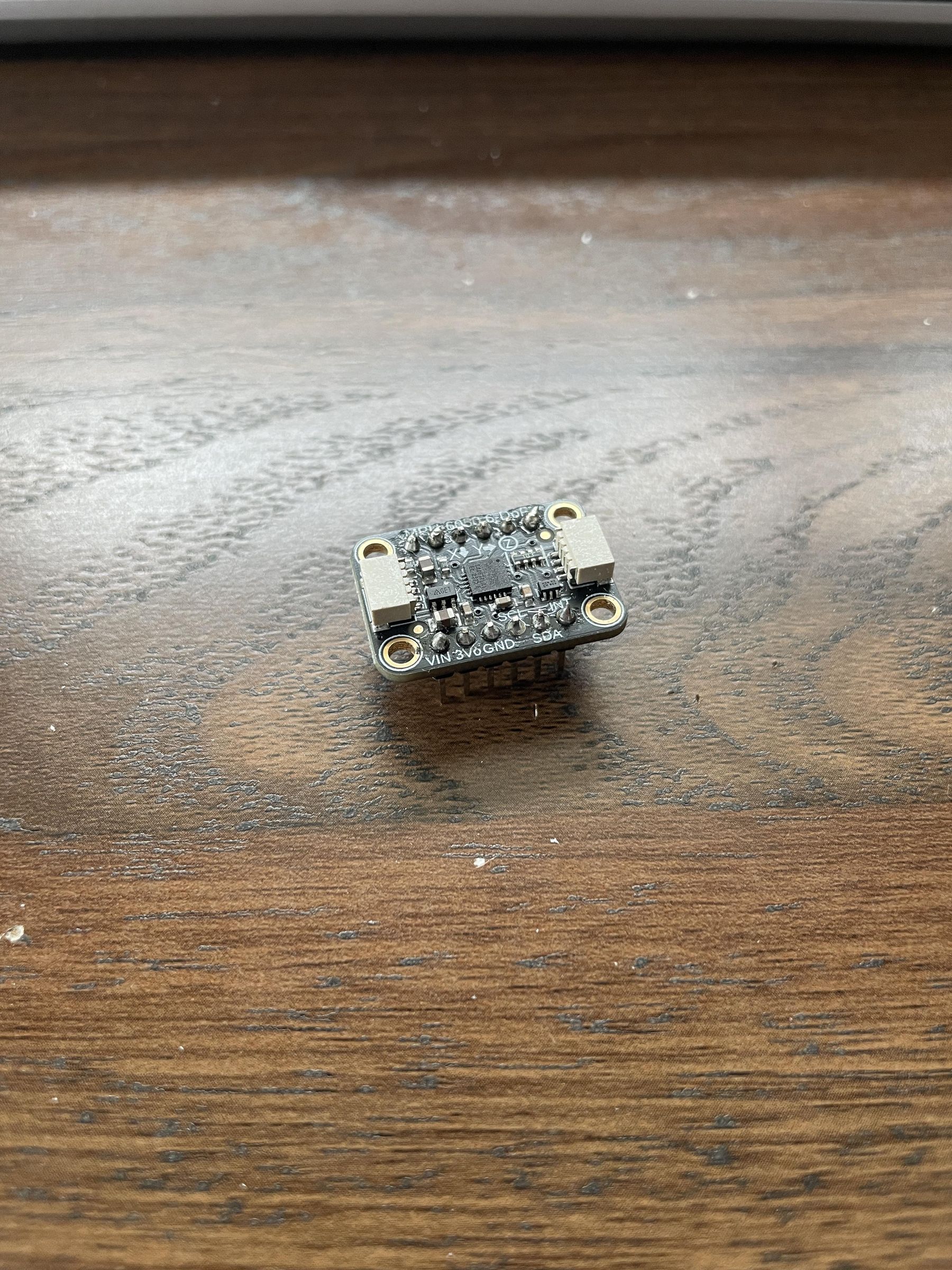

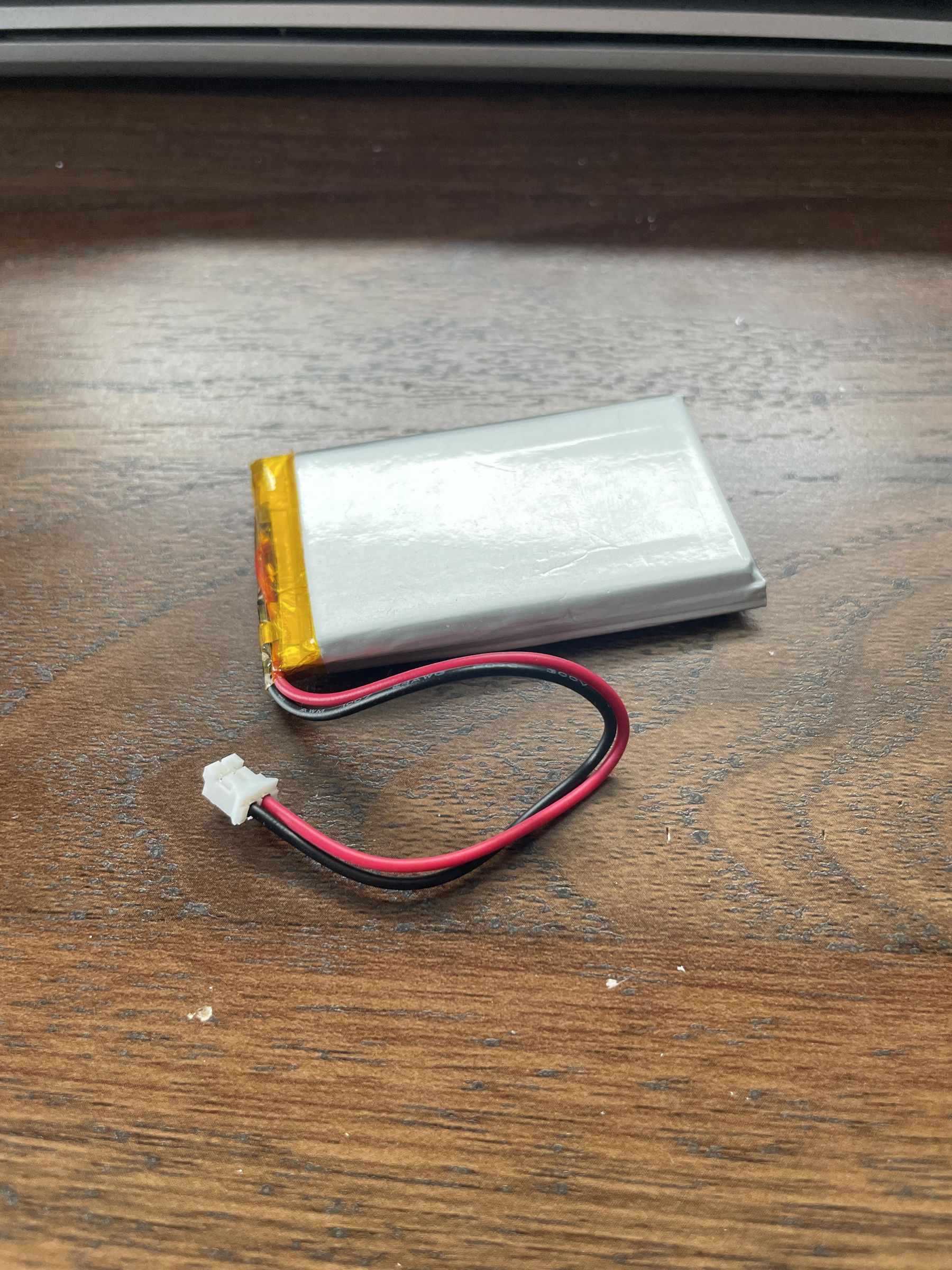
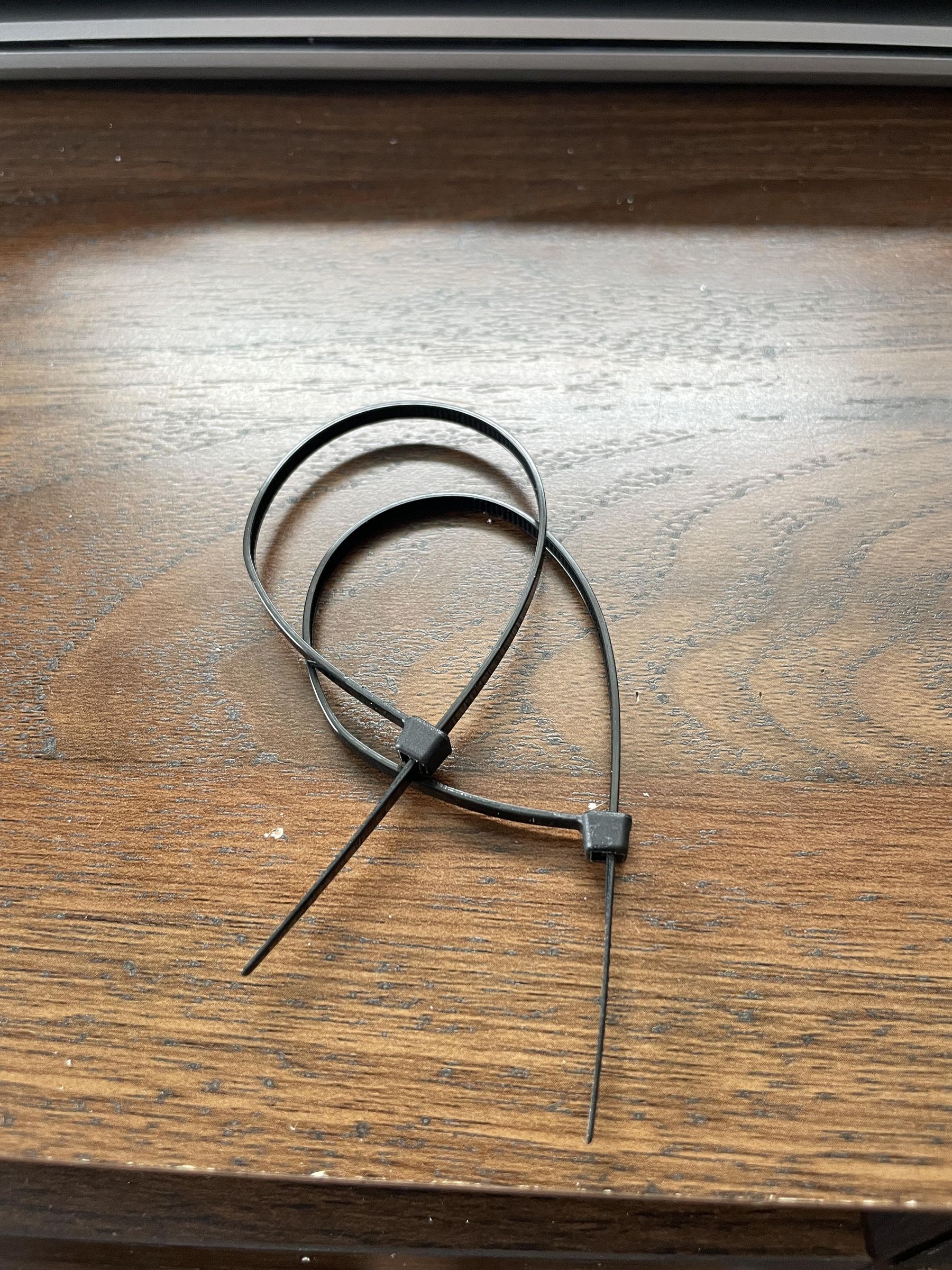

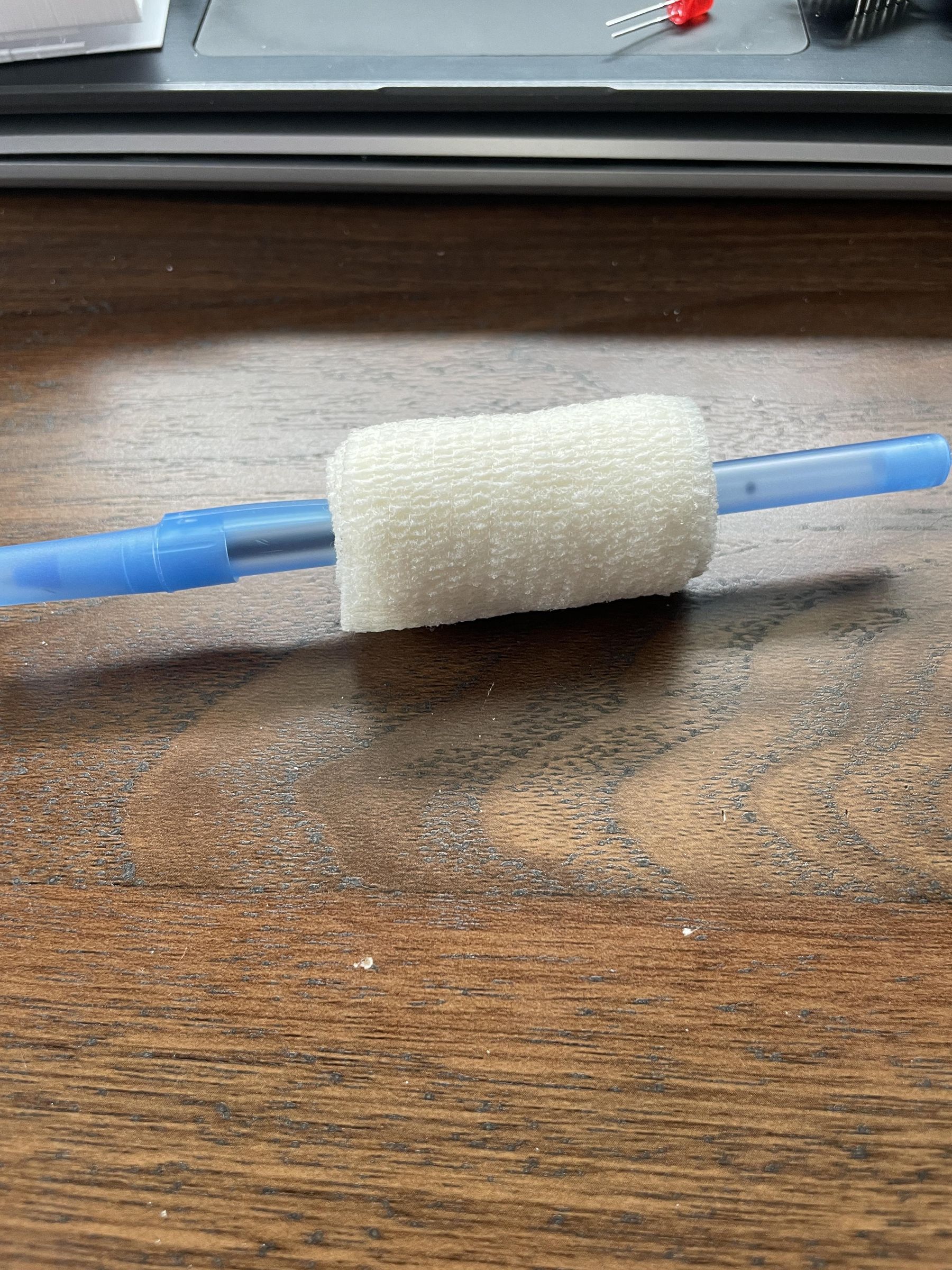
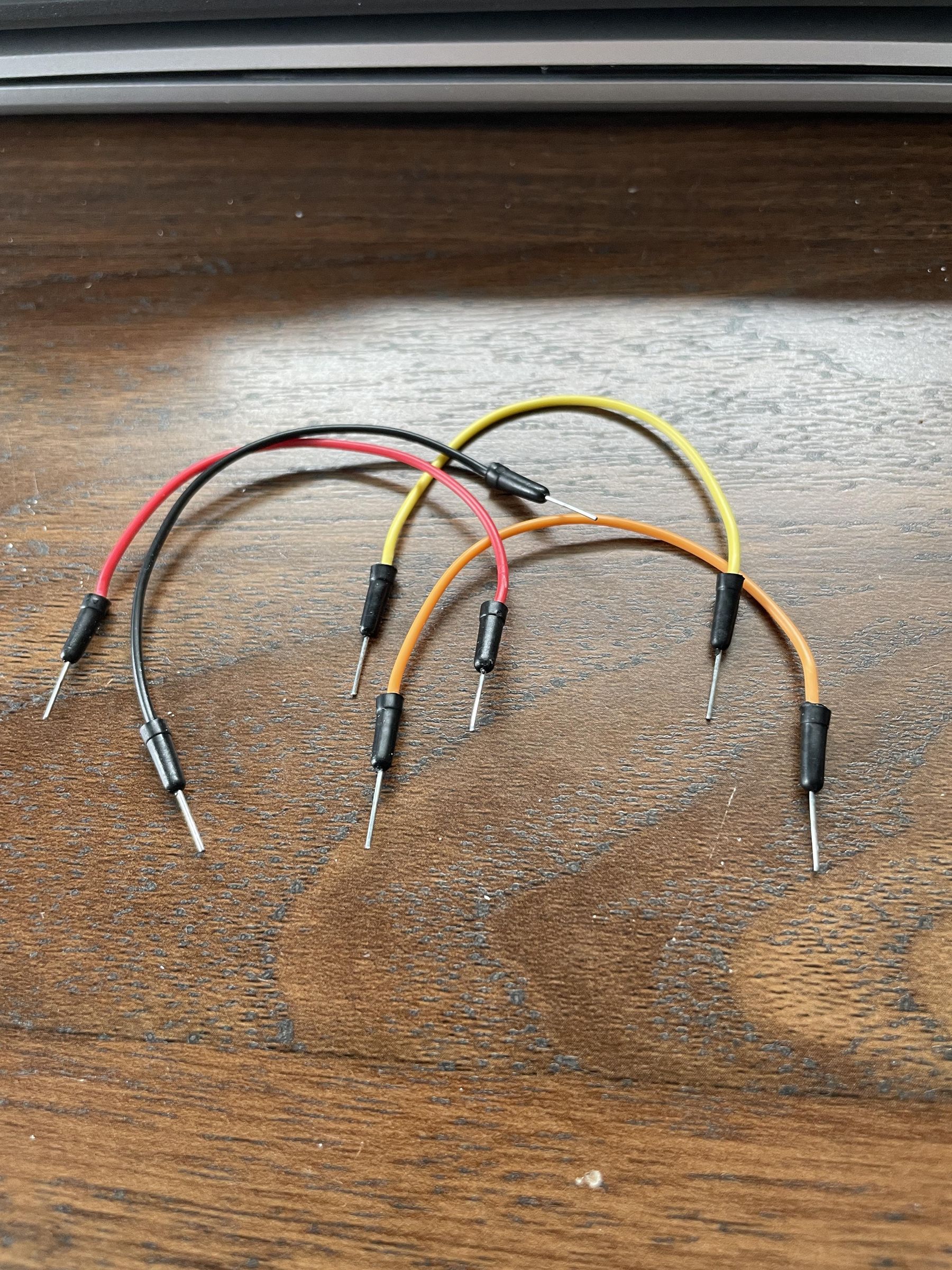
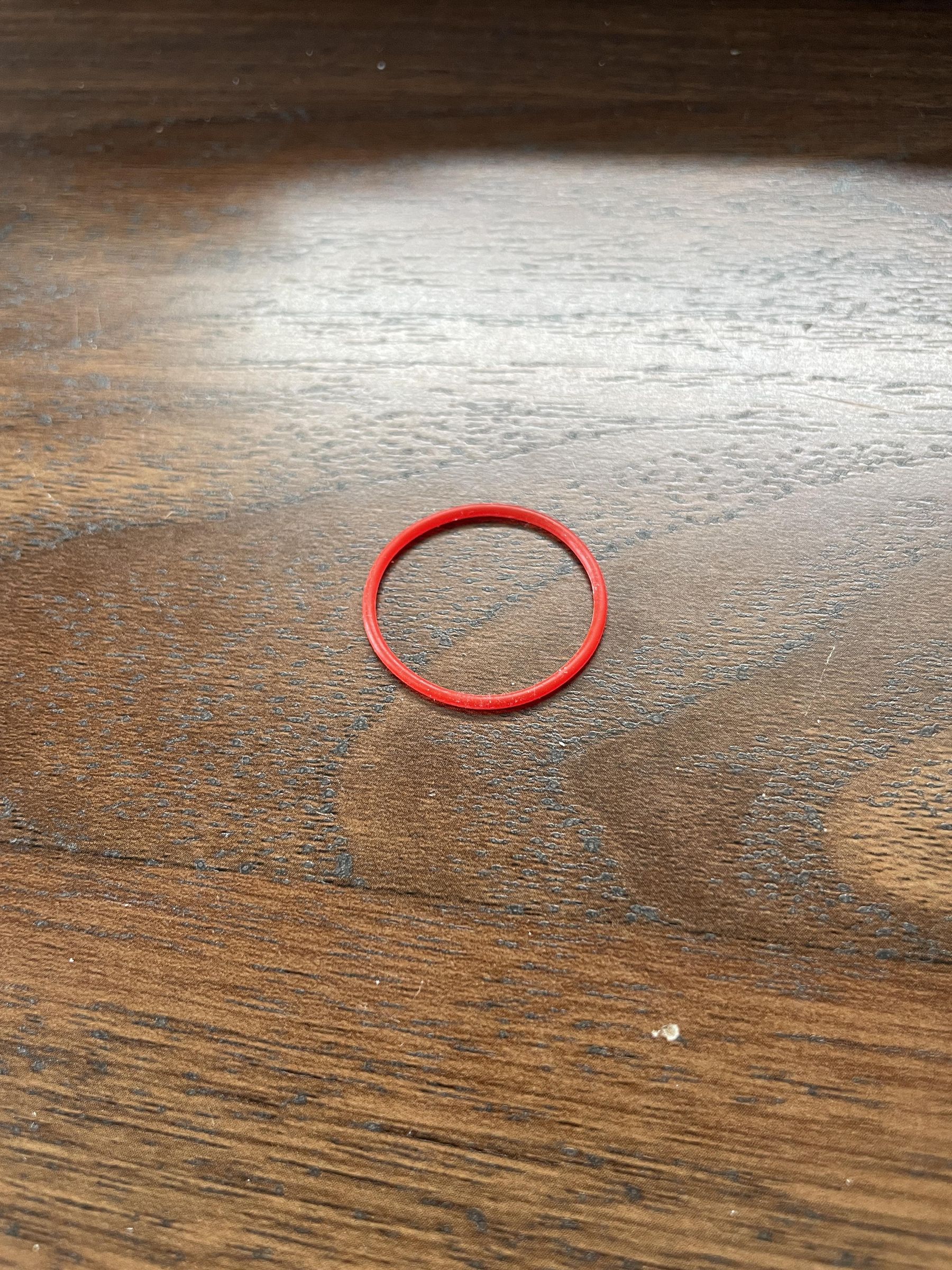
Hardware
1x ESP32 with Wifi Capabilities
1x Cable with data transfer capabilities (this is important for coding your microcontroller)
1x MPU6050
1x Breadboard with + and - terminals taken off
4x Jumper cables
1x LiPO or NiMH battery
2x Zipties
1x Roll of athletic self-adhesive wrap
1x LED
1x Small rubber band
Display device of your choice (I used my IPad Air 2)
Software
Arduino IDE
Autodesk Fusion360
Tinkercad Circuits
Prepare Your Components

Take the + and - terminals off your breadboard; this helps to keep the footprint of the monitor small. Try to use the shortest jumper cables that work for you; this will help to keep the final result clean and keep wires from getting snagged.
Assemble the Breadboard
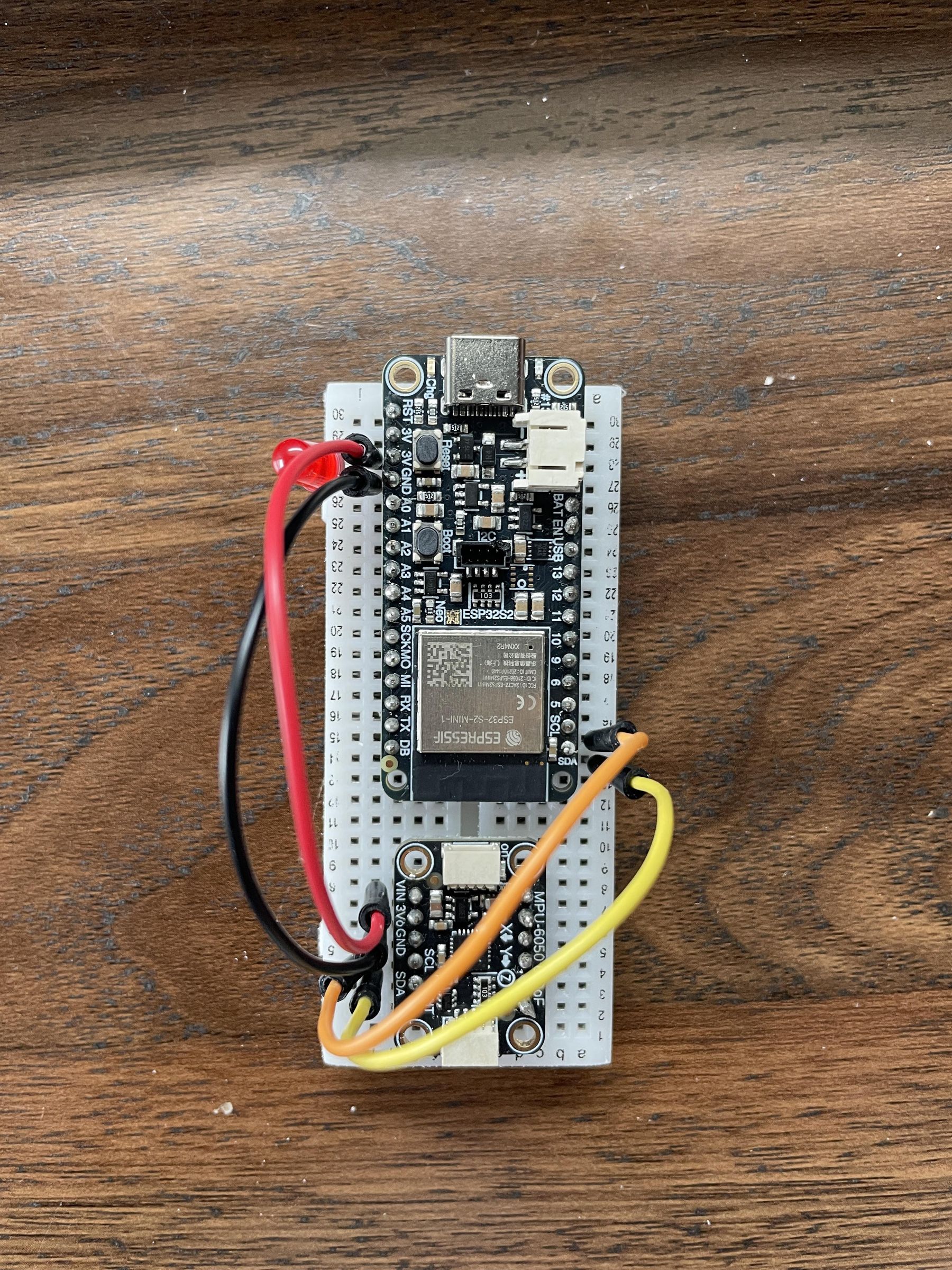
Assemble the breadboard components according to the provided diagram:
3V > Vin
Gnd > Gnd
SCL > SCL
SDA > SDA
+LED > 3V
-LED > Gnd
Code Your Microcontroller
Use a data transfer-capable wire and plug your microcontroller into your computer. Ensure you have all of the correct libraries downloaded onto your board (The library names are at the top of the code)
Print the Case for Your Monitor

I designed this file using Autodesk Fusion. You can use fusion to create a new case or edit this to better suit your needs.
Use this file to 3d print the case for the monitor. If you don't own a 3D printer, I recommend contacting your school's technology teacher, local makerspaces, local libraries, or a local university to request permission to print this. If you still can't access a 3D printer, you can use electrical tape and/or rubber bands to secure the monitor to your club, racket, or bat of choice.
Downloads
Assemble Your Monitor

Place your breadboard into its place and slide your battery into the slot in the bottom. Use a rubber band to keep anything loose in place.
Attach Your Monitor
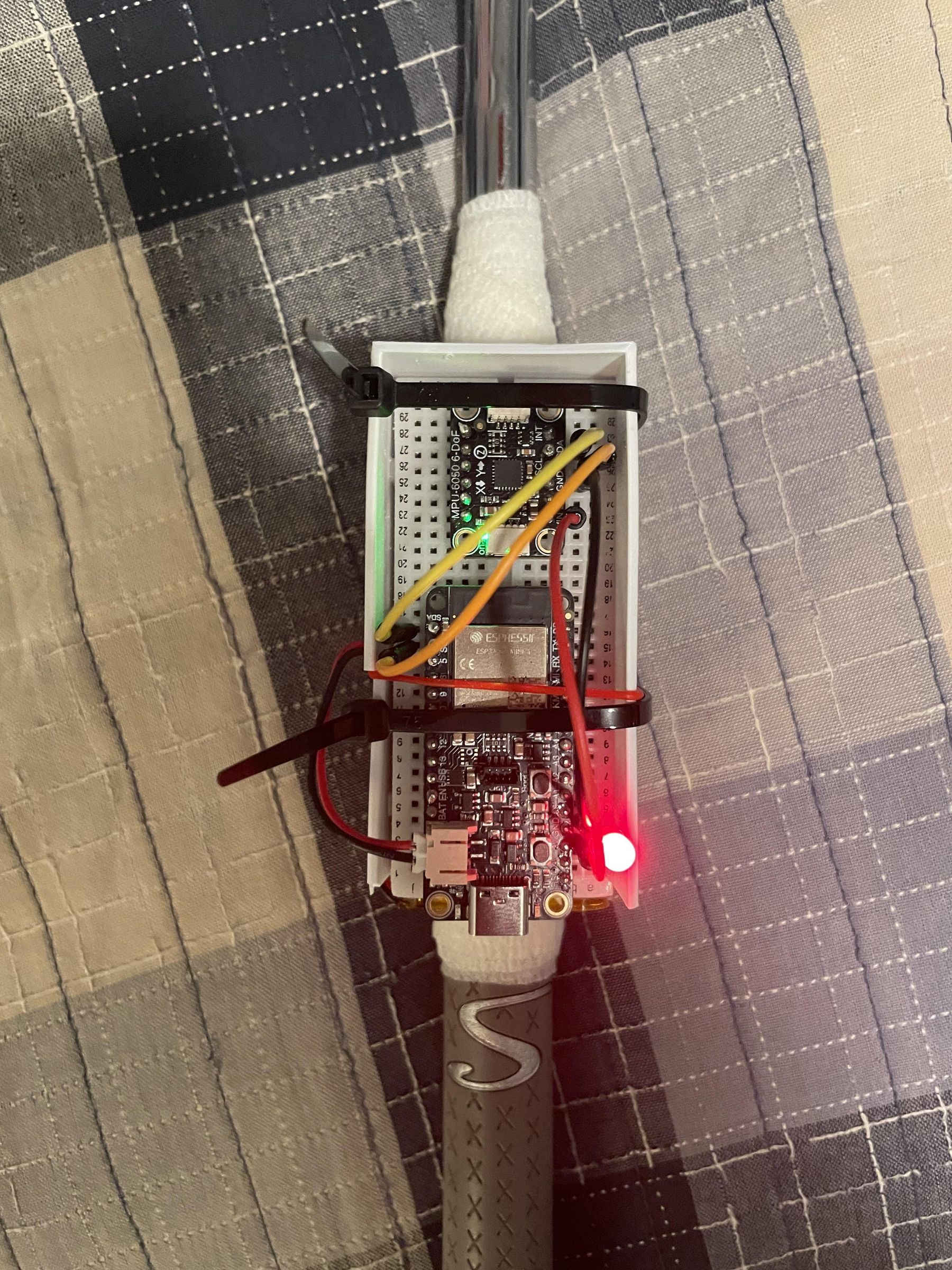

I recommend using self-adhesive athletic tape to create a layer for your monitor to lie on and secure the monitor with zip ties
Connect Your Monitor to Your Device
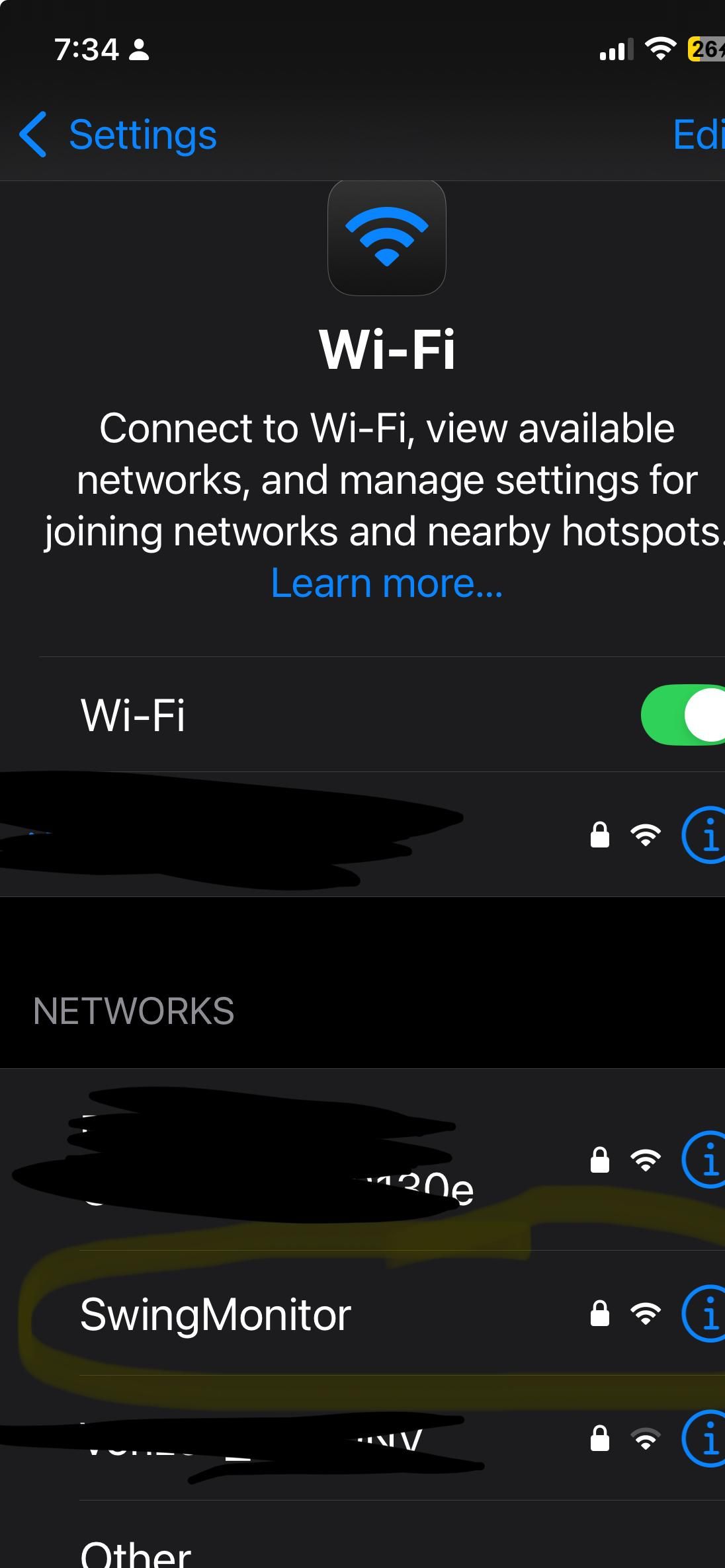

1) Plug your battery into your monitor
2) Go to your devices Wifi settings and look for "Swing Monitor"
3) Connect to "Swing Monitor" and put in the password: 12345678
4) Go to http://192.168.4.1 (This is your monitor's output website)
Swing Away!
Start with slow and controlled swings and slowly build up in speed to make sure your monitor won't fly away.
Hurdles Along the Way
This project was quite difficult for me to make. I had to learn how to use an accelerometer, ESP32, and Madgwick filters. As I am only a junior in high school, I don't have much experience with these items.
About halfway through coding the ESP32, my ancient laptop crashed and I lost an hour of work. Although this was quite the step back, I kept pushing forward.
Creating the case for the monitor was quite difficult. I am majority self taught in using Fusion360 and CAD because my school only offers comp-sci classes and entry level engineering classes where we do more mechanical projects.
Takeaways
Although I might not have as much knowledge about this sort of thing as others in my position, I watched plenty of Youtube videos and a lot of time with my schools tech teacher.
Using resources given to you can be very beneficial. Use youtube, ask people, do anything. Never be afraid to ask for help when making your project.
Even when you have setbacks, your passion will carry you to the end.