Tossed to Hard (Animation for Dummies)
by maya_loves_to_code in Design > Animation
57 Views, 3 Favorites, 0 Comments
Tossed to Hard (Animation for Dummies)

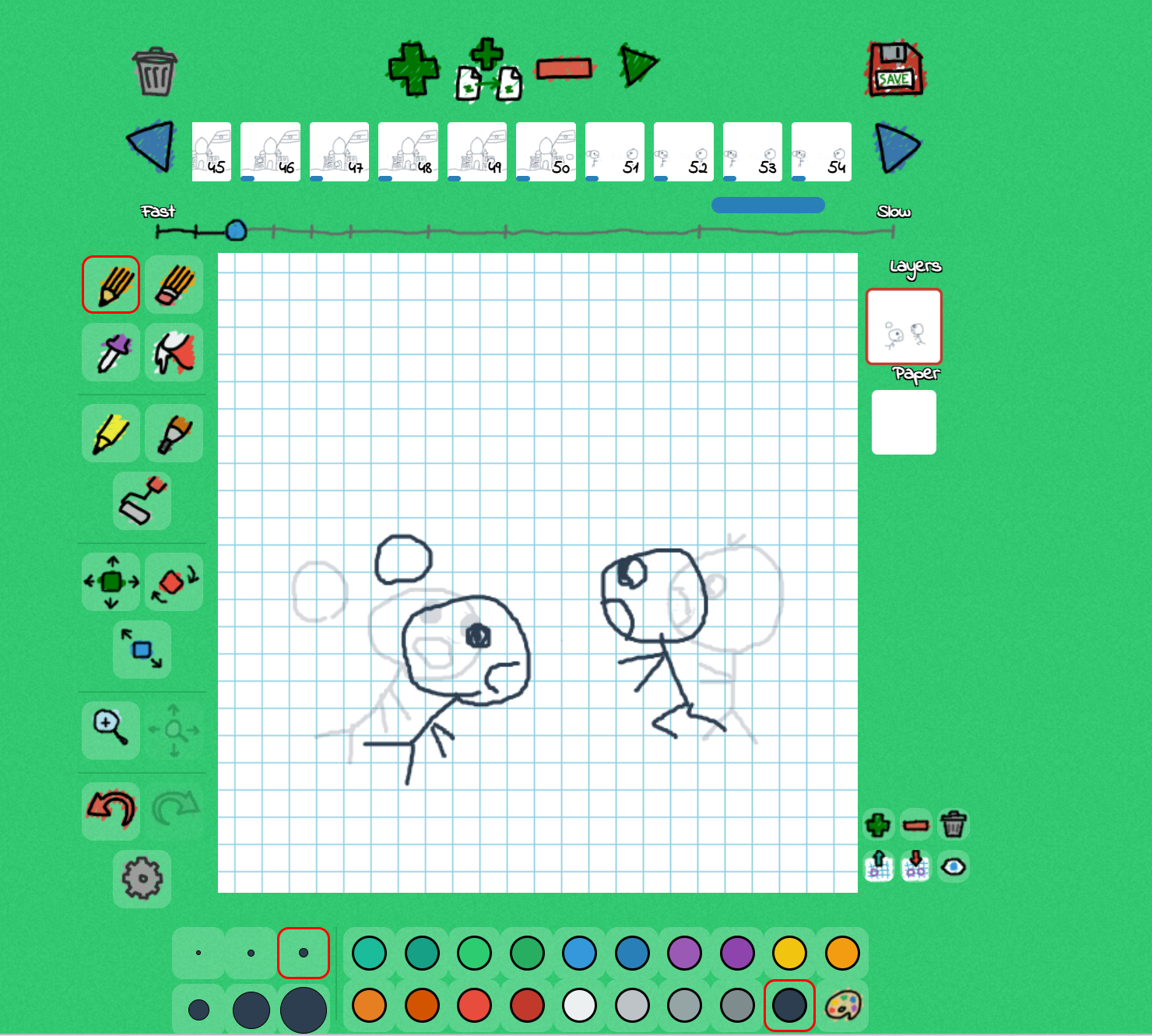


I made an animation of two kids playing ball but one tossed it too hard, the ball bounces around landmarks and comes back hitting the kid in the head. There were 69 frames for this project. For this project I used FlipAnim, it is a free animation website perfect for beginners you don't even need to sign up! If you want to view the video the link is here https://flipanim.com/anim=9n1jw20p (copy paste the link into your browser)
Supplies
Computer
Patience (It takes a long time)
Stylus (optional)
Charger
Tossing the Ball
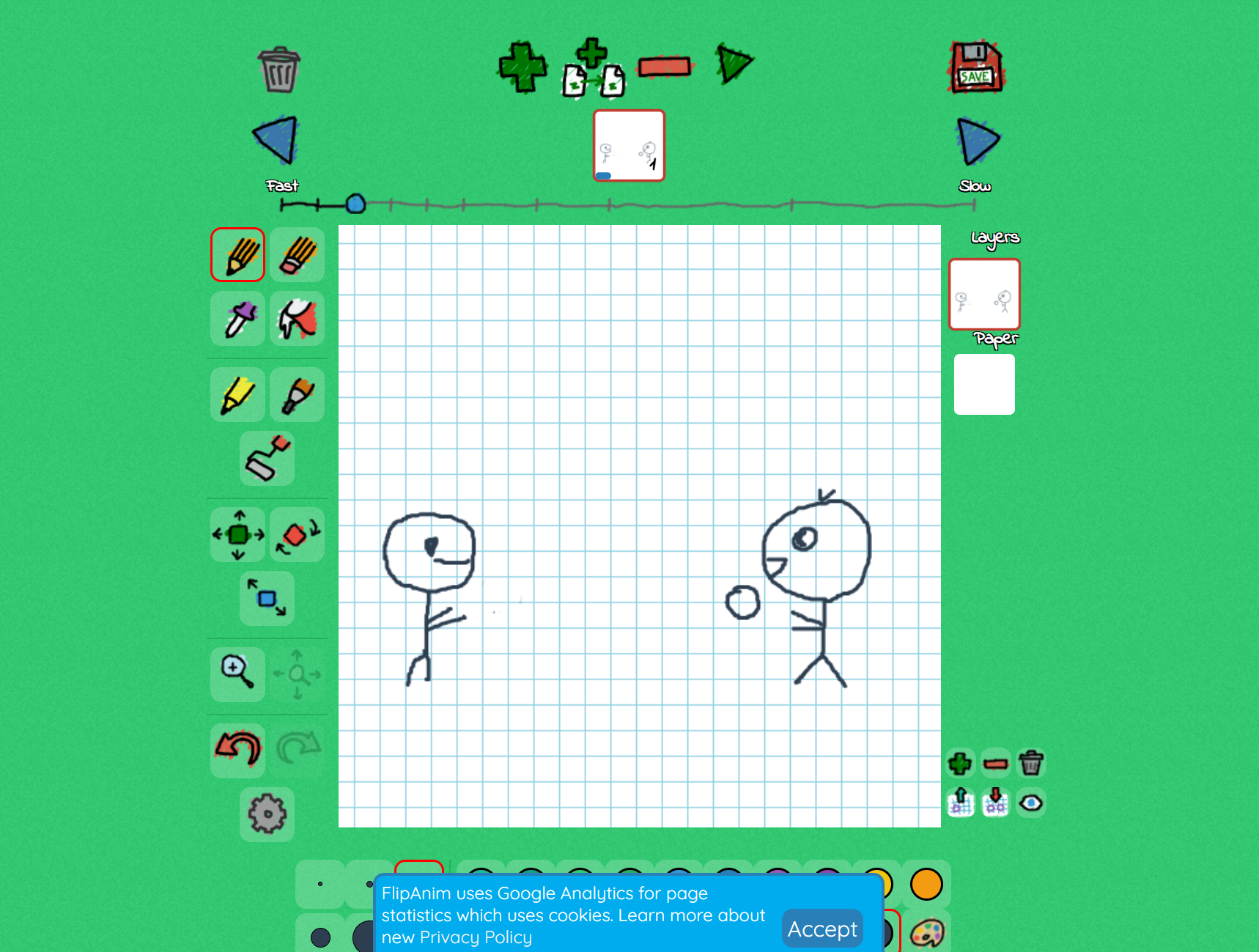

The very first step is tossing the ball, if you want it really detailed I recommend 10-15 frames, I did it in 9 but mine is very grainy. The ball has to go in an arch to make it most realistic, also make the eyes move a little bit especially when the ball starts moving up like shown in the picture. This makes your people look alive instead of robots.
Big Ben


For my first landmark you can do anything but I chose the Big Ben, a tip is making sure the ball is at the same height it left the first scene. FlimAnim shows the picture of you previous frame so you can match the height easily. Then the bounce comes in, every landmark have the ball bounce once since the contes is bouncing. You want to try to bounce around the middle o the ball can get up to a good amount for the next landmark.
Eiffiel Tower

The second landmark was the Eiffel tower. Again make sure the ball is at the same height as your last one, also make sure your ball is going slightly arched and not in a straight line. Otherwise do the same thing you did for your first landmark.
Christ the Redeemer


For the third landmark I did Christ the Redeemer in Brazil. This is is harder because the ball bounces in front of his robe so what you have to do is first draw a circle then use the eraser tool to erase anything in the ball to make sure its still white. (You can add color to the picture if you want)
Taj Mahal
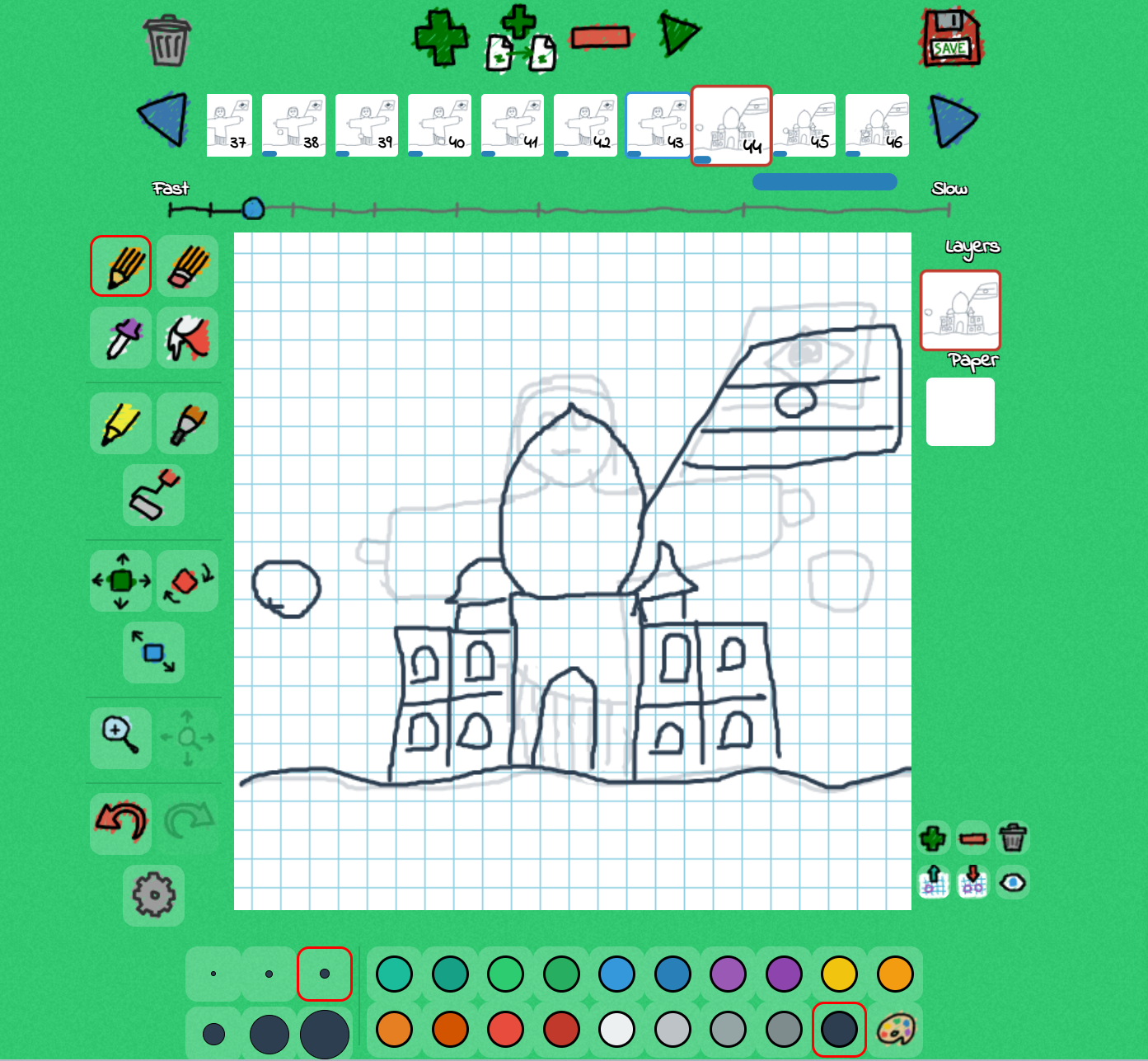

The fourth landmark is the Taj Mahal, this was arguably the hardest landmark because the Taj Mahal is so detailed and big, so that instead of having to erase the inside of the ball once I had to do it 4 times. It was also hard to draw and get every window in the correct placing.
The Fall
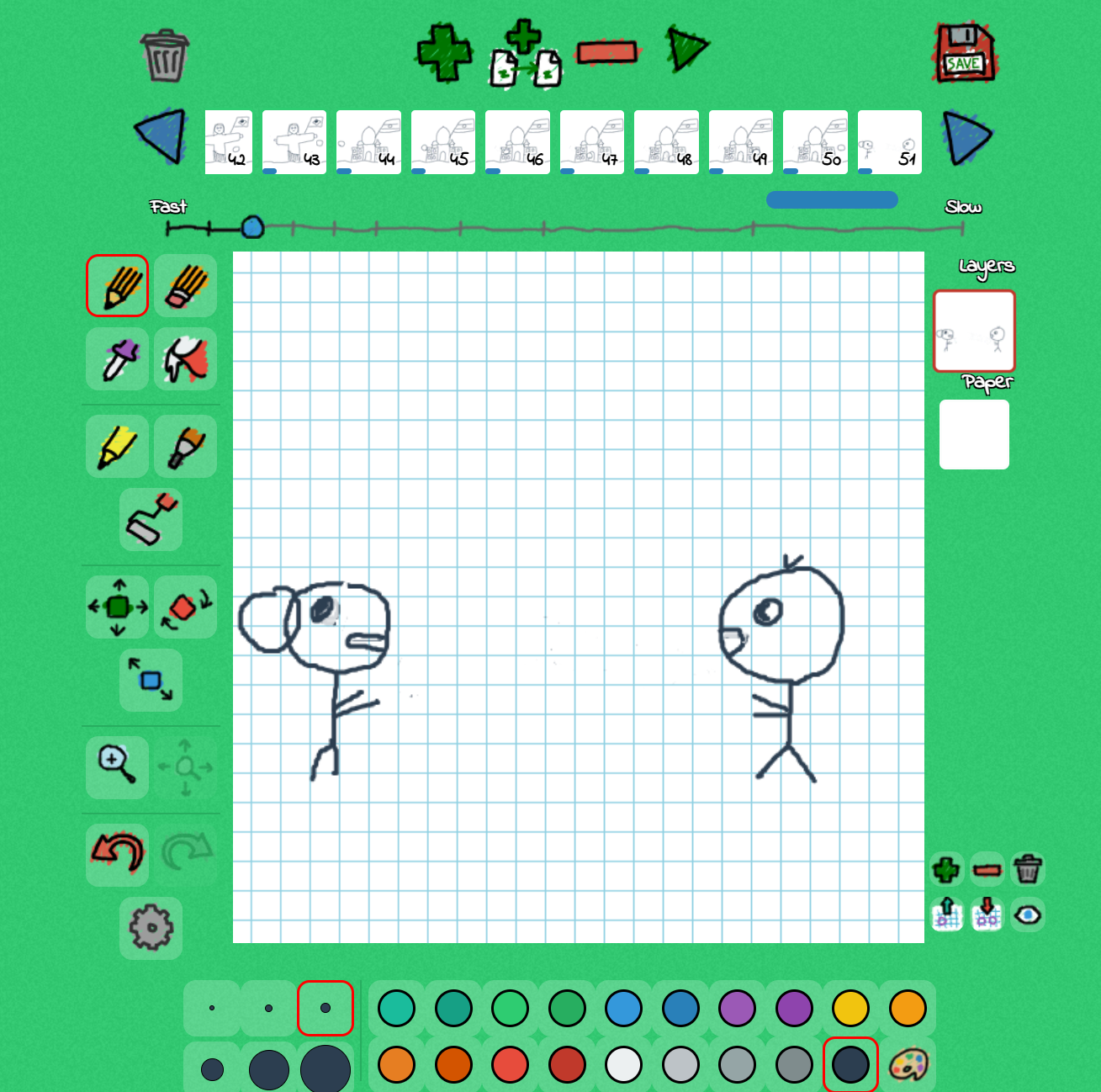
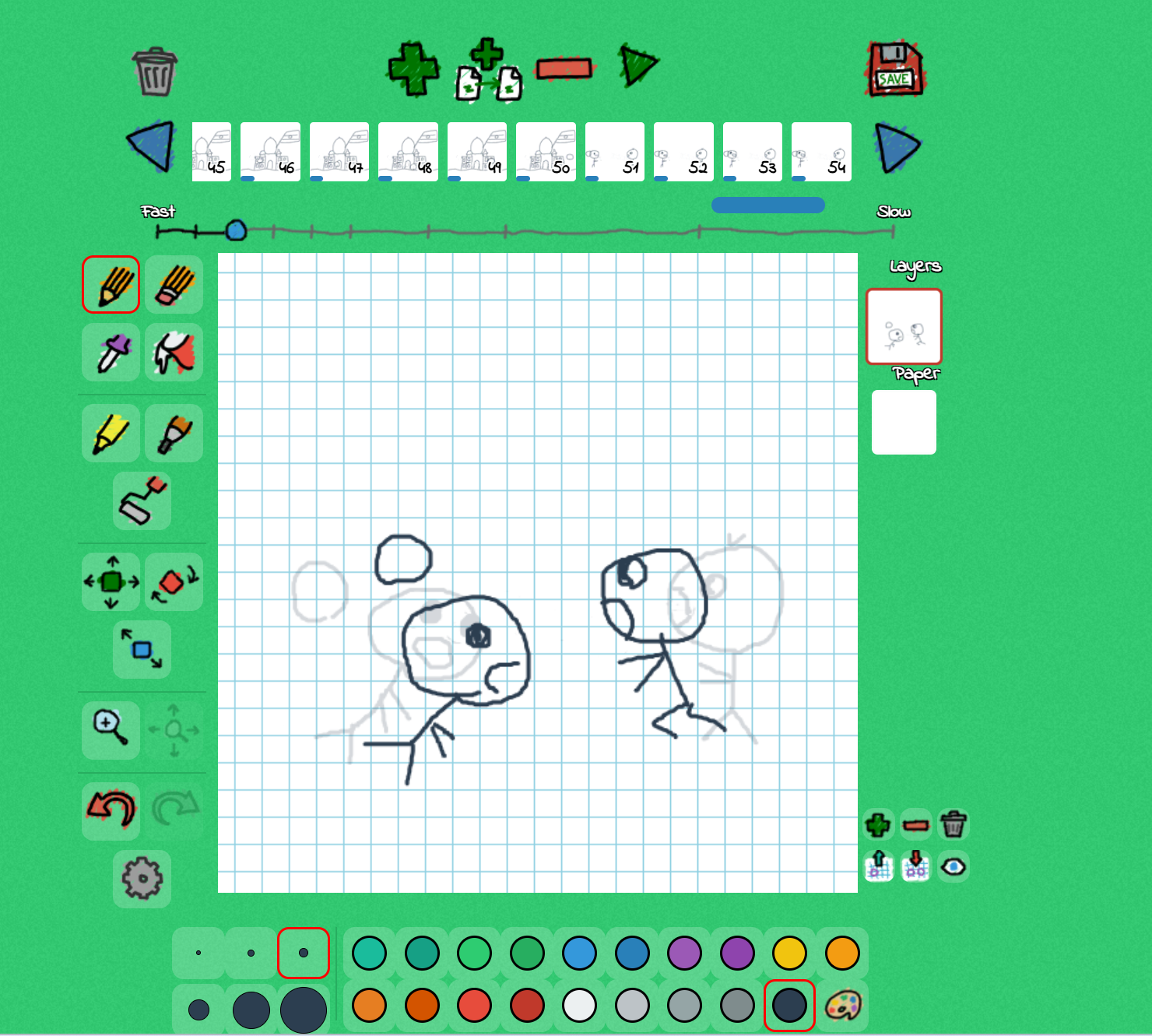

The last part of this is the fall. The ball returns to the kids and hots one of the on the back of his head, the turning of the head was 4 frames and the falling was also 4. For the falling remember to change the facial expressions and eyes. Also when the other kid runs a easy tip for running is jus making the first leg and L shape and the second bent at the back like shown in the picture. For the first kid falling into the other kids hands, a good idea is to make the faces overlap. A funny thing I thought to do at the end was to make the ball fall on their heads wich is the sane as you did bouncing for the landmarks. This is how you make a simple animation, have fun!