Touch Counter Using DESHBOT Shield
by devkrishnavhora in Circuits > Arduino
15 Views, 0 Favorites, 0 Comments
Touch Counter Using DESHBOT Shield
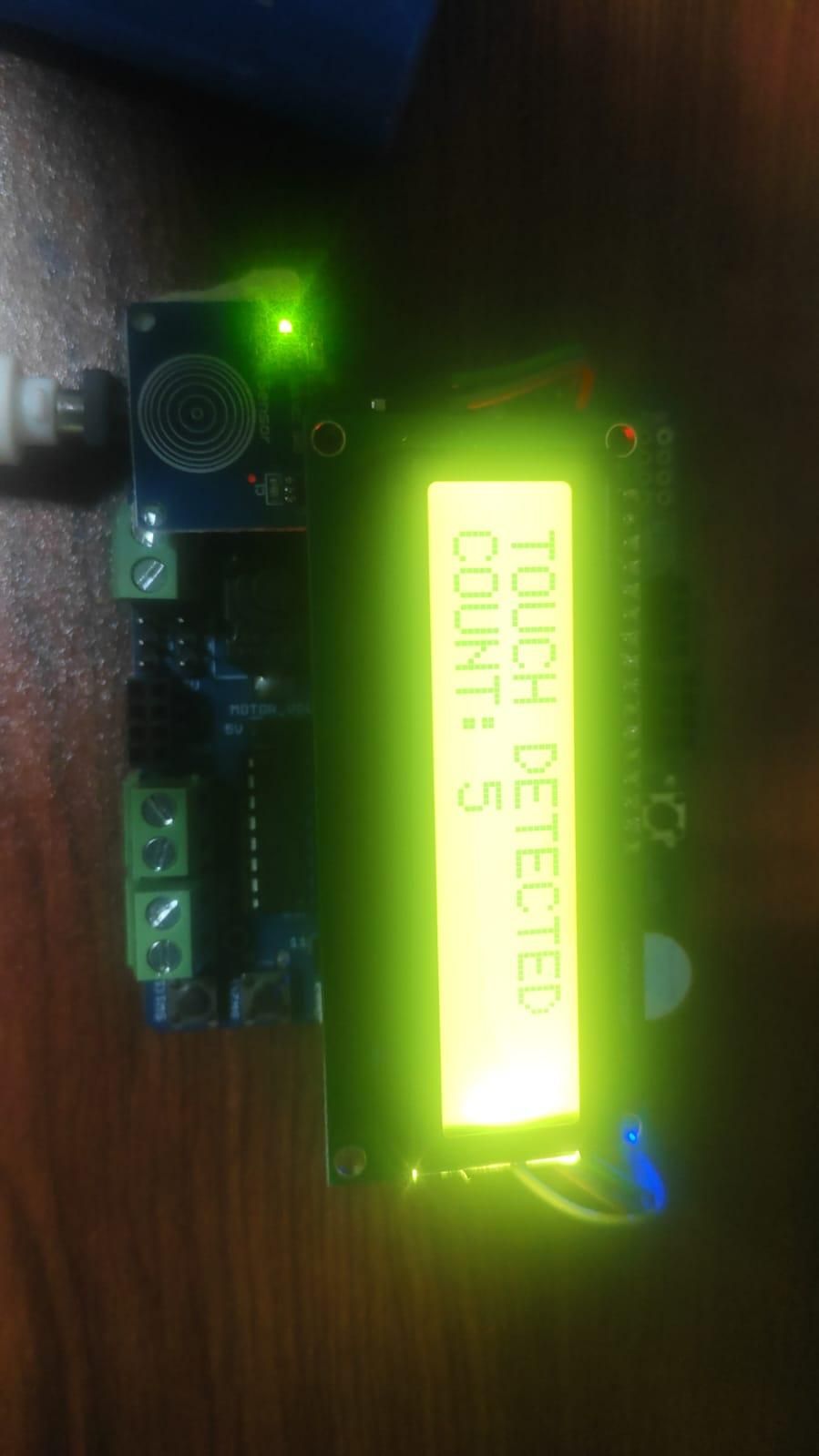
This project is a Touch Counter developed using an Arduino Nano, DESHBOT Shield, LCD display, and a touch sensor. The project counts every touch detected by the sensor and displays the total count on the LCD screen. All components can be easily connected using the DESHBOT Shield.
Supplies
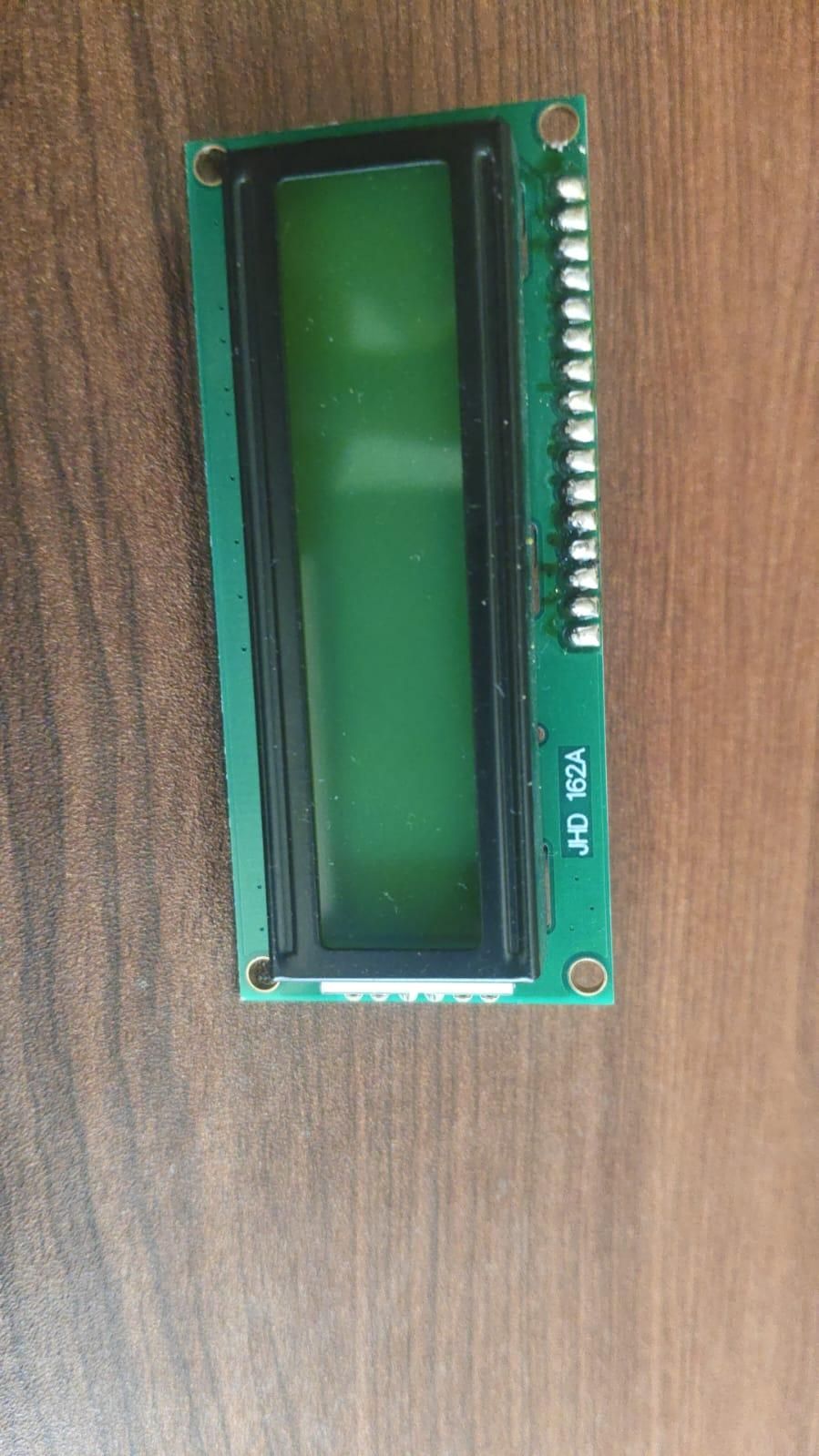
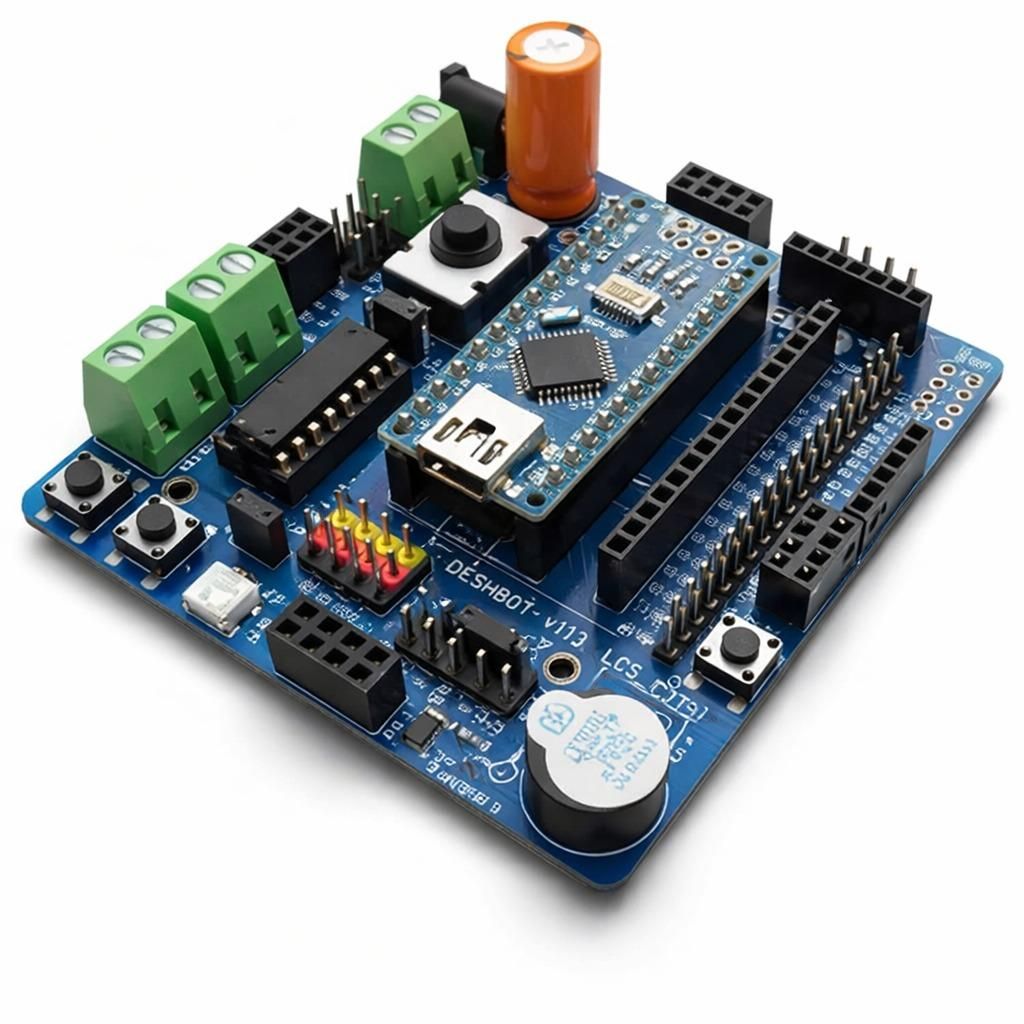
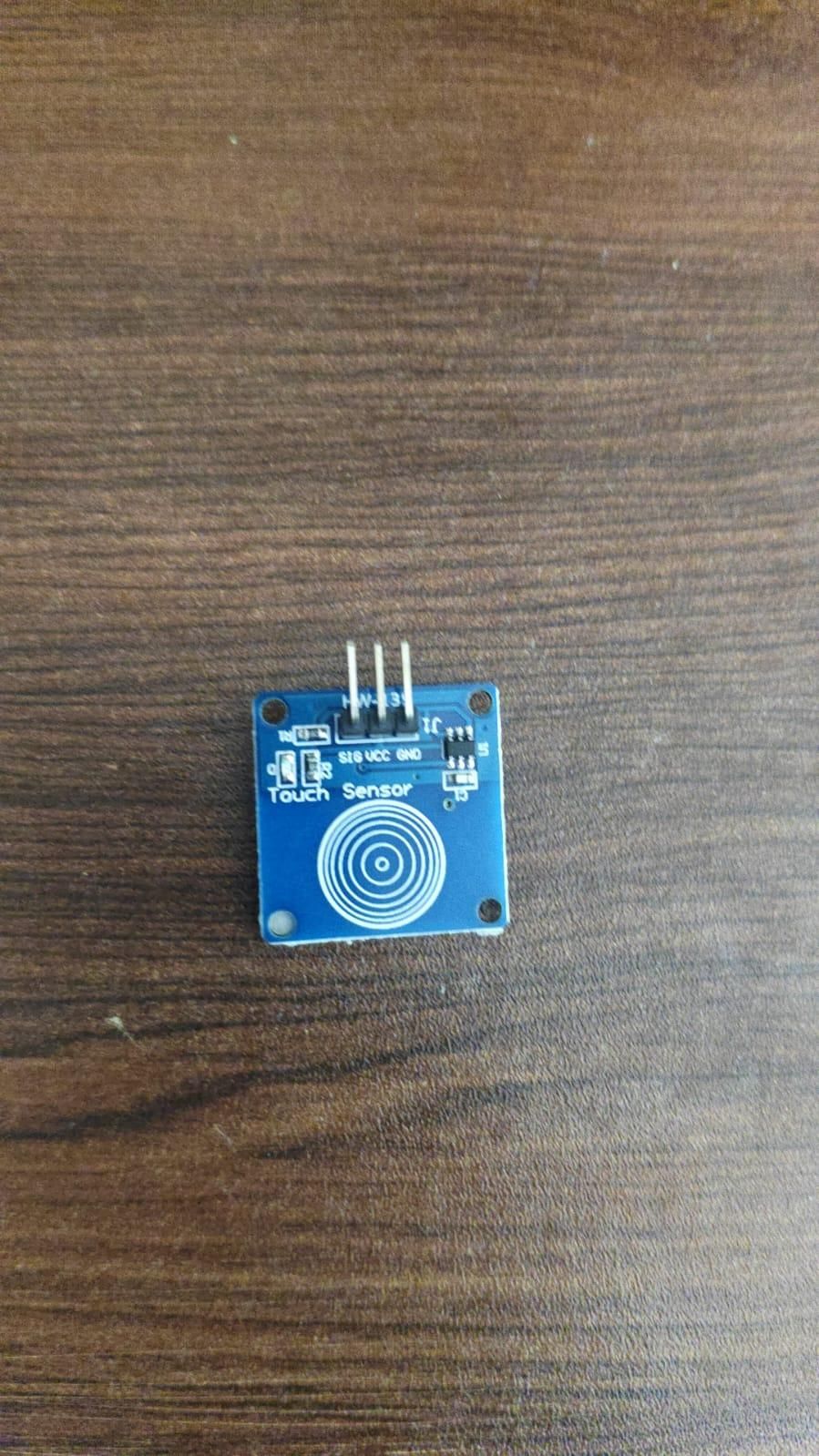
Arduino Nano
DESHBOT Shield
16×2 LCD Display
Touch Sensor
Jumper Wires
USB Cable / Power Supply
Working Principle
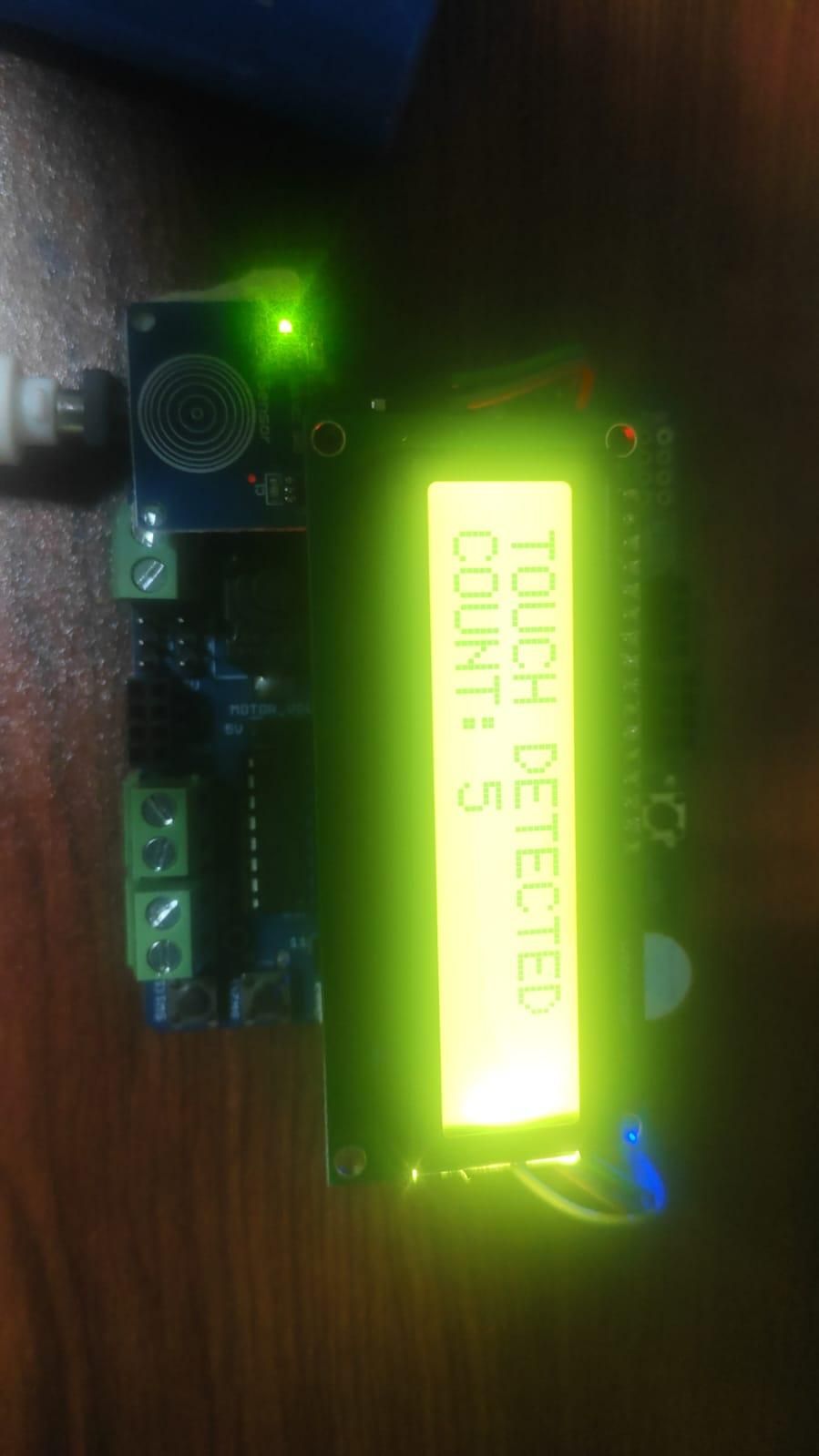
The Arduino Nano is connected to the DESHBOT Shield, which makes it easy to connect the LCD display and touch sensor.
When the system is powered on, the LCD displays the current touch count. Initially, the count is 0.
When the user touches the touch sensor for the first time, the Arduino detects the signal and stores the count as 1. When the user touches the sensor again, the count increases to 2. Every new touch increases the stored count by one.
For example:
- First touch → Count: 1
- Second touch → Count: 2
- Third touch → Count: 3
The updated count is displayed on the 16×2 LCD screen.
Arduino Coding
The Arduino program reads the output from the touch sensor. When a new touch is detected, the program increases the counter by 1.
For example:
- First touch → Count = 1
- Second touch → Count = 2
- Third touch → Count = 3
The program then updates the 16×2 LCD display with the latest count. A small delay is used to prevent one long touch from being counted multiple times.
Features
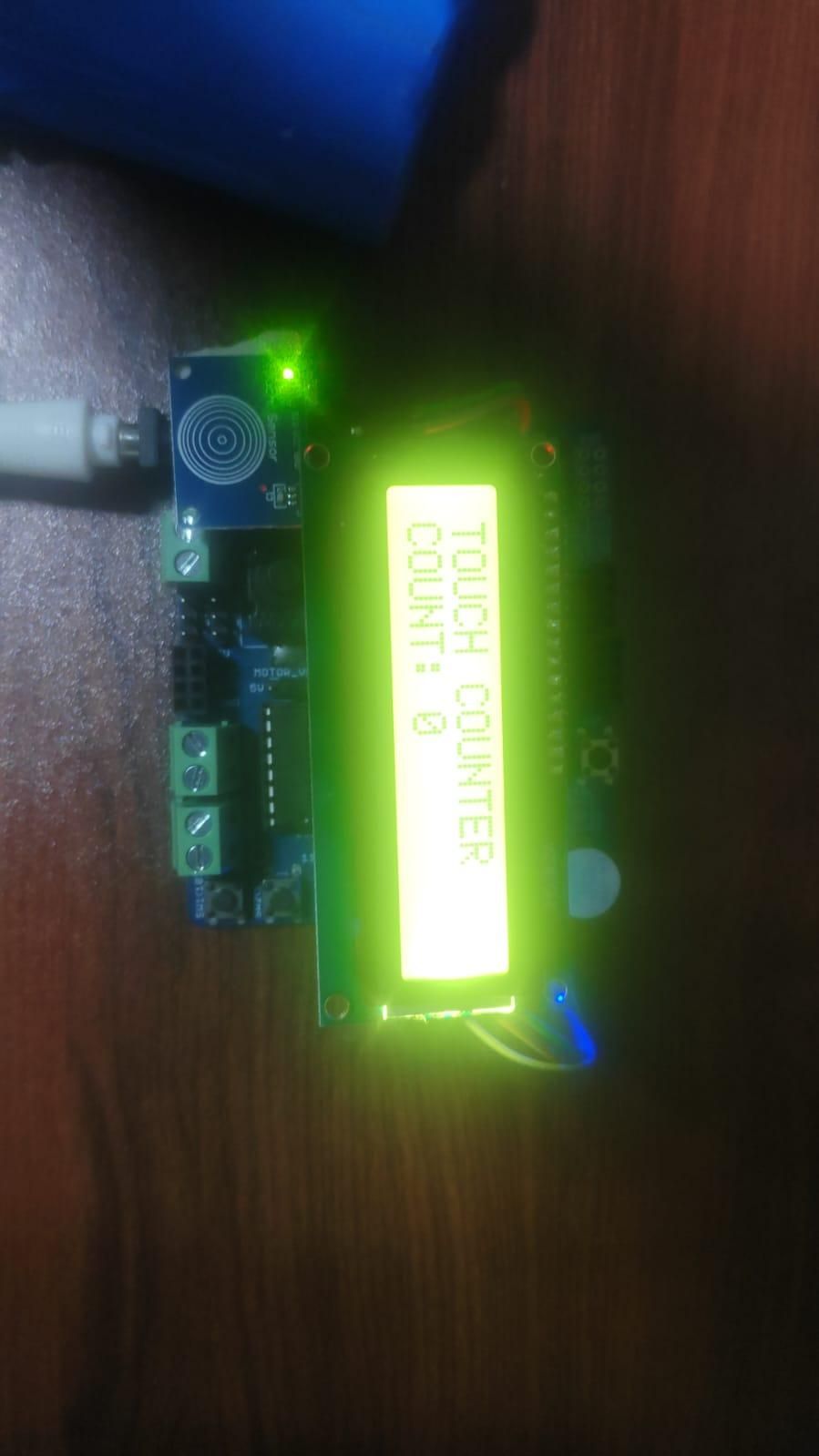
Features
- Arduino Nano-based project
- DESHBOT Shield for easy component connection
- Touch sensor input
- 16×2 LCD display output
- Counts every touch
- Displays the current count in real time
- Simple and interactive operation
Conclusion
The Touch Counter Using Arduino Nano and DESHBOT Shield is a simple embedded electronics project. Each time the touch sensor is touched, the Arduino Nano detects the input and increases the counter by one. The updated number is displayed on the LCD screen. The DESHBOT Shield makes connecting the Arduino Nano, LCD, and touch sensor easy and convenient.