Unit Convertor With Deshbot Shield Ith Lcd 16x2
by devkrishnavhora in Circuits > Arduino
33 Views, 0 Favorites, 0 Comments
Unit Convertor With Deshbot Shield Ith Lcd 16x2
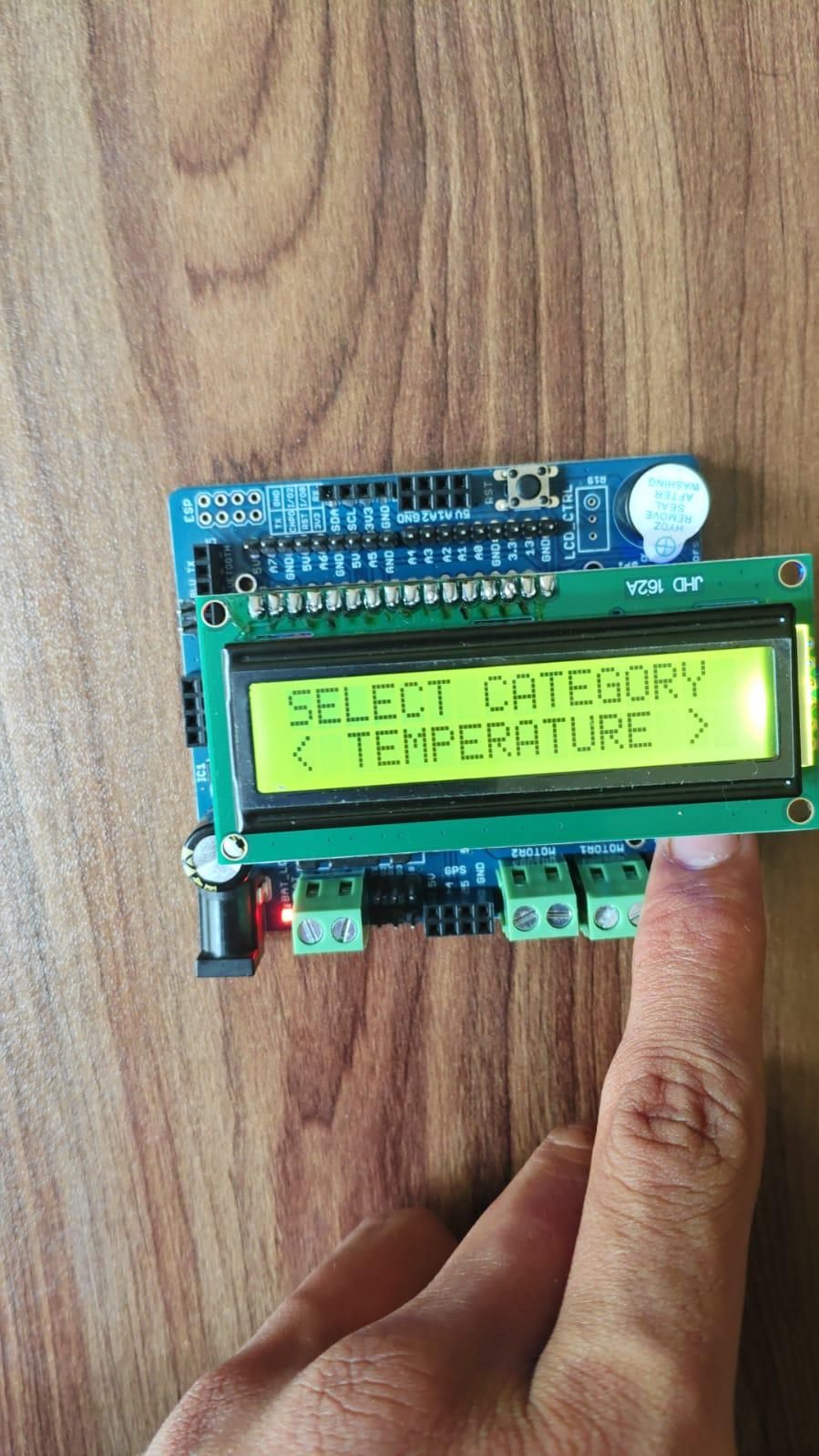
In this project, we created an interactive Unit Converter using an Arduino Nano, a 16×2 LCD display, and two push buttons. The project allows the user to select different unit categories, choose a conversion type, enter a value, and view the converted result.
The two buttons are used to move forward and backward through the menu and to increase or decrease the input value. A 3-second automatic selection system is used to confirm each selection.
This project demonstrates how Arduino can be used to create an educational and interactive unit conversion system using a simple LCD menu.
Supplies
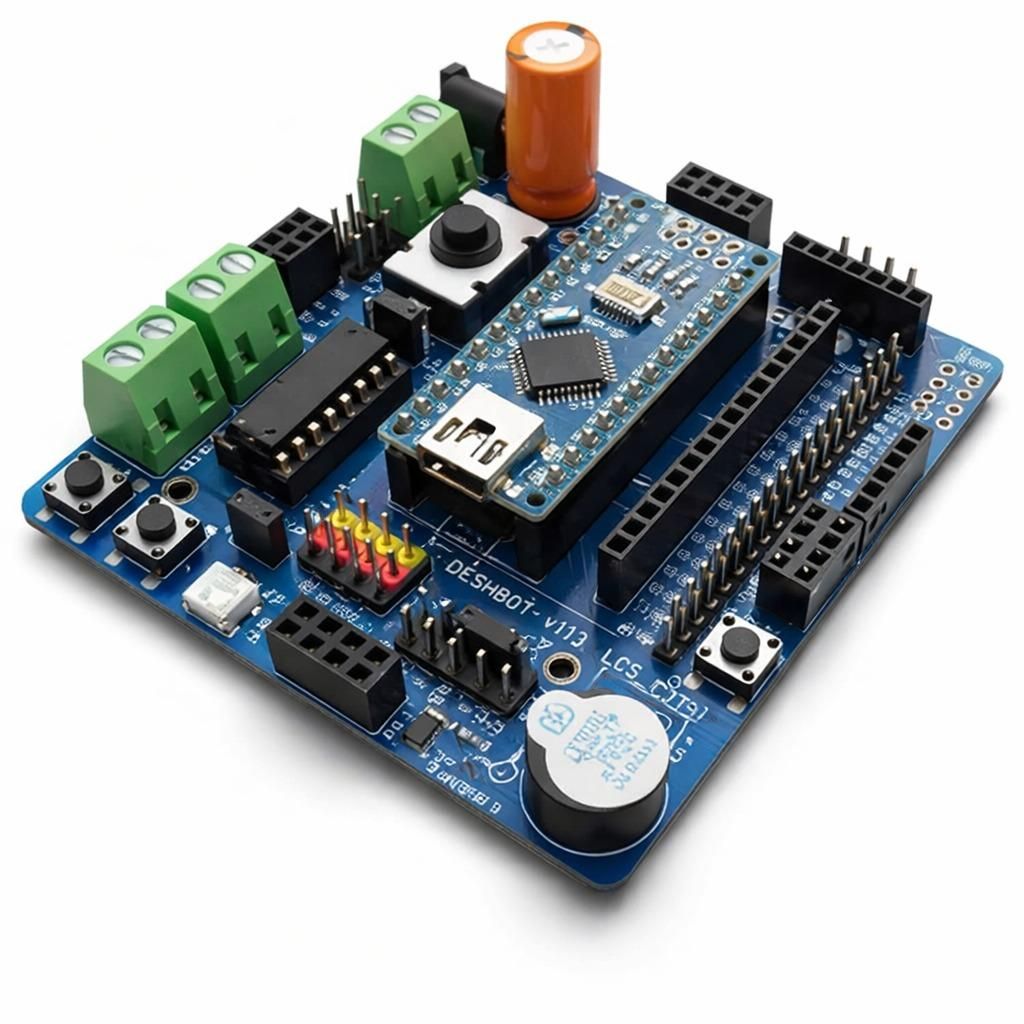
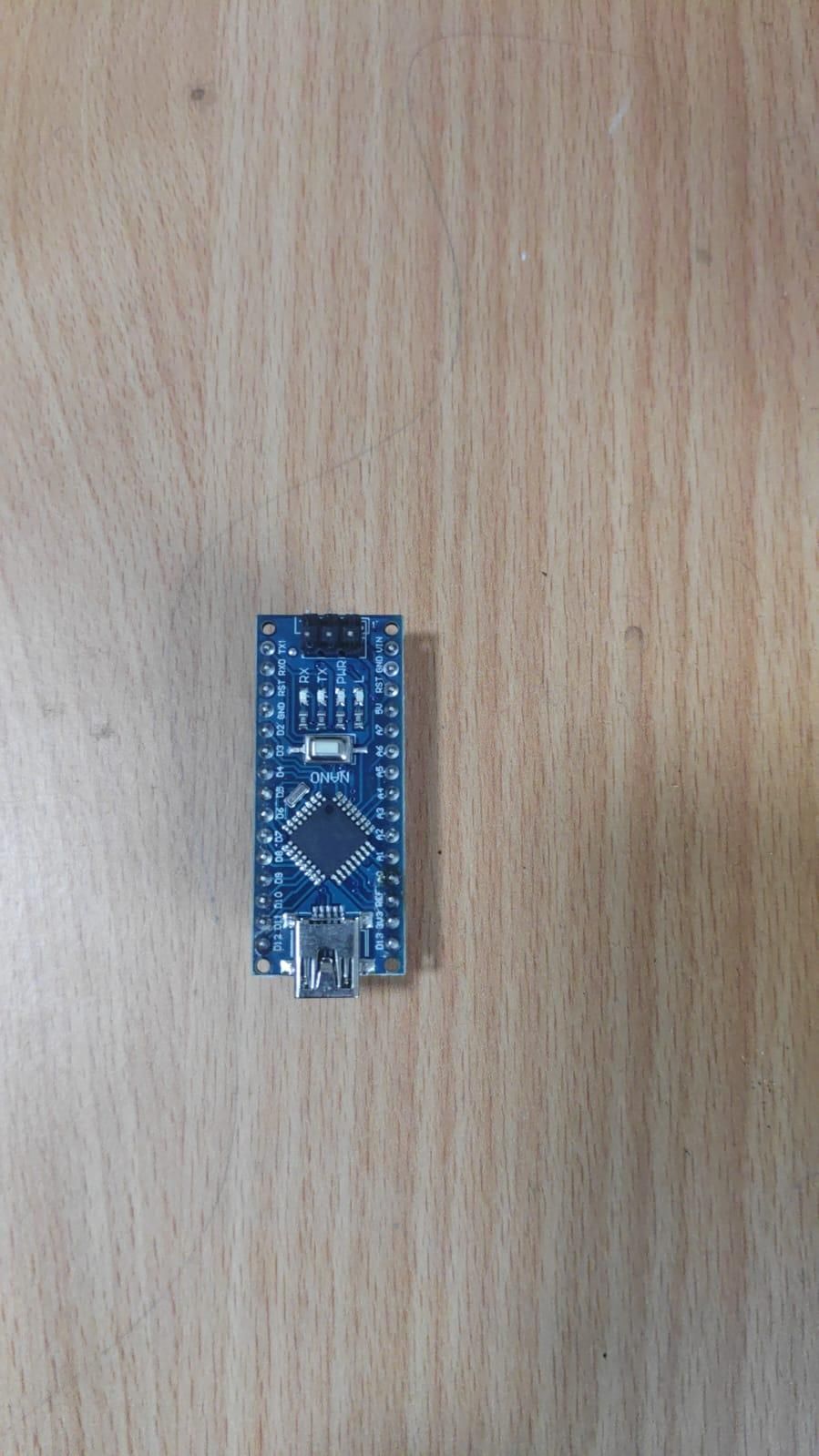
- Arduino Nano
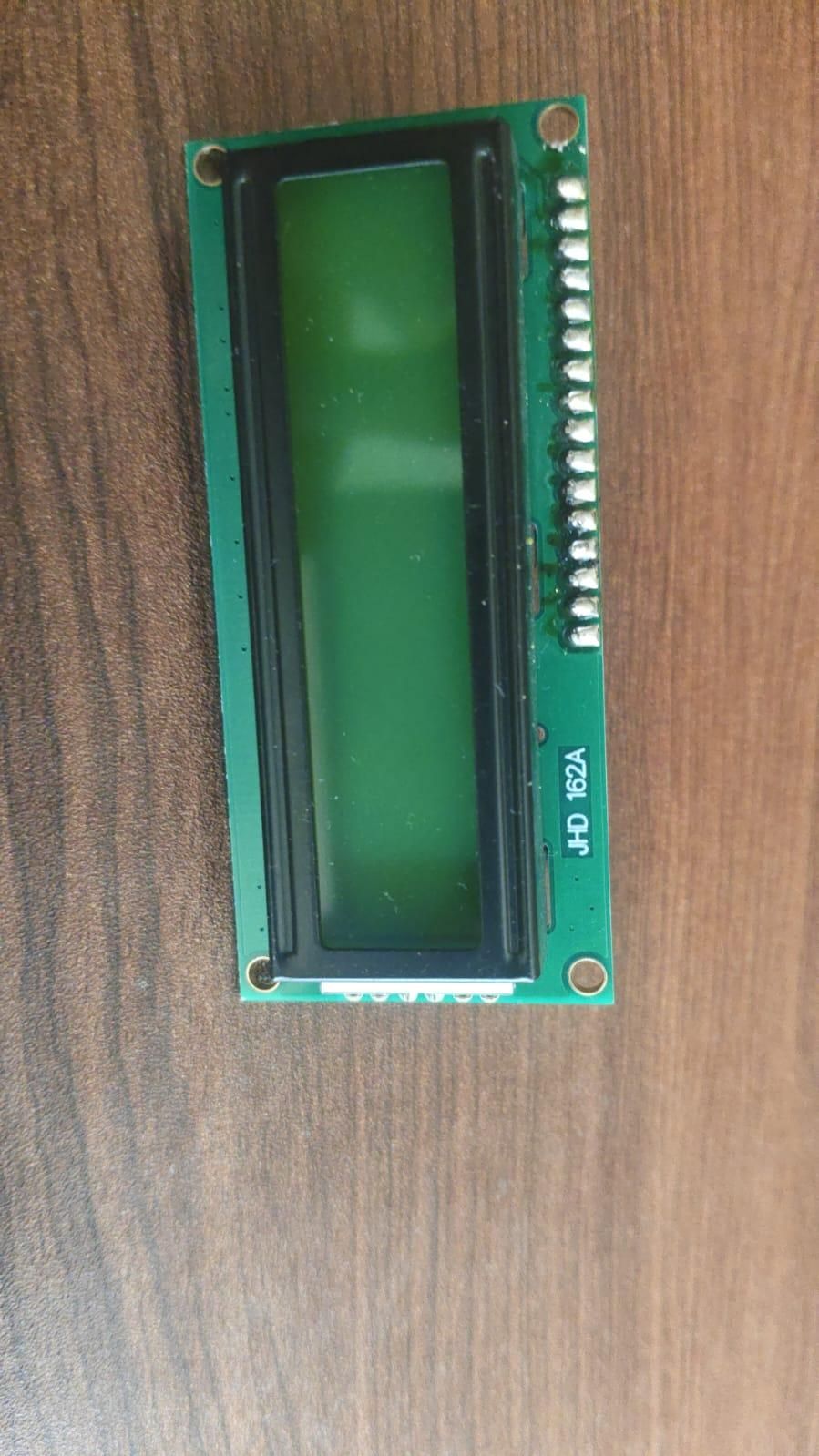
- 16×2 LCD Display
- Two Push Buttons
- Connecting Wires
- Breadboard
Connections
LCD Connections
- RS → A4
- EN → A3
- D4 → A2
- D5 → A1
- D6 → A0
- D7 → D13
Button (inbuild in Deshbot)
- Increase / Next Button → D10
- Decrease / Previous Button → D12
- Other side of both buttons → GND
The buttons use the Arduino INPUT_PULLUP mode, so external resistors are not required.
Working Principle
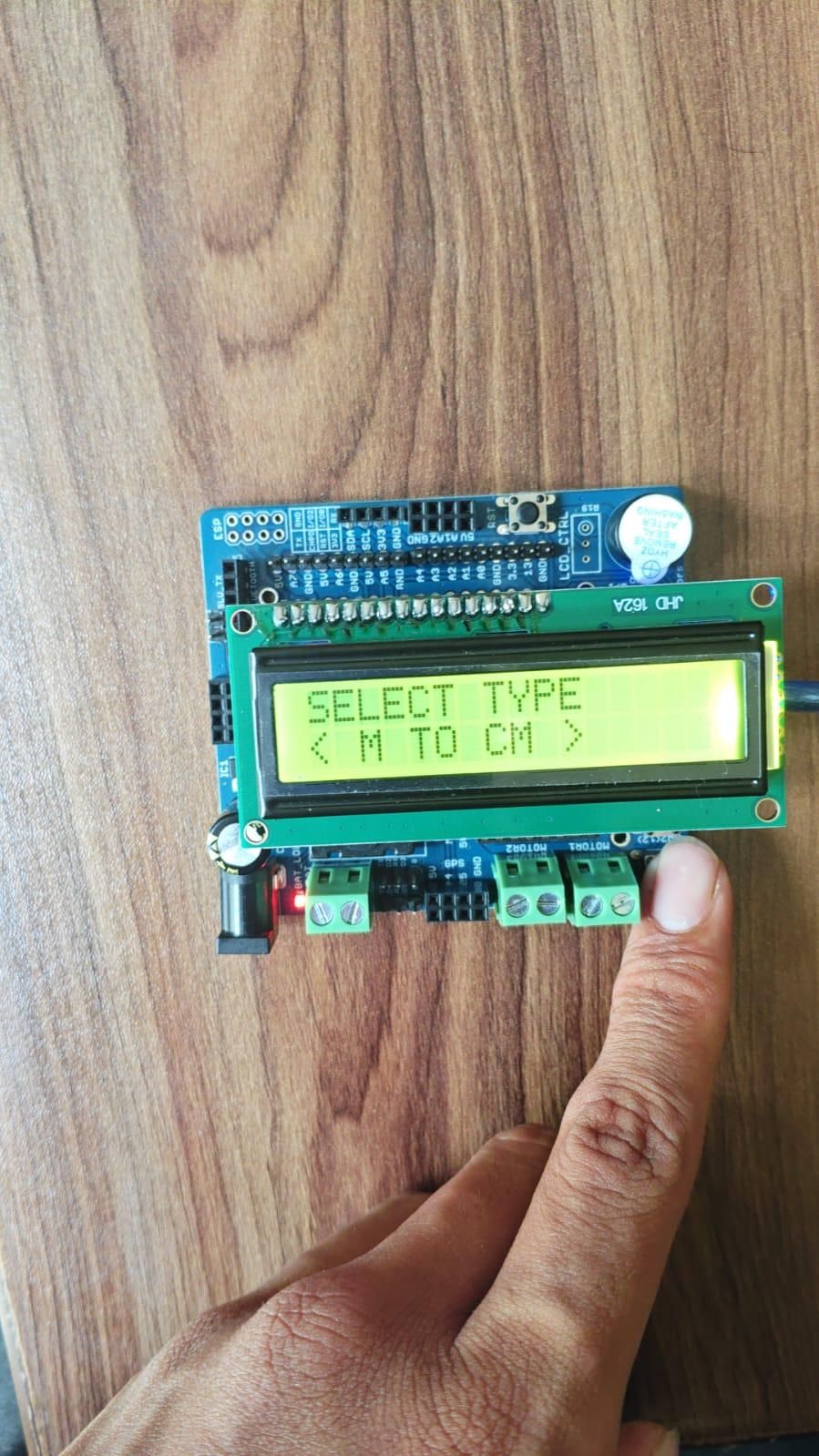
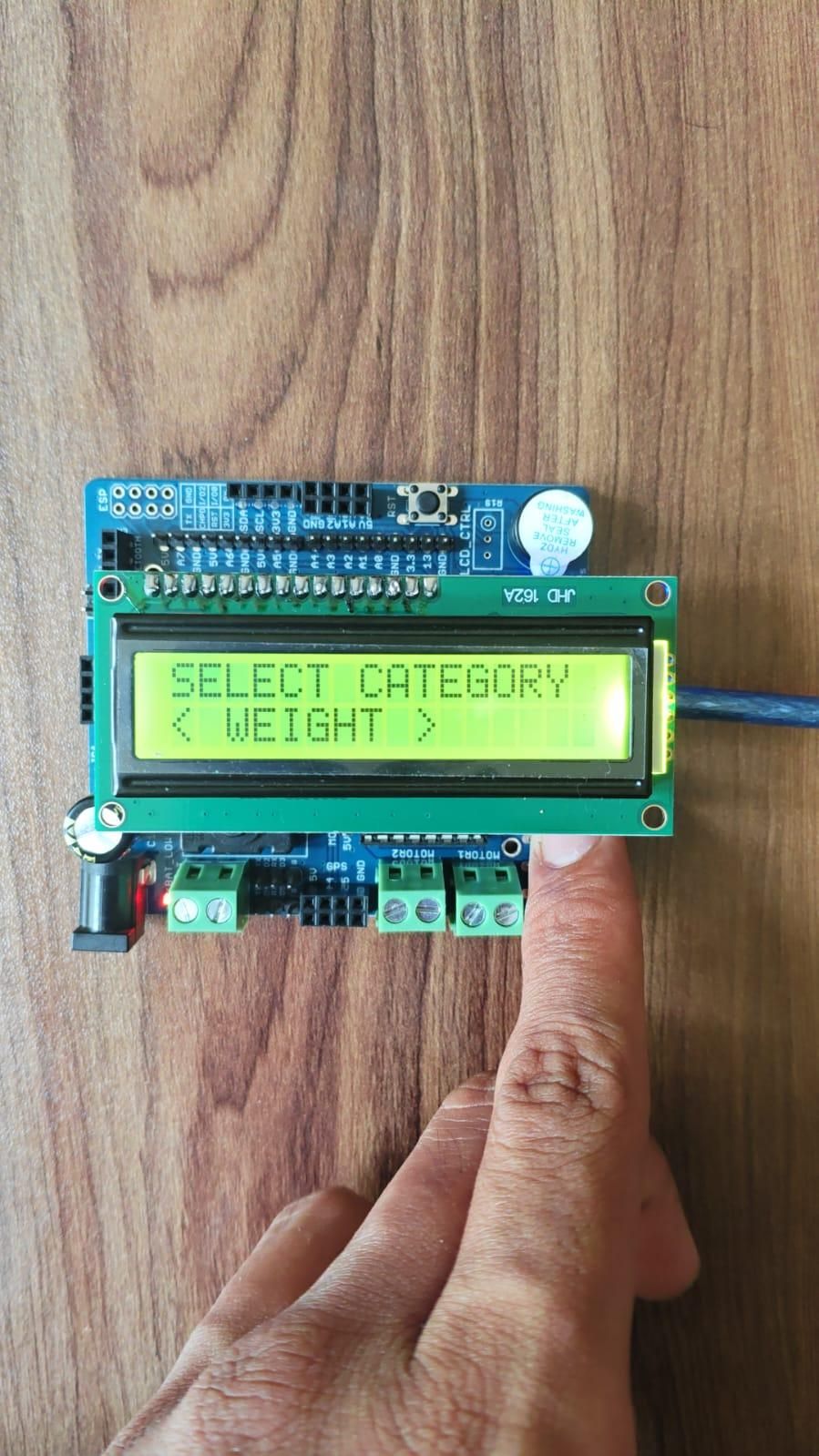
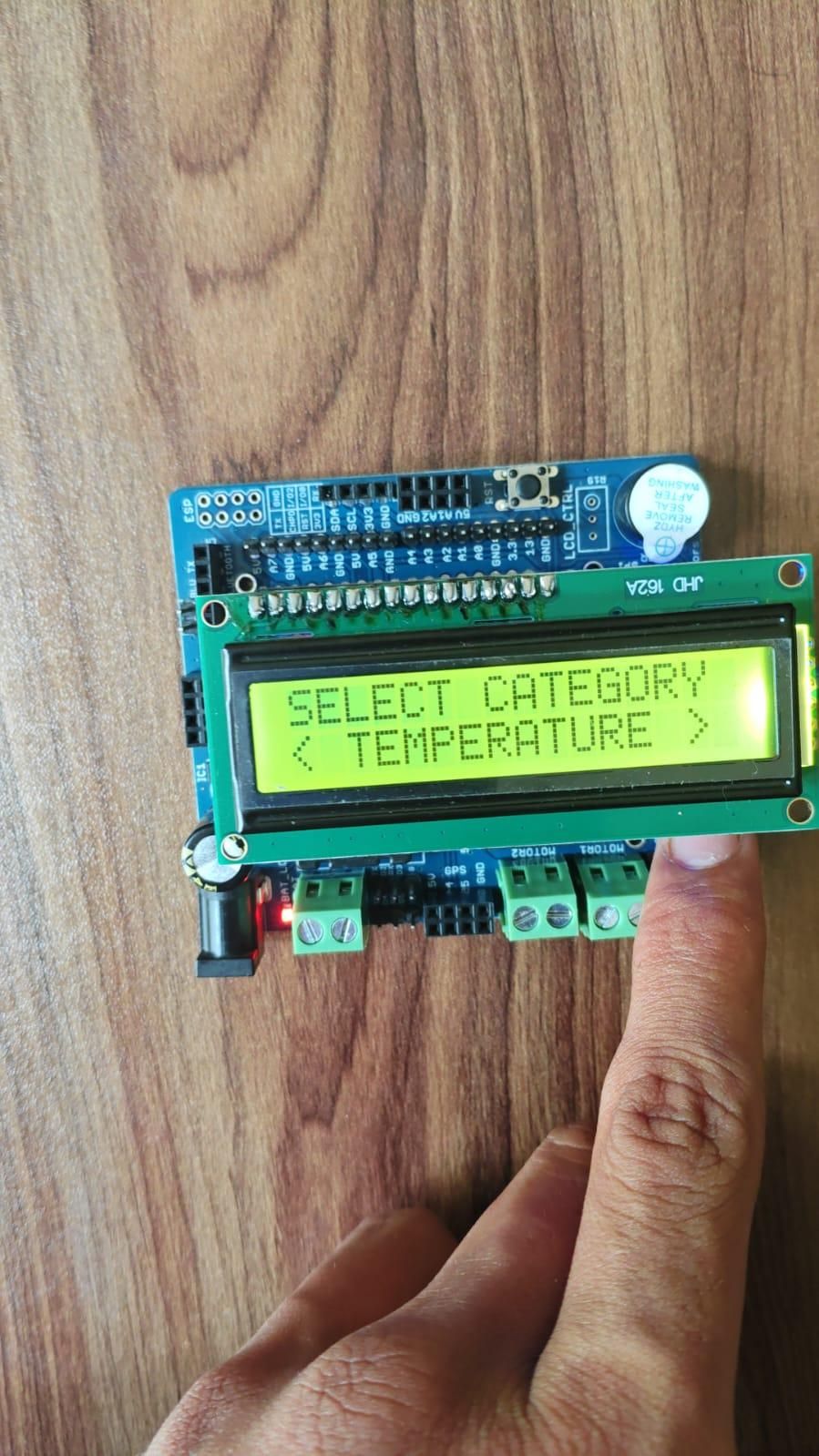
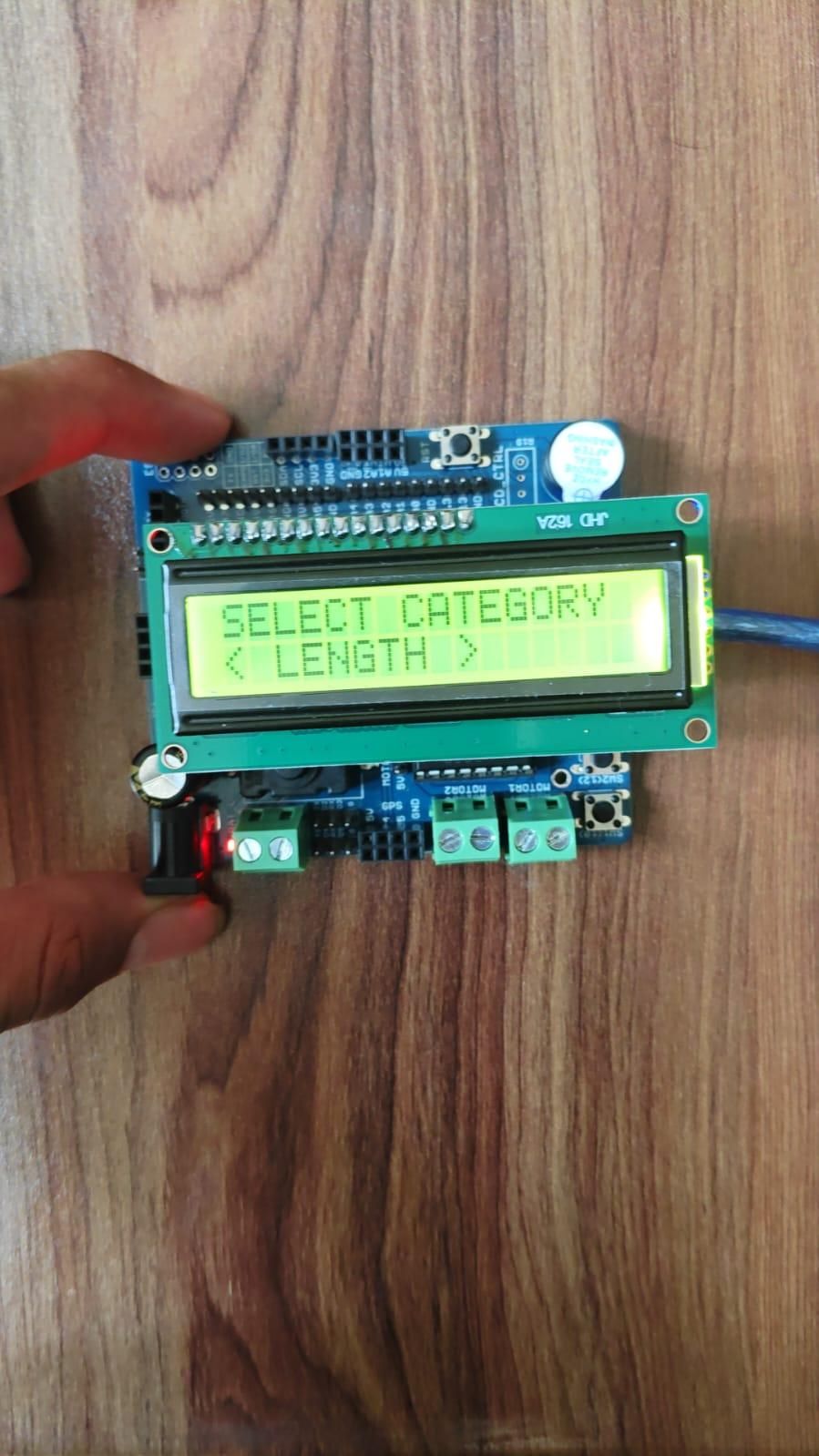
When the Arduino starts, the LCD displays the Unit Converter menu. The user first selects a conversion category using the two buttons.
The available categories are:
- Length
- Weight
- Temperature
The D10 button moves forward through the available options, while the D12 button moves backward.
When no button is pressed for 3 seconds, the selected category is automatically confirmed. The program then moves to the conversion type selection.
For example, in the Length category, the user can select conversions such as CM to Meter, Meter to CM, Kilometer to Meter, Kilometer to Mile, and Mile to Kilometer.
After selecting the conversion type, the user waits for 3 seconds and the selection is automatically confirmed.
Next, the user enters the value to be converted. The D10 button increases the value, while the D12 button decreases the value. When the buttons are not pressed for 3 seconds, the Arduino performs the selected conversion.
The final result is displayed on the 16×2 LCD for a few seconds. After displaying the result, the system automatically resets and returns to the main menu.
The complete working process is:
Select Category → Select Conversion → Enter Value → Show Result
Features
- 16×2 LCD display interface
- Control using only two buttons
- D10 button for next option or increasing value
- D12 button for previous option or decreasing value
- Automatic 3-second selection confirmation
- Length unit conversions
- Weight unit conversions
- Temperature conversions
- Automatic mathematical calculation
- LCD menu navigation
- Automatic result display
- Automatic reset for a new conversion
Supported Conversions
Length
- Centimeter to Meter
- Meter to Centimeter
- Kilometer to Meter
- Meter to Kilometer
- Kilometer to Mile
- Mile to Kilometer
Weight
- Gram to Kilogram
- Kilogram to Gram
- Kilogram to Pound
- Pound to Kilogram
Temperature
- Celsius to Fahrenheit
- Fahrenheit to Celsius
Coding
The Arduino program continuously reads the two buttons connected to pins D10 and D12.
The program is divided into different stages. The first stage is used to select the unit category. The second stage selects the conversion type, and the third stage is used to enter the value.
Every time a button is pressed, the 3-second timer is reset. If no button is pressed for 3 seconds, the current selection is automatically confirmed and the program moves to the next stage.
The Arduino uses different mathematical formulas depending on the selected conversion. The calculated result is then displayed on the LCD.
After showing the result for a few seconds, the Arduino resets the values and returns to the main Unit Converter menu.
Downloads
Conclusion
The Arduino Unit Converter is a simple and interactive educational project. It combines LCD interfacing, button input, menu programming, timer functions, and mathematical calculations into one embedded system.
Using only two buttons and a 3-second automatic selection system makes the project simple and easy to operate. The project can be further expanded by adding more unit categories and conversions.
This project is a useful way to learn Arduino programming while understanding user interfaces, mathematical calculations, menu systems, and basic embedded systems design.