Upgrade Old CCTV With AI Alerts in 10 Min (No Coding Required)
by KimY21 in Circuits > Cameras
272 Views, 3 Favorites, 0 Comments
Upgrade Old CCTV With AI Alerts in 10 Min (No Coding Required)

Turn any old CCTV into a smart AI security camera that detects people at night, sends push notifications to your phone, and plays a police siren to deter intruders — all without writing a single line of code.
Supplies
Hardware:
- Raspberry Pi 4, Windows PC, Mac, or any Grablo-supported device
- Camera — USB, CSI, ONVIF, or RTSP (not required for laptops with built-in webcam)
- Speaker — 3.5mm, USB, or Bluetooth (not required for laptops with built-in speaker)
Software:
- Grablo — No-Code IoT Platform (grablo.co)
Quick Start
Want to skip the build and get it running right away? Copy the ready-made project:
- Download and install Grablo software on your device from grablo.co/download
- Get this project from the Grablo Gallery
- If using an ONVIF or RTSP camera, go to Settings → Camera and edit the camera address and credentials
- Connect to your device and hit RUN
- Install the Grablo mobile app on your phone and log in to receive push notifications
Want to test it first? Just install Grablo IoT Core on a laptop — the built-in webcam and speaker are all you need.
If you'd like to build it from scratch, follow the steps below.
Create Dashboard
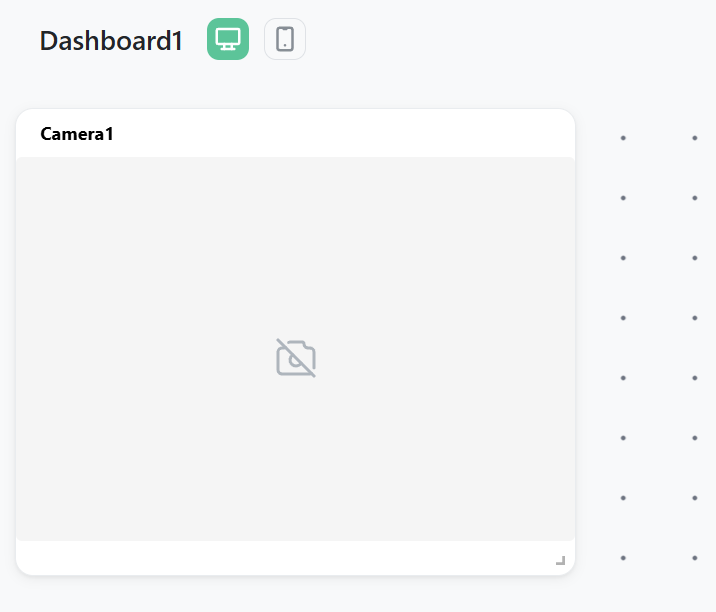
Create a new project at app.grablo.co, give it a name, and select your device. Then create a dashboard and add a Camera widget for the live video feed. This widget shows the real-time camera stream with the AI detection overlay — you can monitor it from any browser or the Grablo mobile app.
Set Up Logic
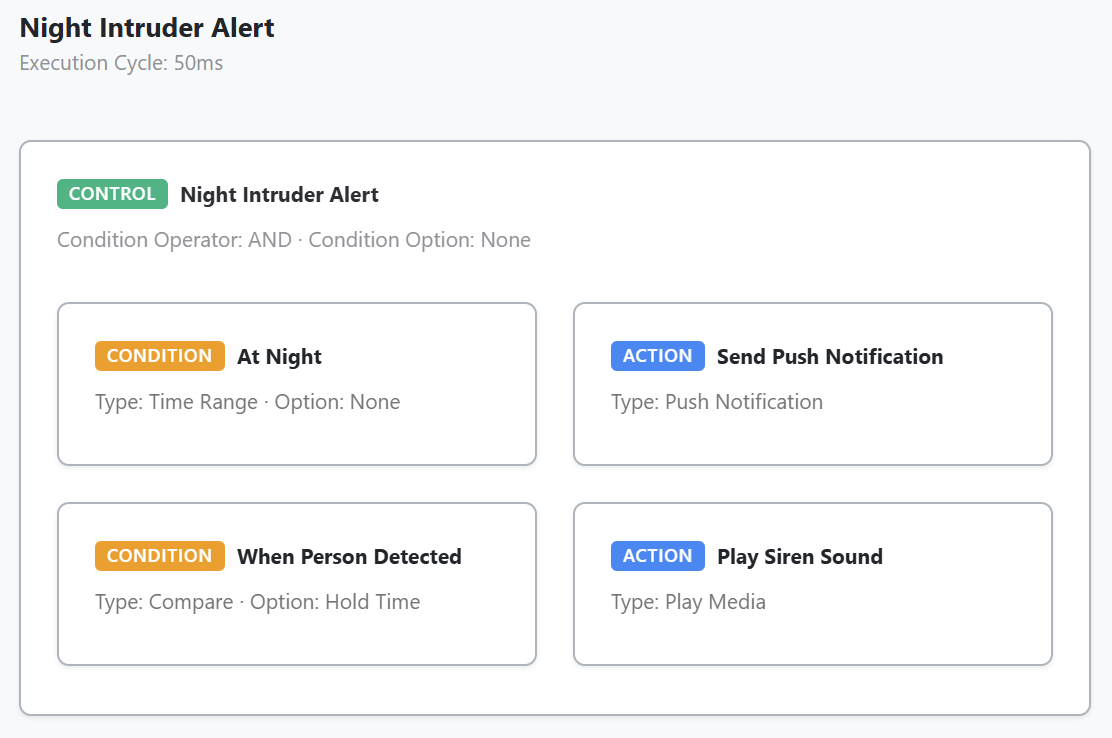
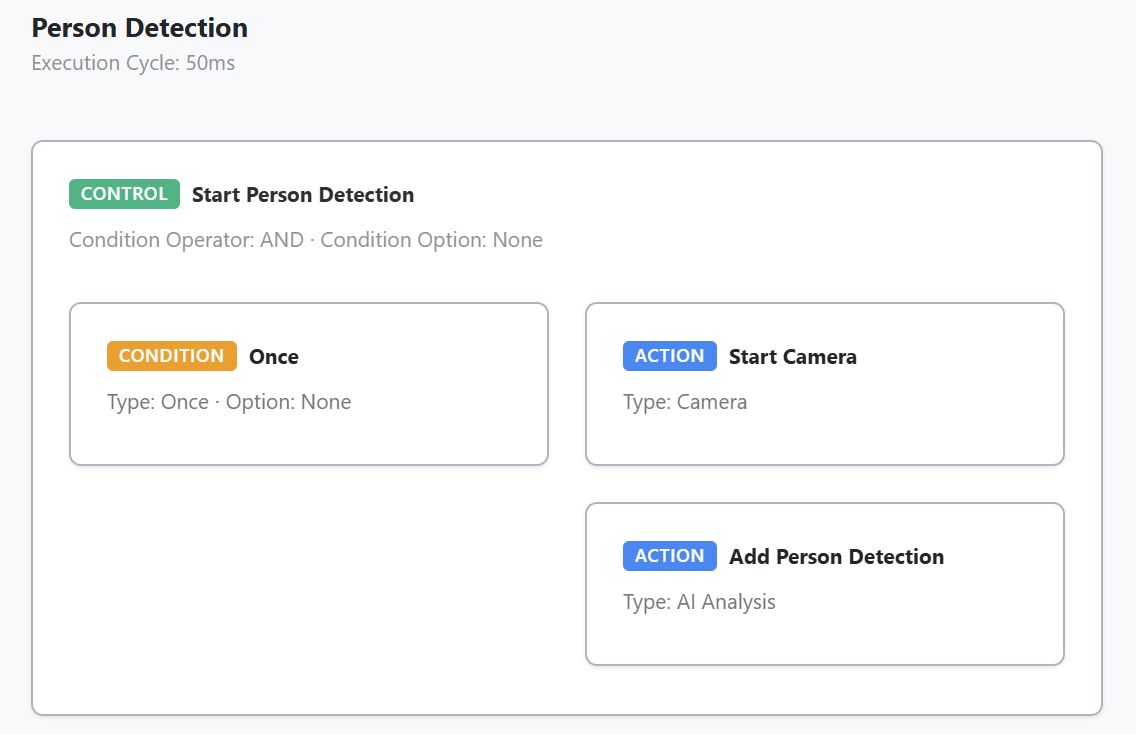
This project uses 2 logics. The first logic, "Person Detection," runs once at startup. It starts the camera and adds an AI Object Detection analyzer that detects people with a 70% confidence threshold. The result is stored in a "Person Detected" variable.
The second logic, "Night Intruder Alert," checks two conditions: whether it's nighttime (midnight to 7 AM), and whether a person has been continuously detected for at least 3 seconds. The 3-second filter prevents false alerts from brief misdetections. When both conditions are met, it sends a push notification to your phone and plays a police siren sound through the speaker.
Launch Your Project
Launch Your Project
- Open the Grablo app and select your project
- Connect to your device
- Hit RUN
Expected Results:
- The camera feed shows real-time video with AI detection overlay
- During nighttime, a person detected for 3+ seconds triggers an alert
- Your phone receives a push notification — tap it to view the live stream
- A police siren plays through the connected speaker
Video Tutorial

Expand Your Project
Now that you have a working AI security system, here are some ideas to take it further:
- Add a Telegram bot to send a snapshot photo when an intruder is detected
- Add RGB LED or relay to flash emergency lights alongside the siren
- Add multiple cameras for full coverage
- Use detection zones to focus on specific areas like doorways or windows
- Add a voice warning using text-to-speech before playing the siren
Troubleshooting:
- If person detection isn't working, check that lighting is adequate — consider an IR illuminator for dark areas.
- If you get too many false alerts, increase the 3-second pending time filter.
- For ONVIF/RTSP cameras, verify the IP address and credentials in Settings → Camera.