Water Sensor Monitoring System Using Arduino Nano and DESHBOT Shield
by devkrishnavhora in Circuits > Arduino
64 Views, 0 Favorites, 0 Comments
Water Sensor Monitoring System Using Arduino Nano and DESHBOT Shield
Project Overview
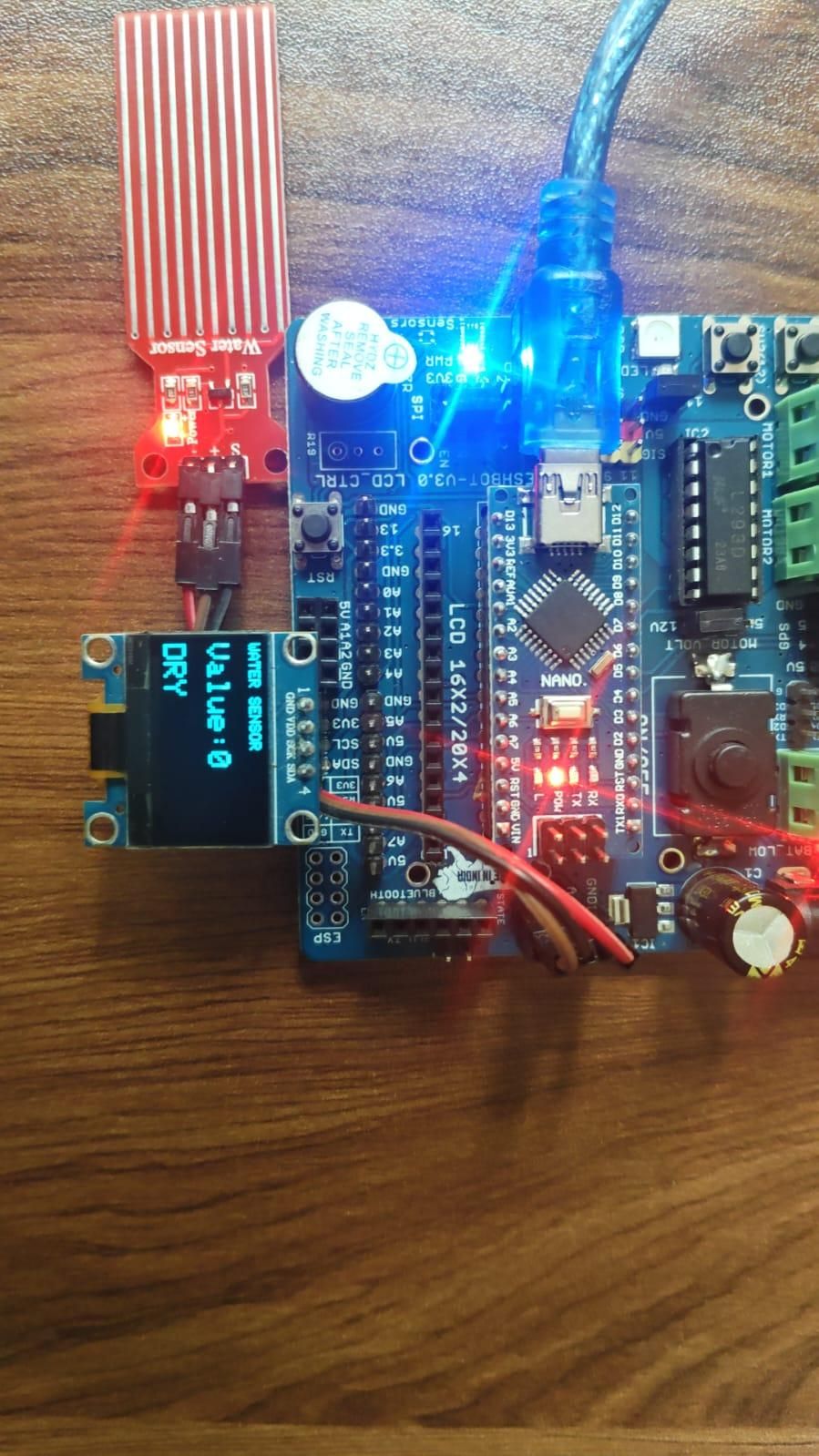
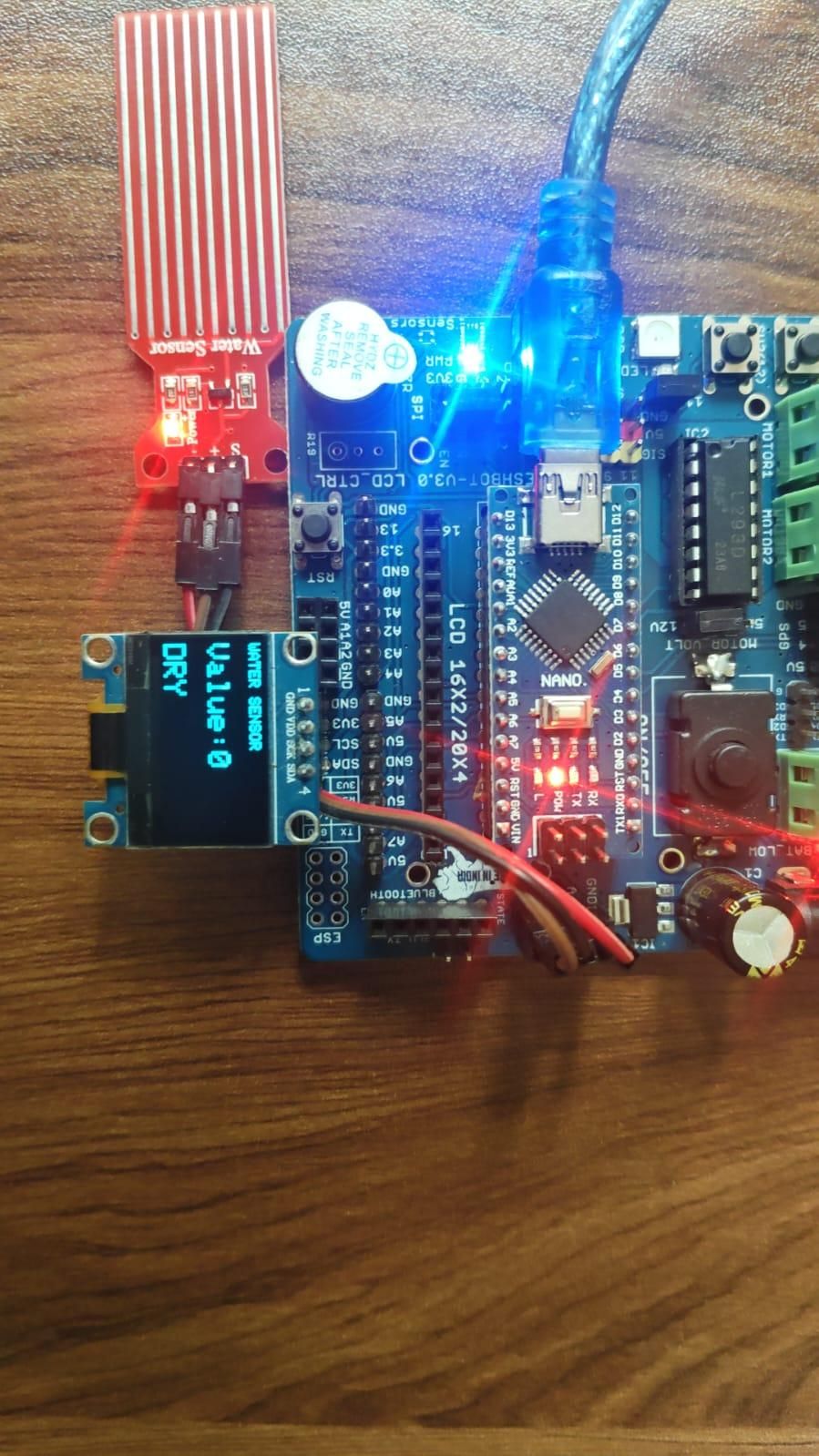
This project uses an Arduino Nano with the DESHBOT Shield, a water sensor, and an OLED display to detect the presence and level of water. The water sensor provides a signal to the Arduino Nano, and the sensor value is displayed in real time on the OLED screen.
The water sensor signal is connected to analog pin A3 through the DESHBOT Shield.
Supplies
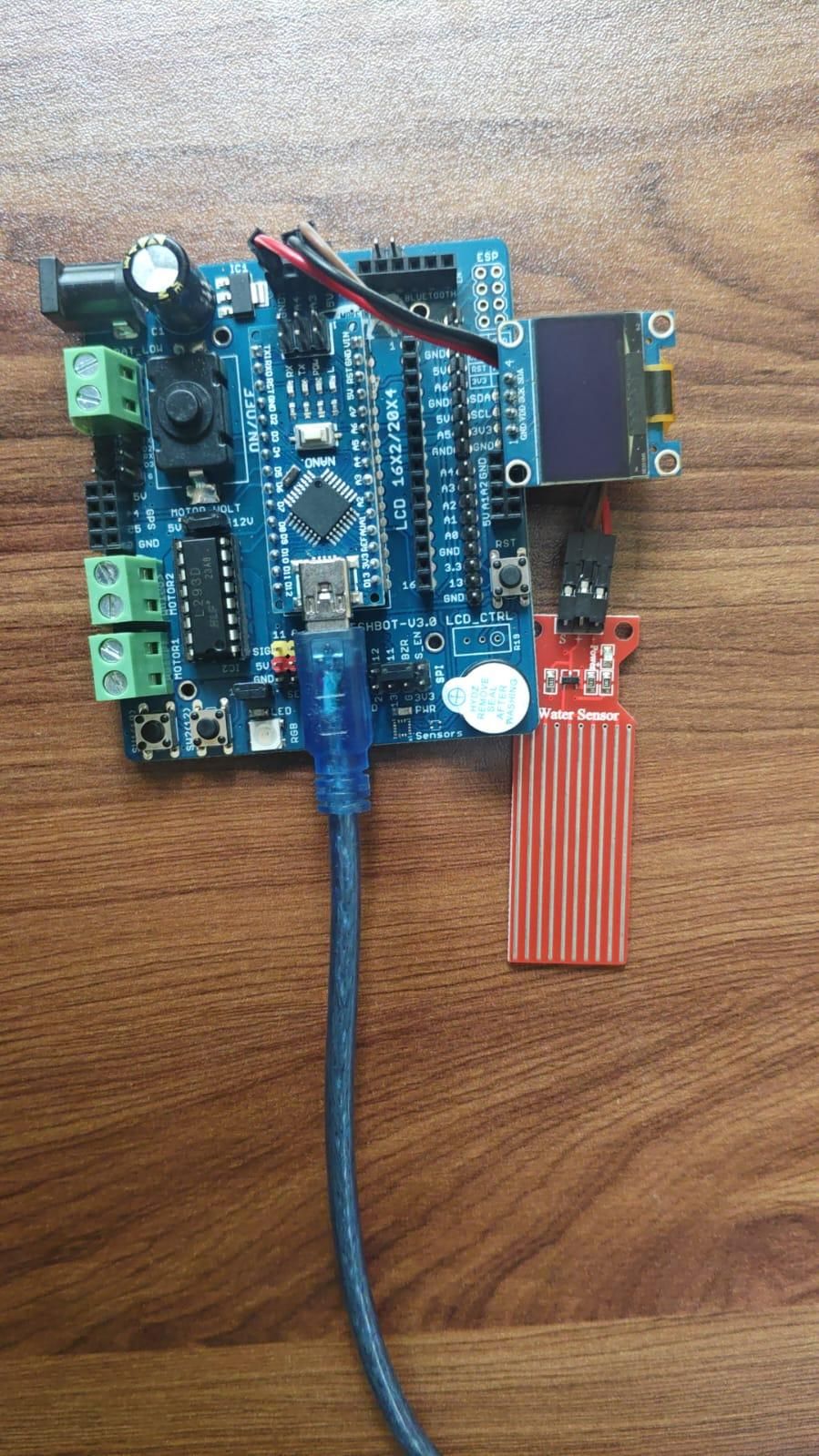
Arduino Nano
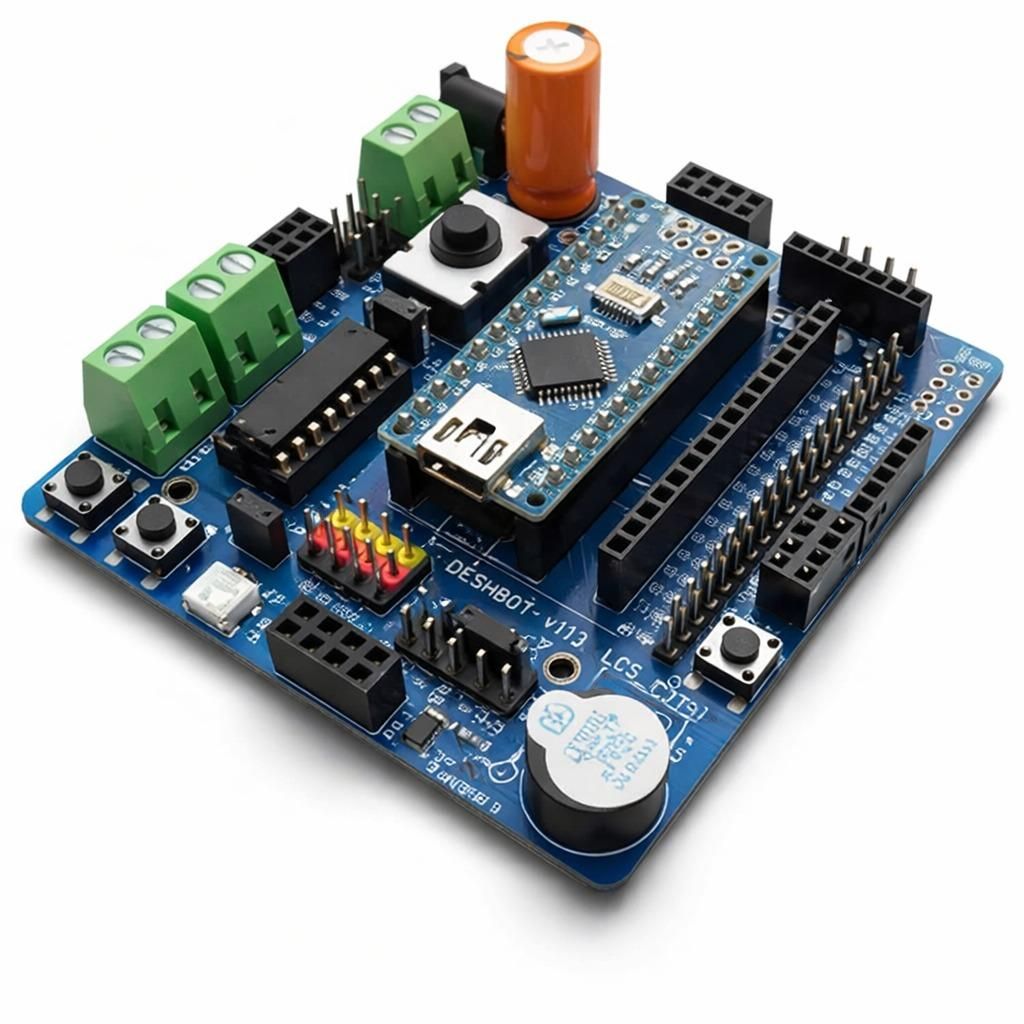
DESHBOT Shield
Water Sensor Module
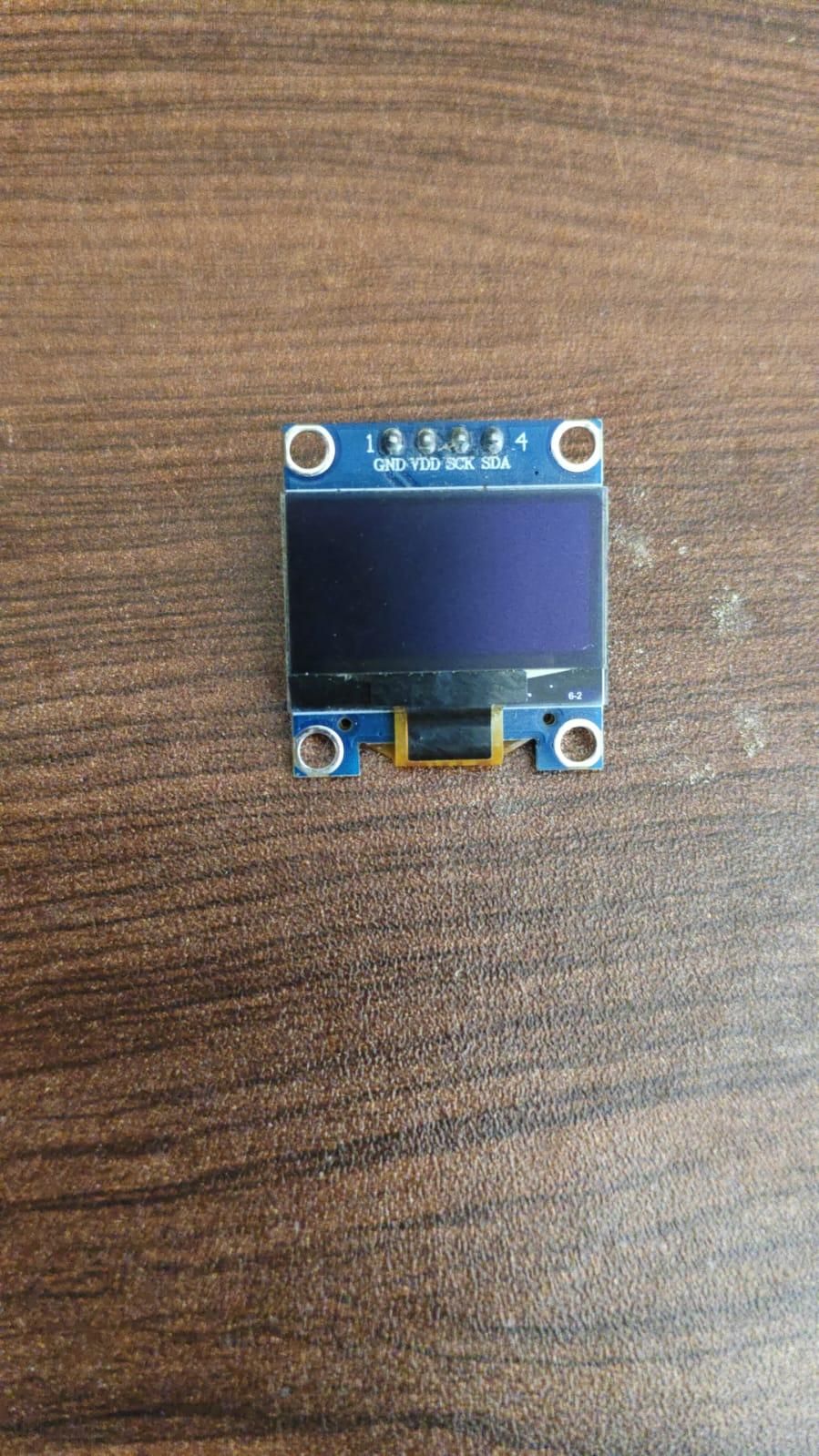
I2C OLED Display
Connecting wires
USB cable
Connections
Water Sensor Connection
Connect the water sensor to the DESHBOT Shield as follows:
- VCC → 5V
- GND → GND
- Signal / AO → A3
OLED Display Connection
Connect the I2C OLED display as follows:
- VCC → 5V
- GND → GND
- SDA → A4
- SCL → A5
Coding and Uploading
Open the Arduino IDE.
Connect the Arduino Nano and DESHBOT Shield to the computer using a USB cable.
Select Arduino Nano from the Board menu.
Select the correct Processor and COM Port.
Install the required libraries:
- Adafruit GFX Library
- Adafruit SSD1306 Library
Define the water sensor signal pin as A3 in the program.
Copy the Water Sensor and OLED code into the Arduino IDE.
Click Verify to compile the program.
Click Upload to transfer the program to the Arduino Nano.
Add water to the sensor and observe the changing values on the OLED display.
Downloads
Working Principle
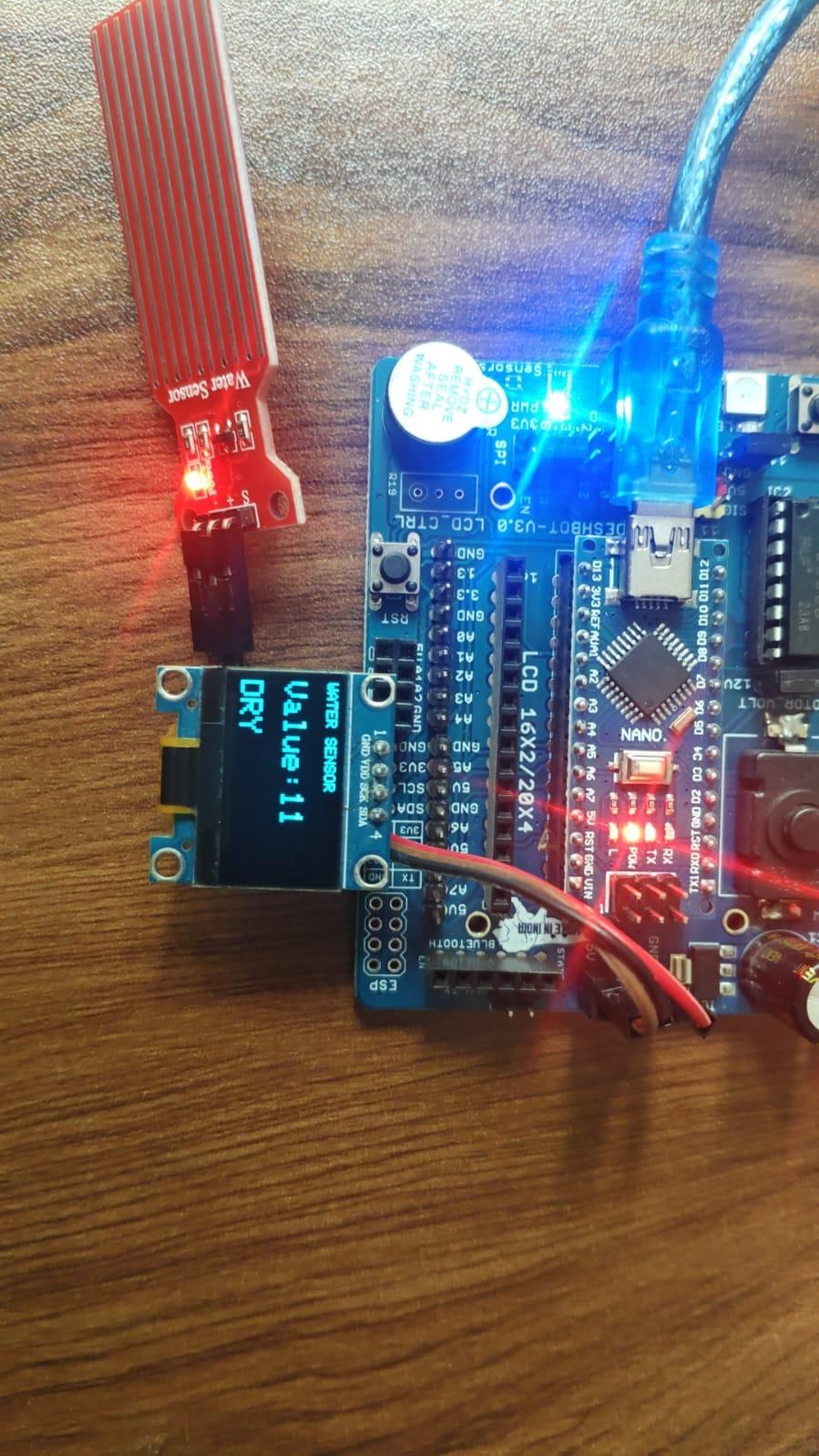
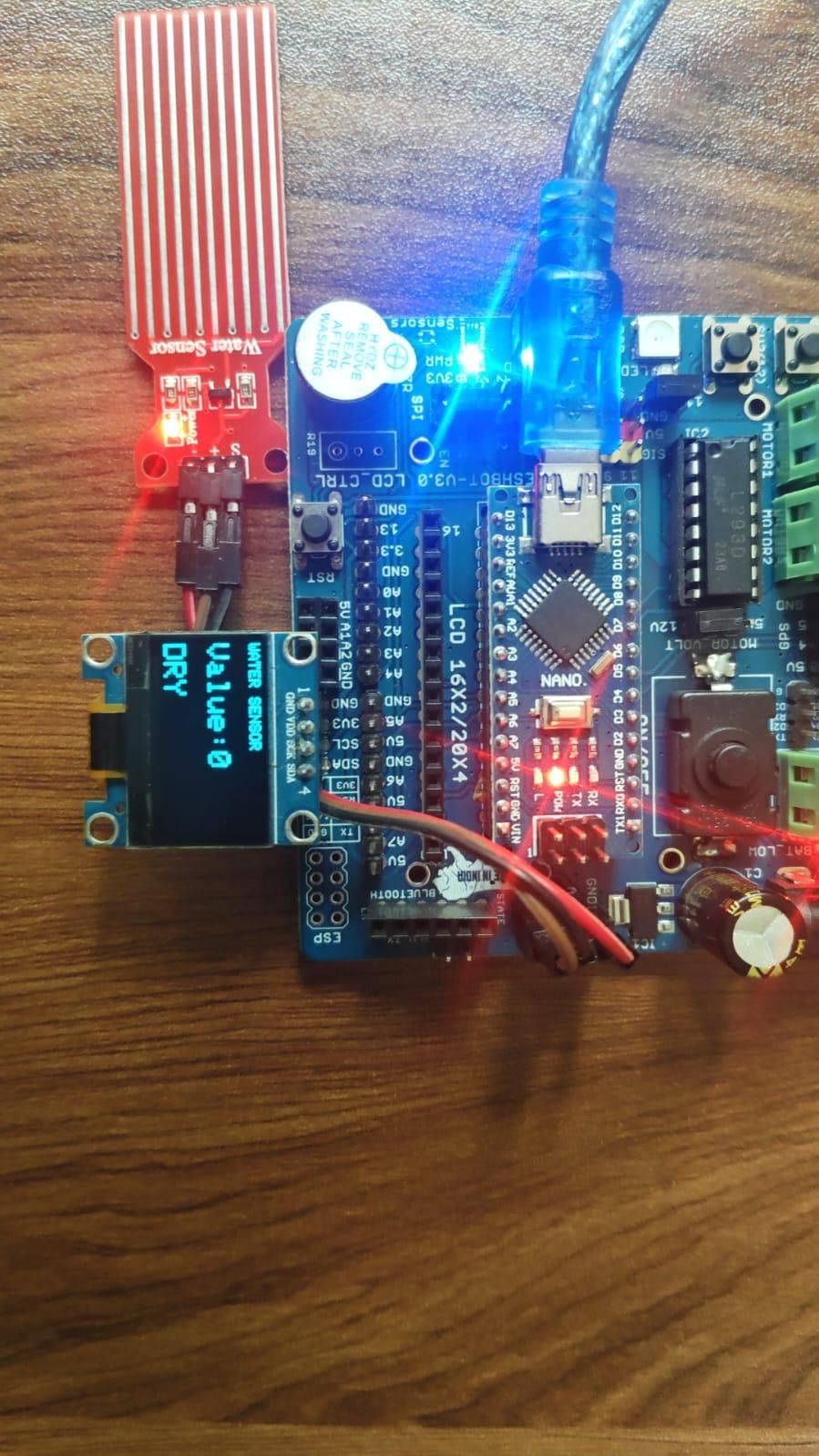
The water sensor detects water on its sensing surface and produces an analog signal. The Arduino Nano reads this signal through pin A3.
The sensor value changes depending on the amount of water detected. The Arduino processes this value and sends the information to the OLED display. The OLED can show the water sensor reading and indicate whether water has been detected.
Applications
- Water leakage detection
- Rain detection systems
- Water level monitoring
- Smart home projects
- Flood warning prototypes
- Educational Arduino projects
Conclusion
the Water Sensor Monitoring System using Arduino Nano and DESHBOT Shield is a simple project for monitoring water detection using an analog sensor. The sensor signal is read through A3, and the information is displayed on the OLED screen. This project can be expanded in the future by adding a buzzer, LED, relay, or automatic water control system.