Worker Safety Monitoring System Using Quarky
by angasailakshmi in Living > Organizing
55 Views, 0 Favorites, 0 Comments
Worker Safety Monitoring System Using Quarky
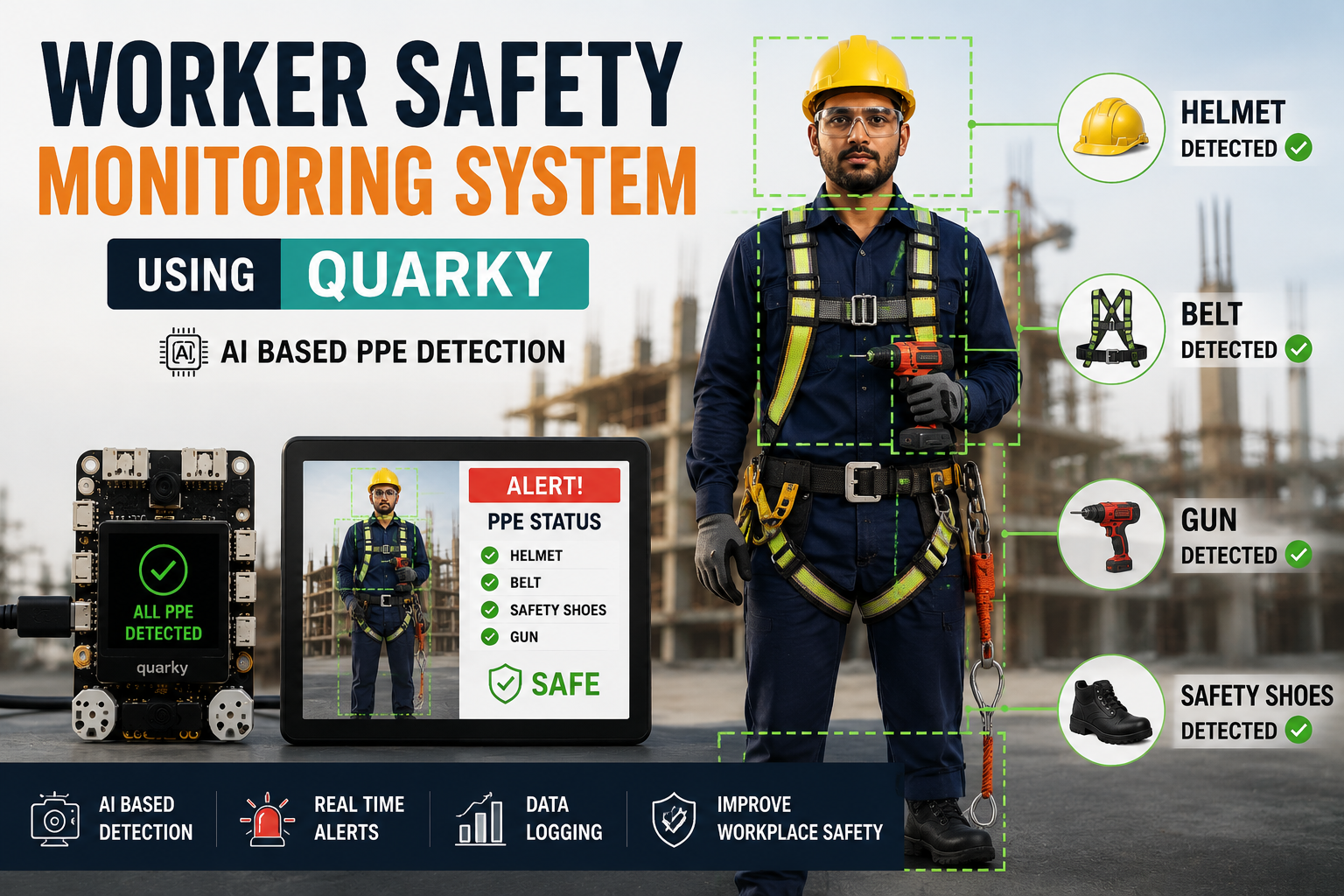
Safety is a top priority in workplaces such as construction sites, manufacturing units, and industrial environments. Workers are required to wear appropriate Personal Protective Equipment (PPE) to minimize the risk of accidents and injuries. However, manually checking whether every worker is using the required safety equipment can be difficult and time-consuming.
The Worker Safety Monitoring System Using Quarky is an AI-powered project that automatically detects the presence of essential safety equipment such as helmets, safety shoes, safety belts, and work tools (guns) using Quarky's object detection capabilities. The system continuously monitors workers in real time and verifies whether they comply with workplace safety standards.
If all required equipment is detected, the system indicates that the worker is safe and compliant. If any safety item is missing, an alert can be generated to notify the worker or supervisor immediately. This project demonstrates how Artificial Intelligence and smart vision technology can be used to improve workplace safety, reduce human error, and create safer industrial environments.
By combining Quarky with AI-based object detection, this project provides an innovative and practical solution for modern worker safety monitoring.
Supplies
- Pictoblox Software: Download PictoBlox | Windows, MacOS, Linux, Chromebook, Android & iOS
- Quarky Board
- USB Cable (for connecting Quarky to the computer)
- Computer or Laptop
- Webcam
- Safety Helmet
- Safety Belt
- Safety Shoes
- Work Tool (Gun)
Setting Up Quarky and PictoBlox
Connect the Quarky board to your computer using a USB cable.
Open PictoBlox on your computer and create a new project.
Click on the Connect option and select Quarky from the list of supported devices.
Choose the correct COM port and establish the connection. Once connected, the status indicator will confirm that Quarky is ready to communicate with PictoBlox.
Switch to the Upload Mode or Stage Mode depending on your project requirements. For real-time AI object detection using the computer camera, Stage Mode is recommended.
Add the Object Detection extension from the Extensions menu. This extension enables the system to recognize safety equipment such as helmets, safety belts, safety shoes, and guns.
Allow camera access and select the webcam or laptop camera that will be used to monitor workers.
Training the Object Detection Model
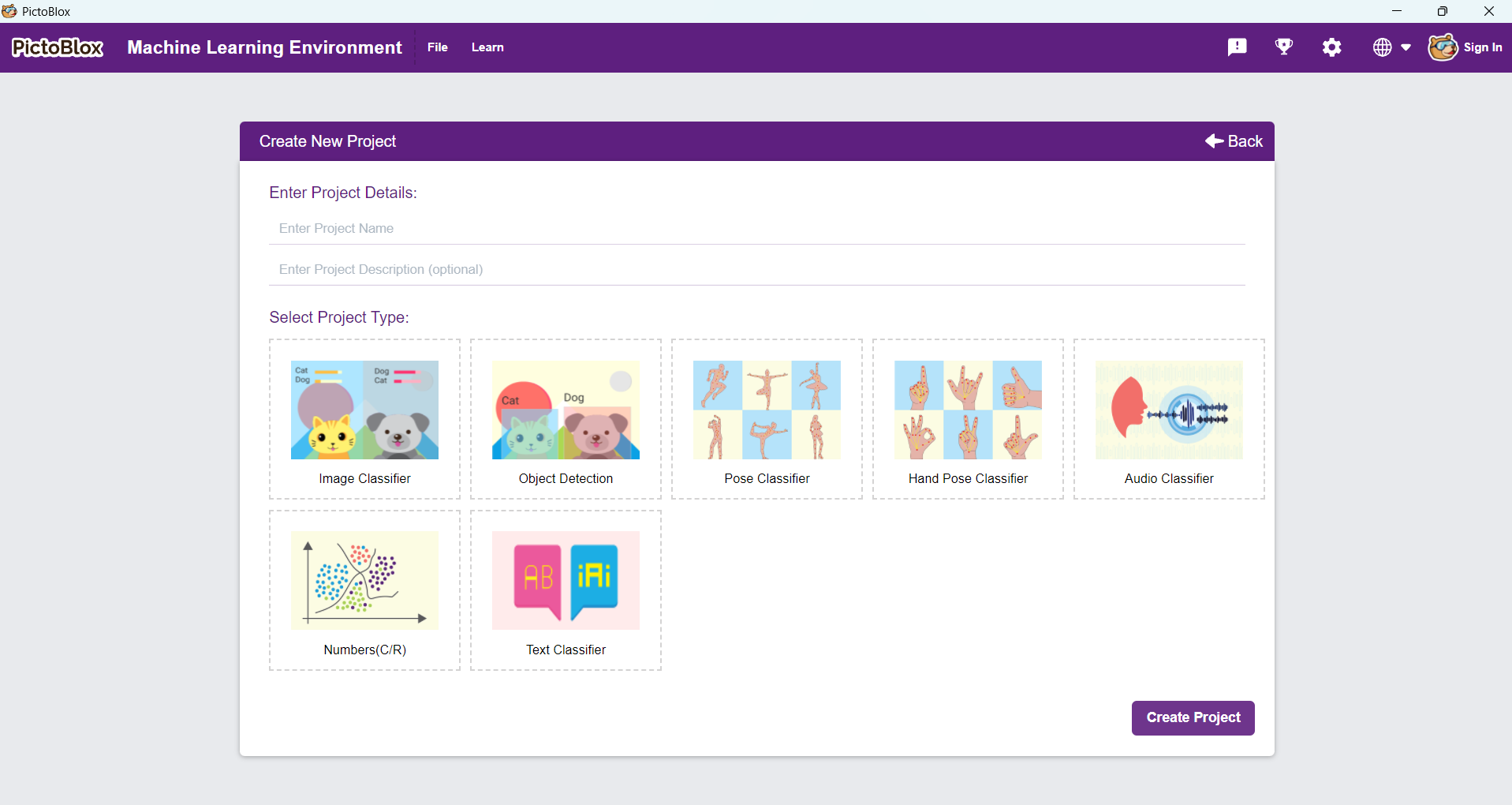
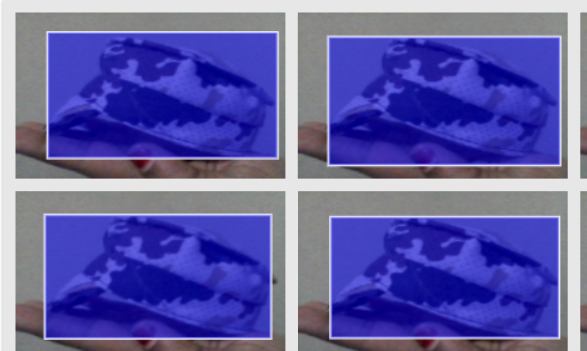
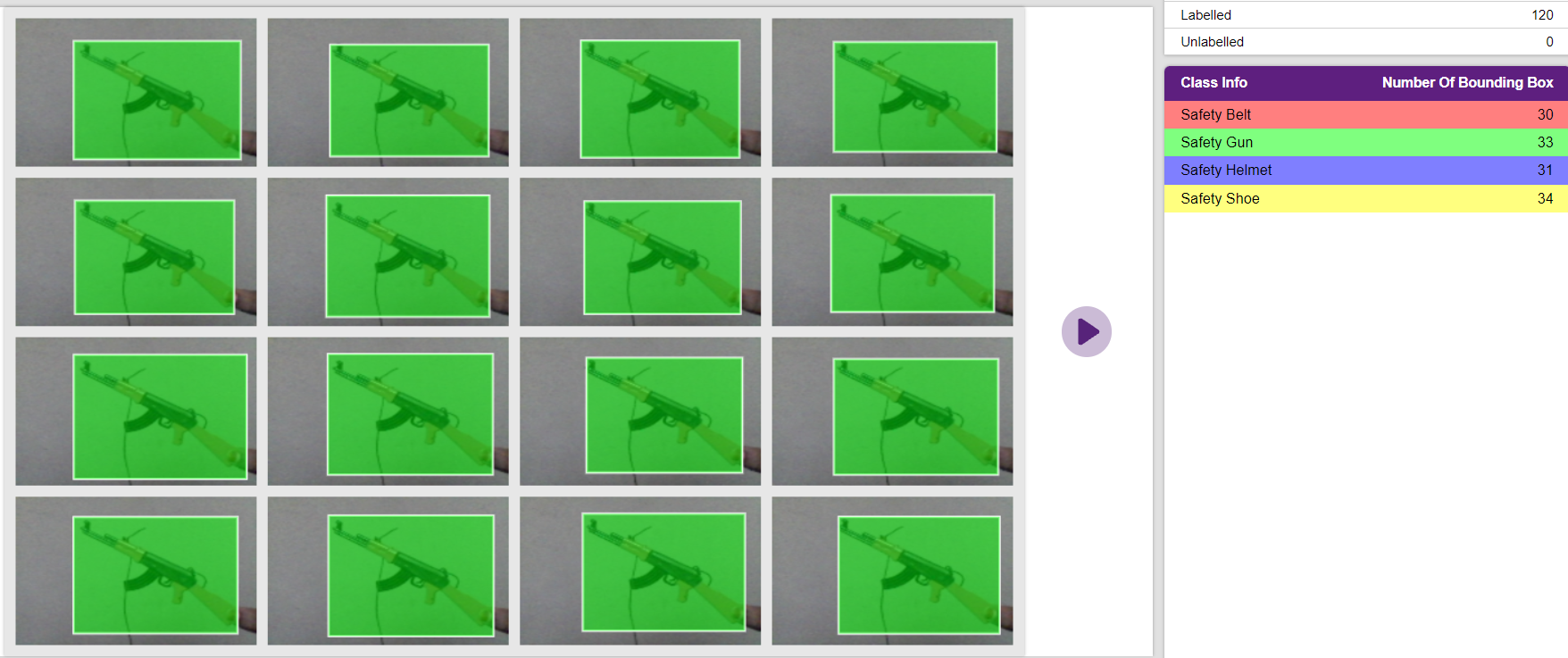
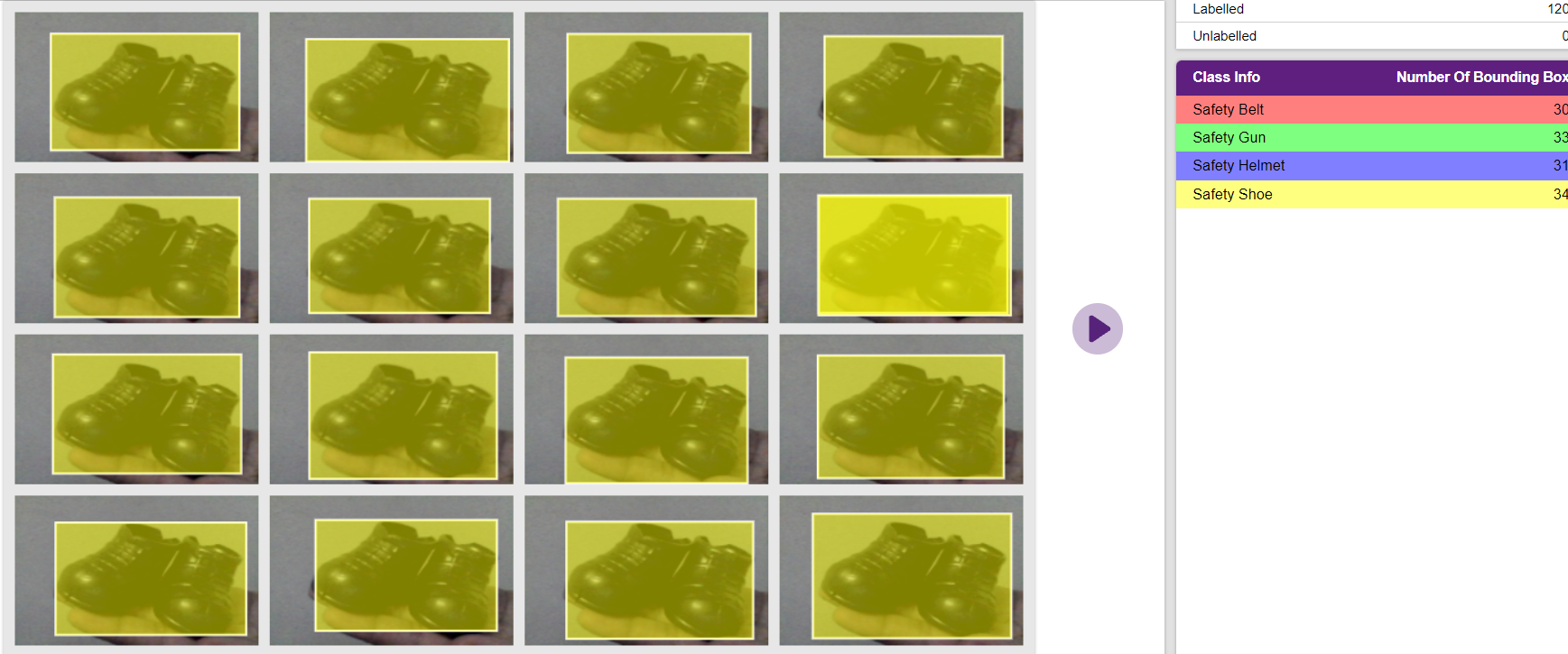
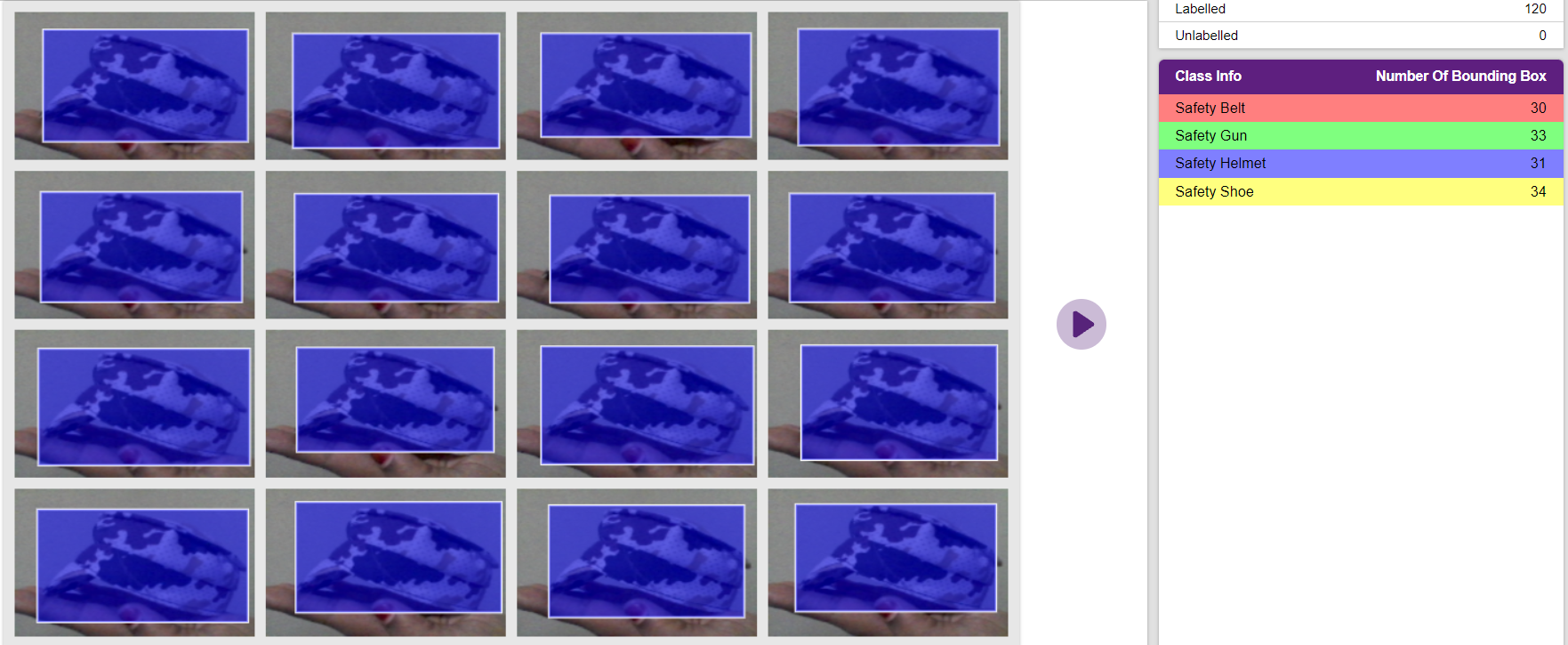
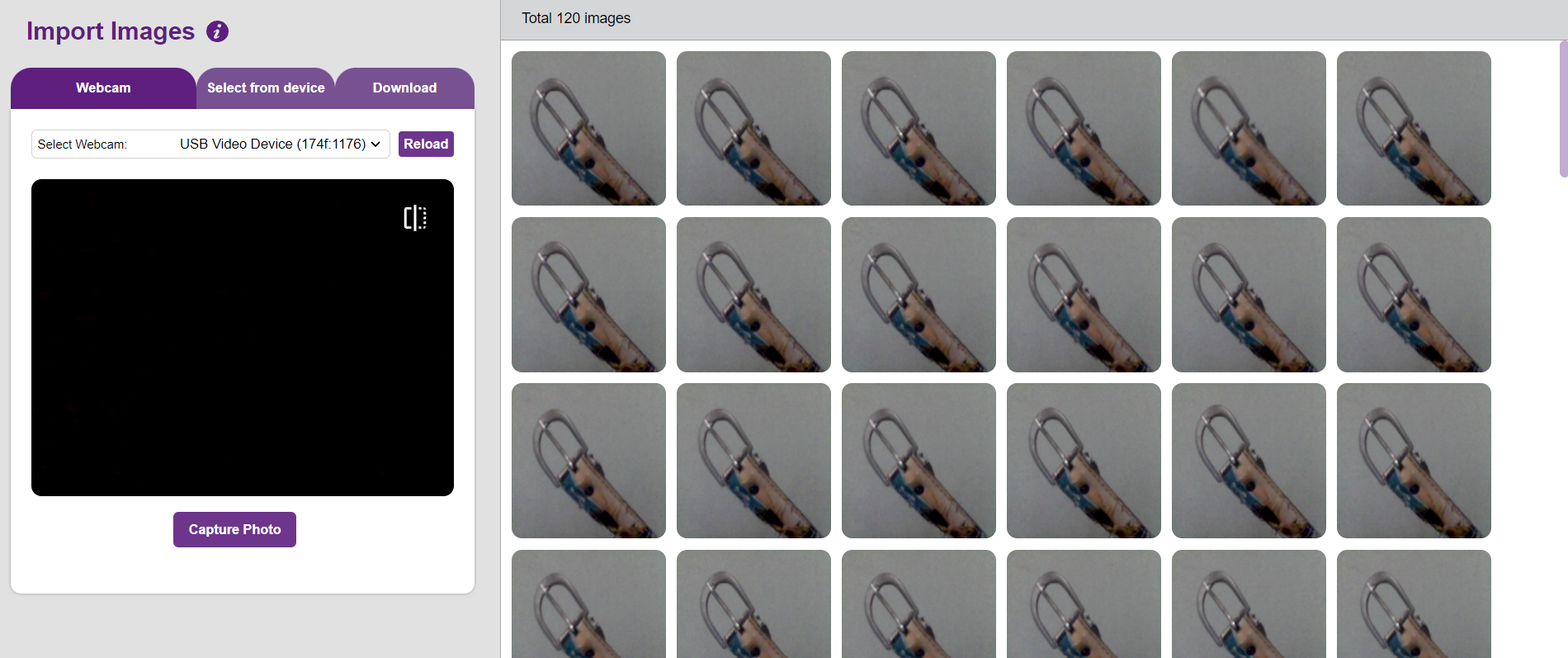
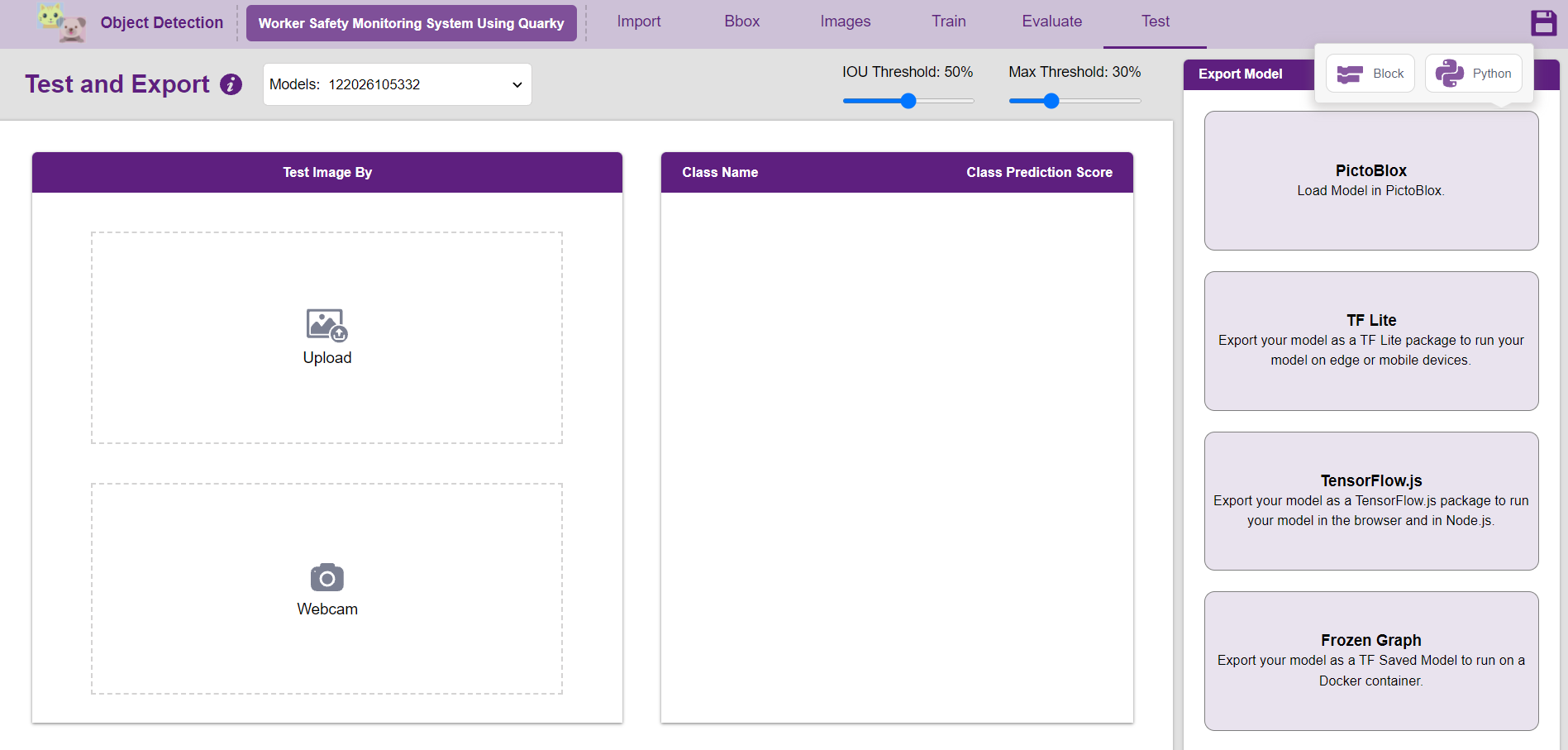
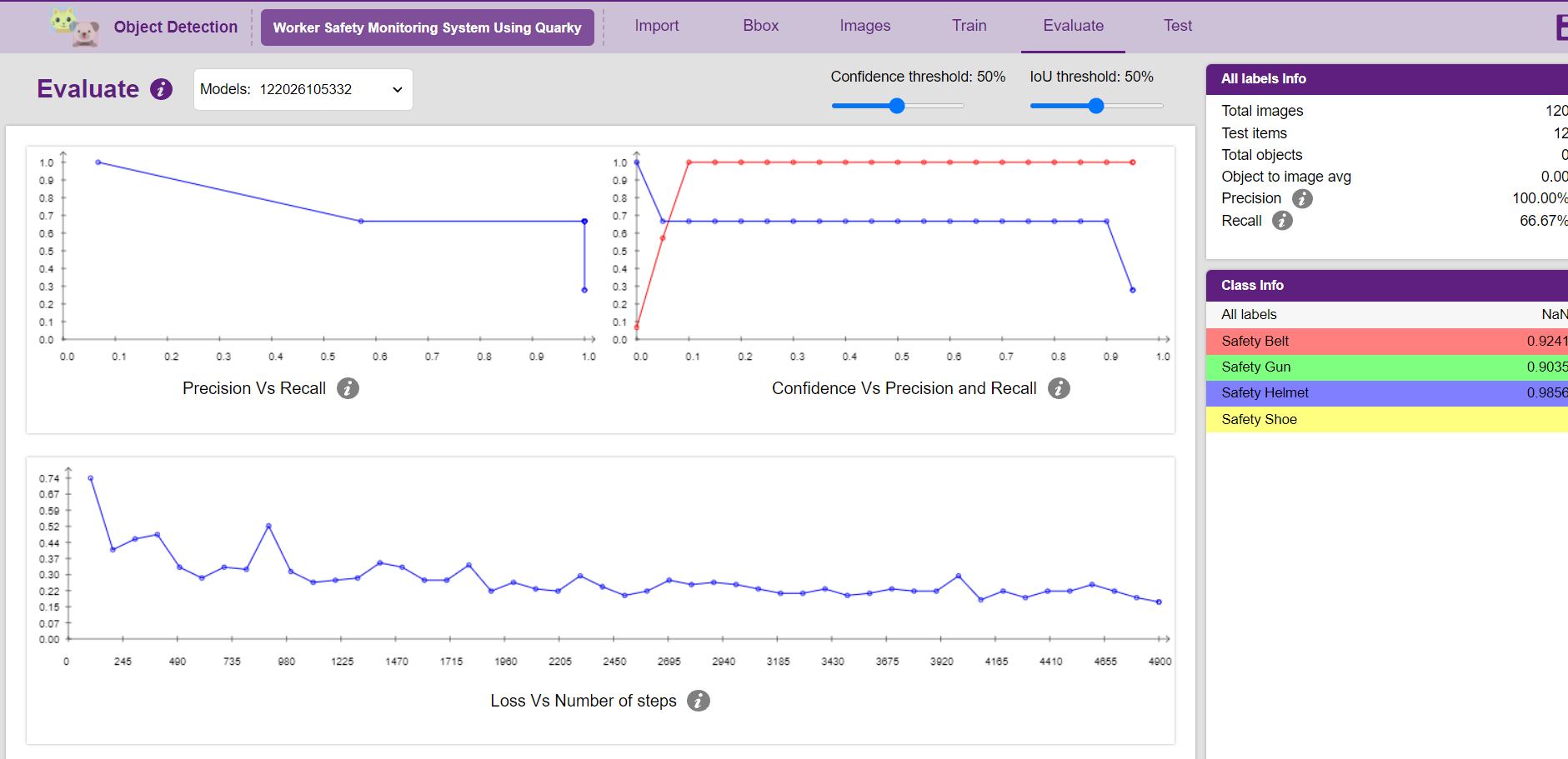
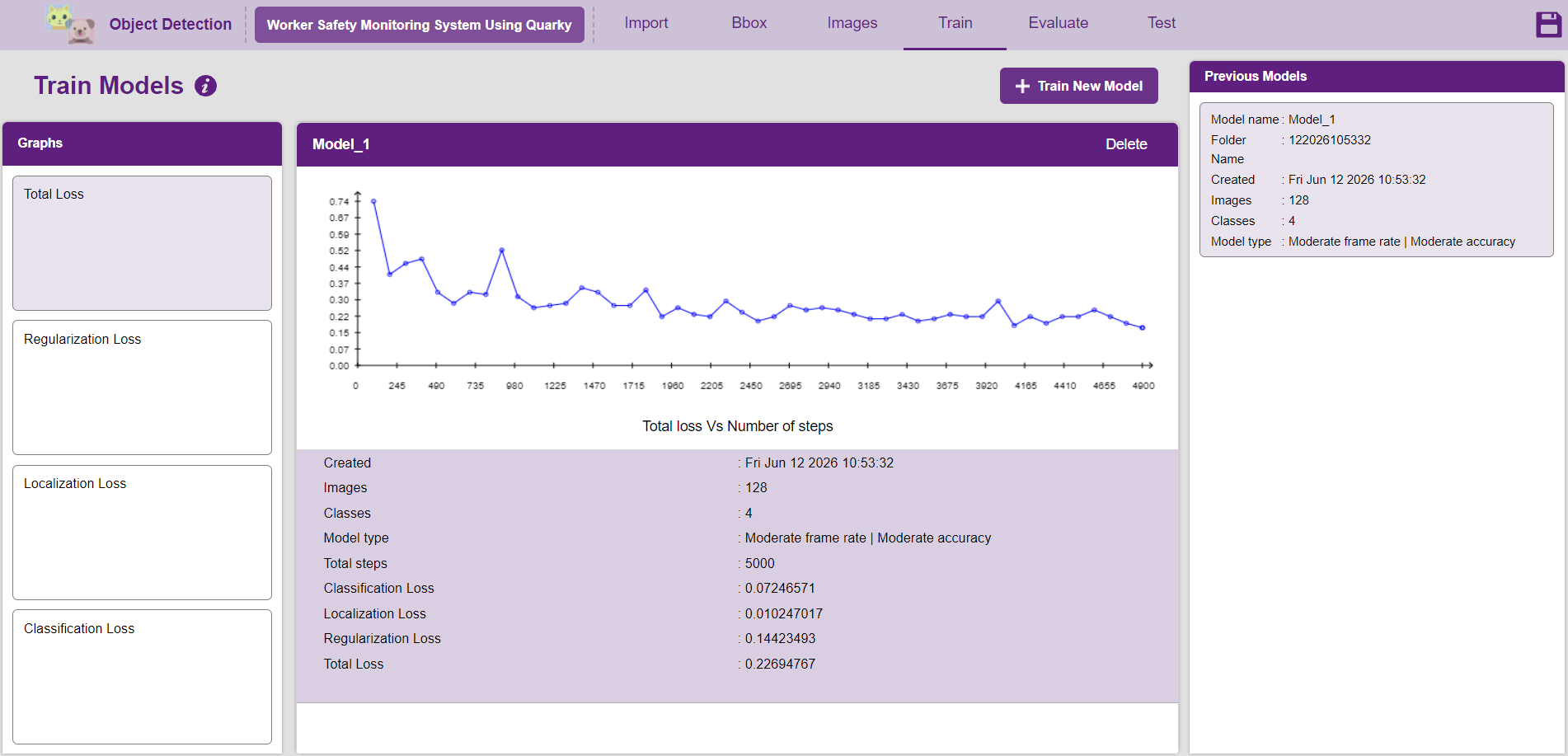
Open the Object Detection extension in PictoBlox.
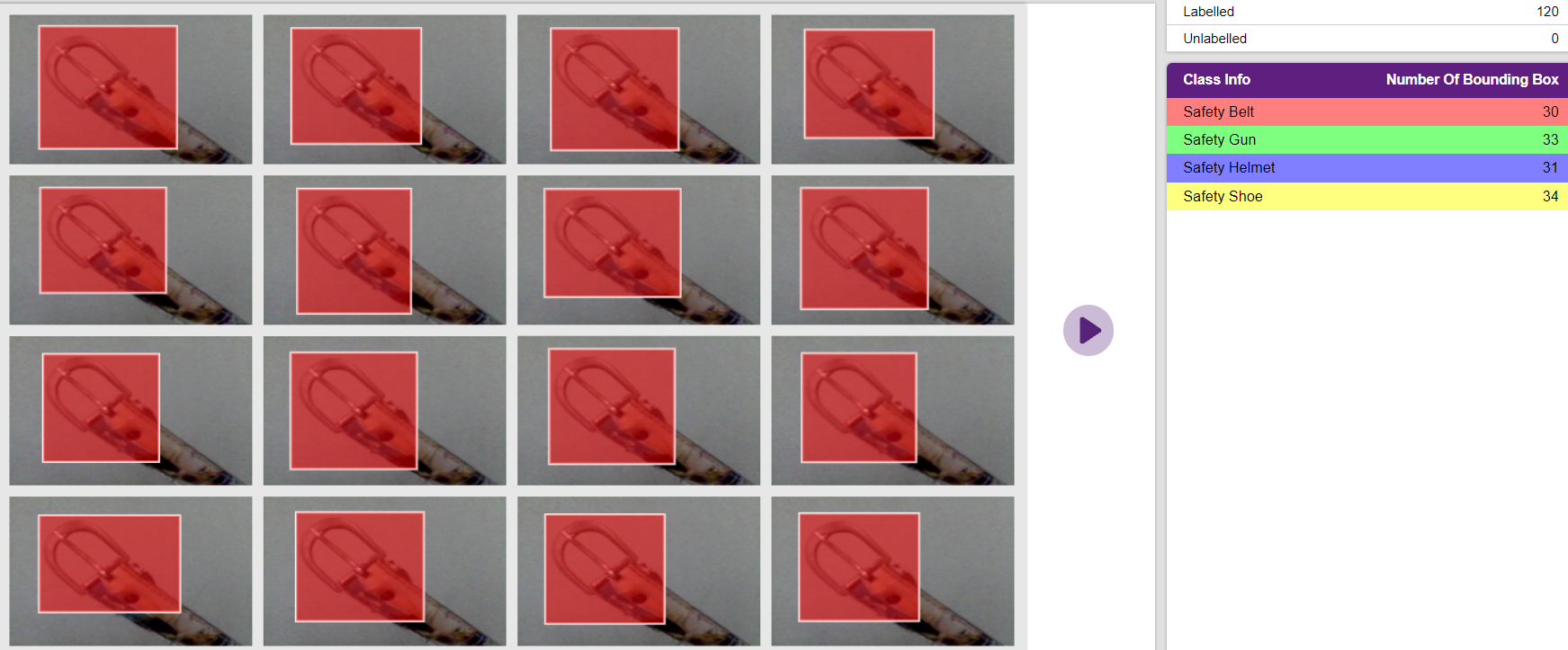
Create four object classes:
- Helmet
- Safety Belt
- Safety Shoes
- Gun
Collect and upload multiple images for each class. Use images captured from different angles, distances, and lighting conditions to improve the model's accuracy.
Label each image with the correct object name so that the AI can learn to identify the safety equipment properly.
Once all the images are labeled, click the Train Model button and wait for the training process to complete.
After training, test the model using the webcam to verify whether it correctly detects helmets, safety belts, safety shoes, and guns in real time.
If the detection accuracy is low, add more training images and retrain the model until satisfactory results are achieved.
Code
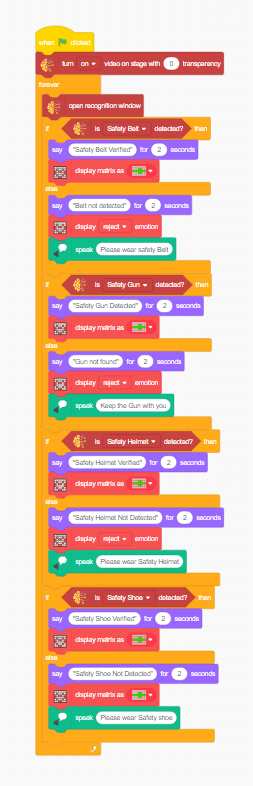
1. Start the Program
- Click the Green Flag to begin execution.
- The camera video is displayed on the stage with transparency enabled.
2.Open the Recognition Window
- The Object Detection Recognition Window opens.
- The trained AI model starts analyzing the live camera feed.
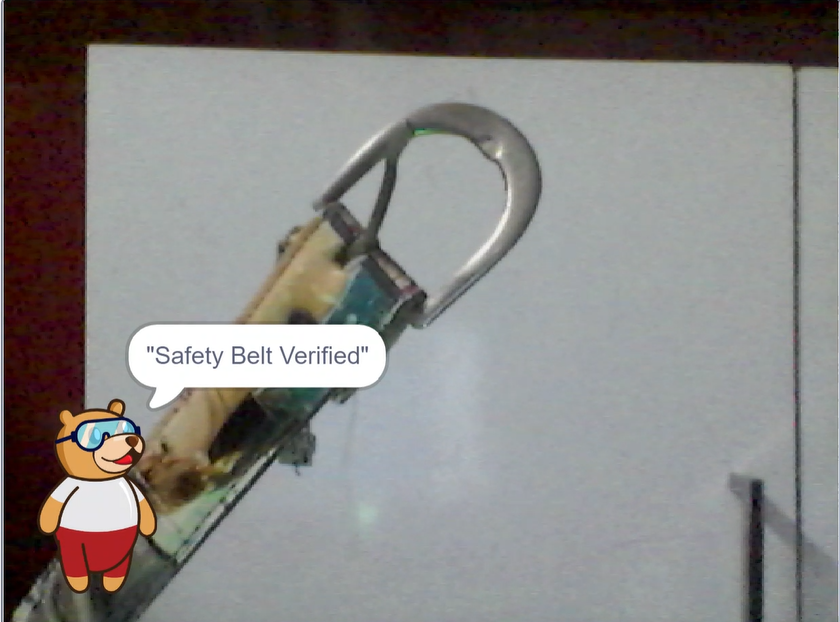
3. Detect the Safety Belt
- The program checks whether the Safety Belt is detected.
- If detected:
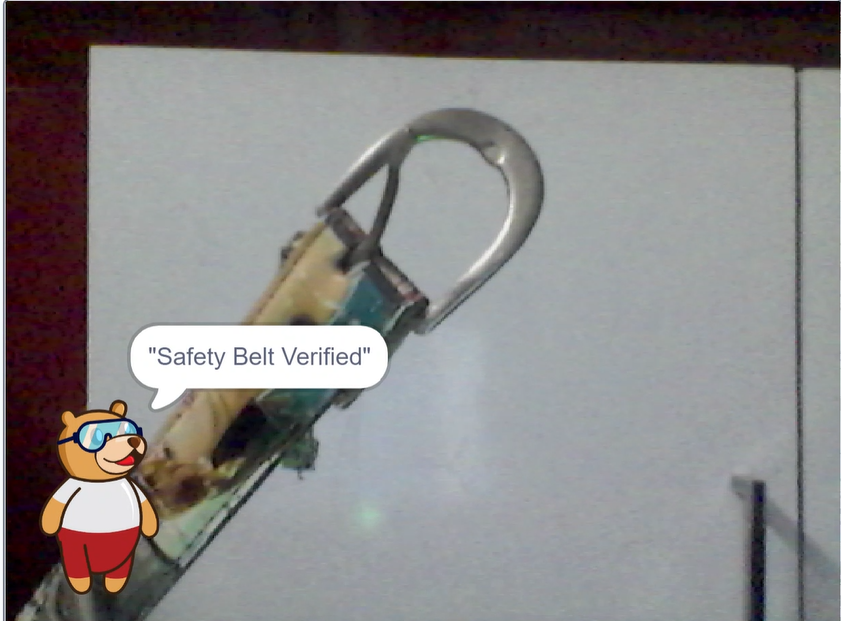
- Display the message: "Safety Belt Verified"
- Show a ✅ approval matrix.
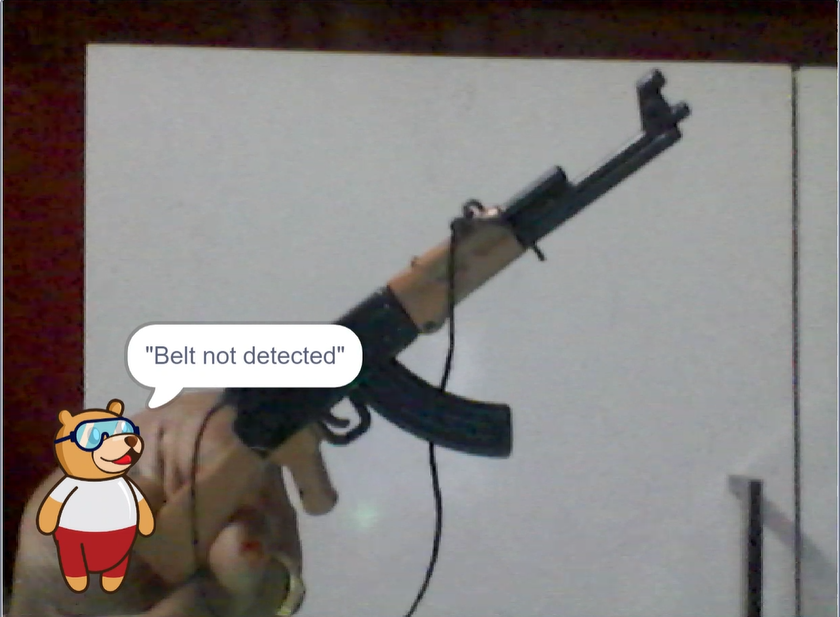
- If not detected:
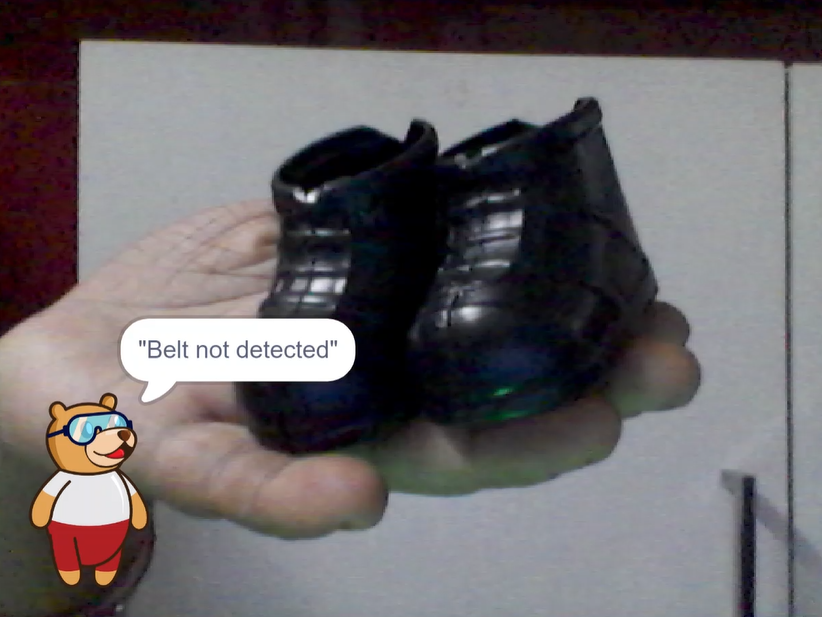
- Display the message: "Belt not detected"
- Show a ❌ rejection matrix.
4. Detect the Safety Gun
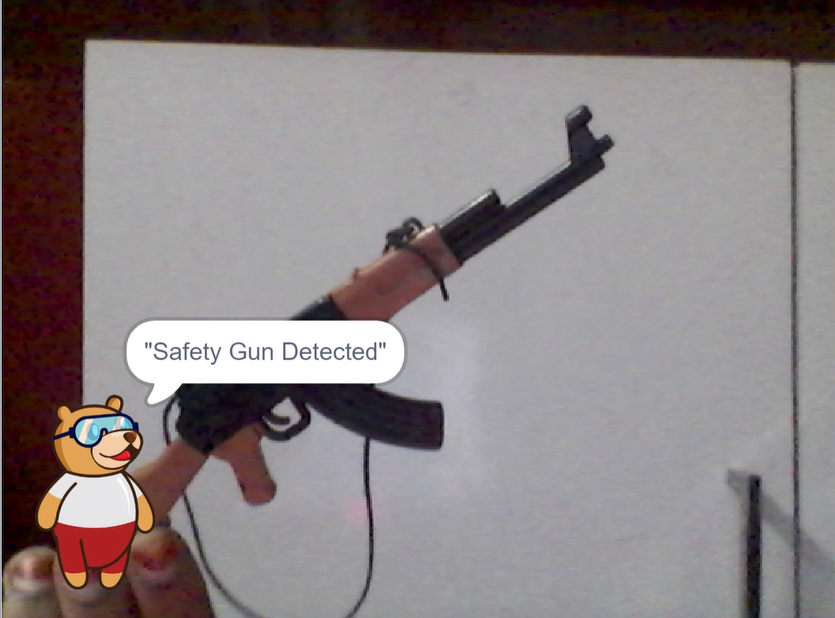
- The system checks for the presence of the Gun (Work Tool).
- If detected:
- Display: "Safety Gun Detected"
- Show a ✅ approval matrix.
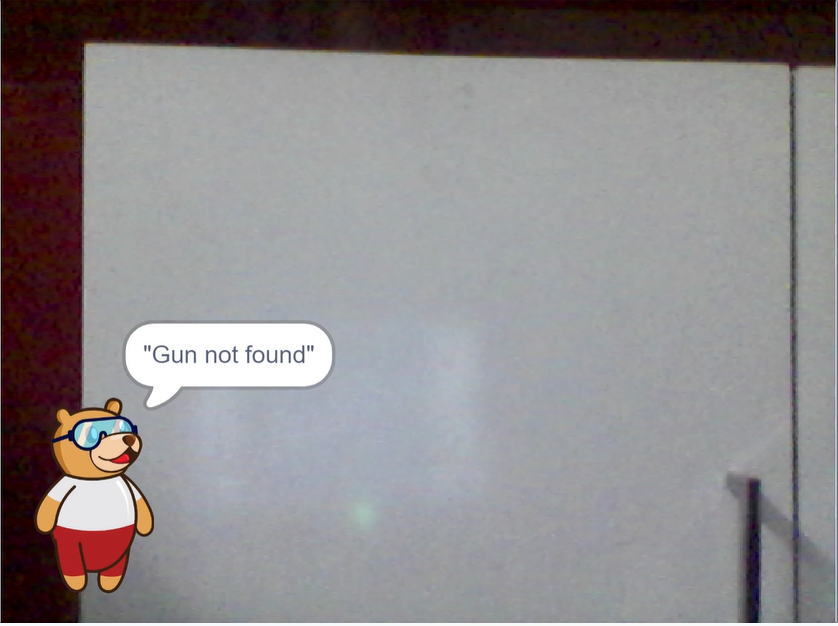
- If not detected:
- Display: "Gun not found"
- Show a ❌ rejection matrix.
5. Detect the Safety Helmet
- The AI verifies whether the worker is wearing a Safety Helmet.
- If detected:
- Display: "Safety Helmet Verified"
- Show a ✅ approval matrix.
- If not detected:
- Display: "Safety Helmet Not Detected"
- Show a ❌ rejection matrix.
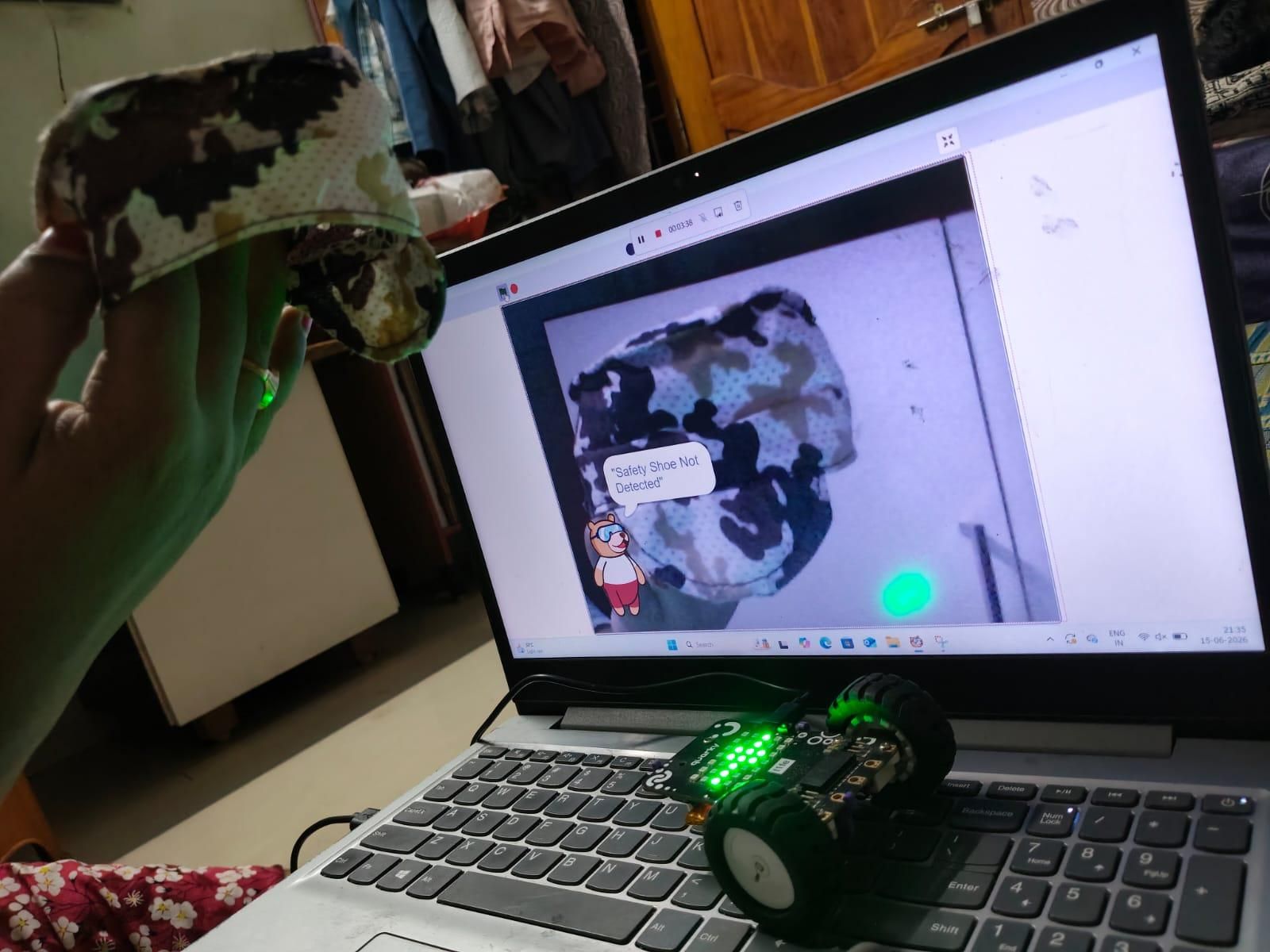
6. Detect the Safety Shoes
- The system checks for Safety Shoes.
- If detected:
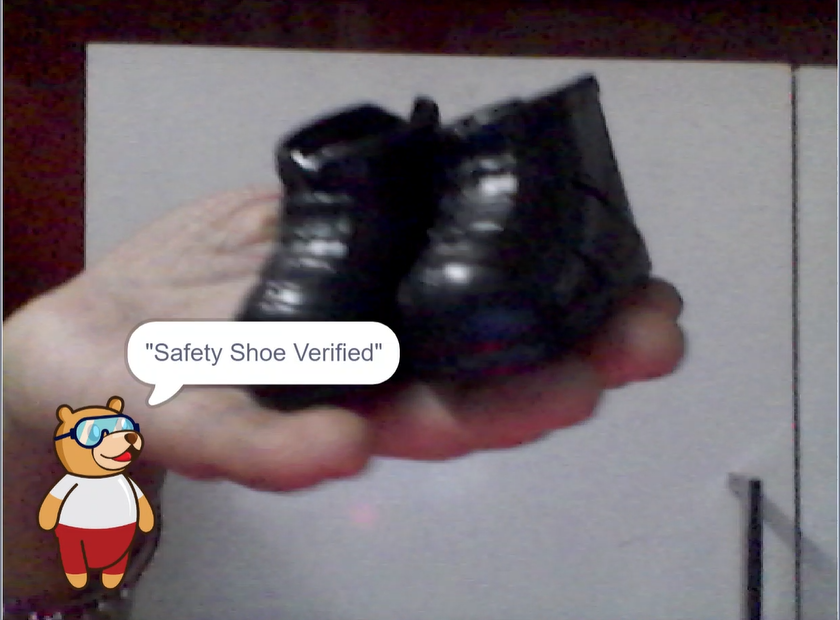
- Display: "Safety Shoe Verified"
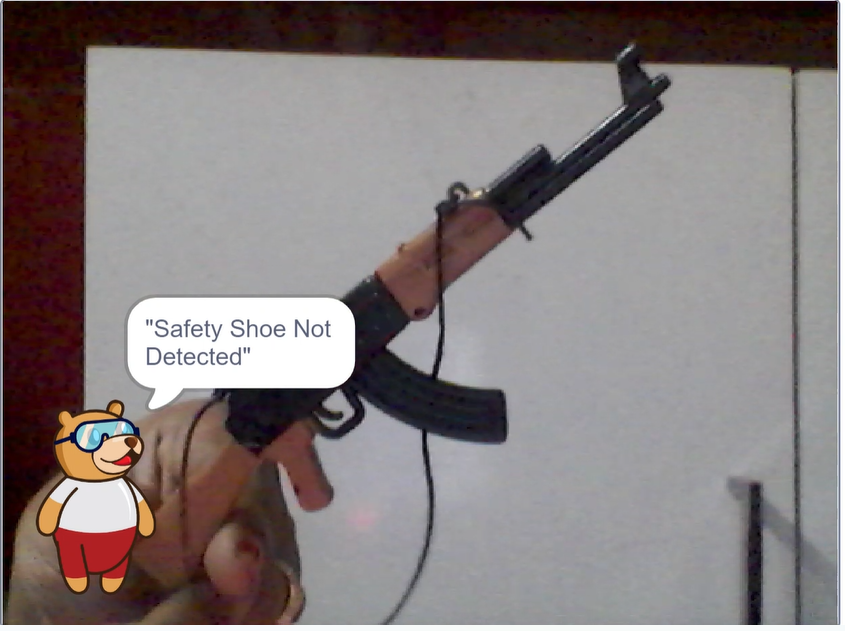
- If not detected:
- Display: "Safety Shoe Not Detected"
- Show a ❌ rejection matrix.
Testing the System

.jpeg)
.jpeg)
.jpeg)
After completing the coding process, test the Worker Safety Monitoring System to verify that it correctly detects the required safety equipment.
Testing Procedure
- Connect Quarky and run the PictoBlox program.
- Open the recognition window and enable the webcam.
- Stand in front of the camera while wearing all the required safety items:
- Safety Helmet
- Safety Belt
- Safety Shoes
- Gun (Work Tool)
- Observe the system response:
- If all items are detected, the system displays verification messages and approval indicators.
- Remove one safety item at a time and repeat the test.
- Verify that the system:
- Displays a warning message for the missing item.
- Shows a rejection indicator on the matrix display.
- Provides the appropriate voice alert.
- Test the system under different lighting conditions and viewing angles to evaluate detection accuracy.
- If any item is not detected correctly, add more training images, retrain the model, and test again.
Applications
The Worker Safety Monitoring System Using Quarky can be used in various industries to improve worker safety and ensure compliance with safety regulations.
Applications
- Construction Sites: Verifies whether workers are wearing helmets, safety belts, safety shoes, and carrying the required tools before entering hazardous areas.
- Manufacturing Industries: Monitors PPE compliance on factory floors to reduce workplace accidents.
- Warehouses and Logistics Centers: Ensures employees follow safety protocols while handling goods and operating equipment.
- Mining Operations: Detects the use of mandatory protective equipment in high-risk environments.
- Oil and Gas Industries: Helps enforce strict safety standards in hazardous work zones.
- Chemical Plants: Confirms that workers use appropriate protective gear while handling chemicals and dangerous substances.
- Safety Training Programs: Demonstrates the importance of PPE compliance during industrial safety training sessions.
- Automated Safety Audits: Maintains records of PPE compliance to support safety inspections and reporting.
- Smart Industrial Monitoring: Can be integrated with alarms, displays, and data logging systems to create advanced Industry 4.0 safety solutions.
Conclusion
The Worker Safety Monitoring System Using Quarky demonstrates how Artificial Intelligence can be used to enhance workplace safety through real-time monitoring of Personal Protective Equipment (PPE). By detecting essential safety items such as helmets, safety belts, safety shoes, and work tools, the system helps ensure that workers comply with safety regulations before performing their tasks.
Through instant visual feedback and voice alerts, this project reduces the chances of human error and promotes a safer working environment. It also highlights the practical application of Quarky and PictoBlox in solving real-world industrial challenges.
This project is a simple yet effective example of how AI-powered solutions can contribute to accident prevention, improve safety awareness, and support the development of smarter and safer workplaces.