Zombie Candy Dispenser
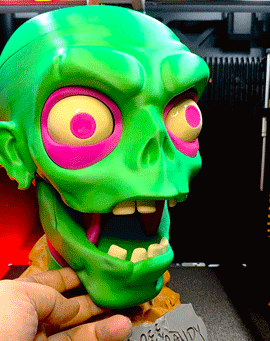

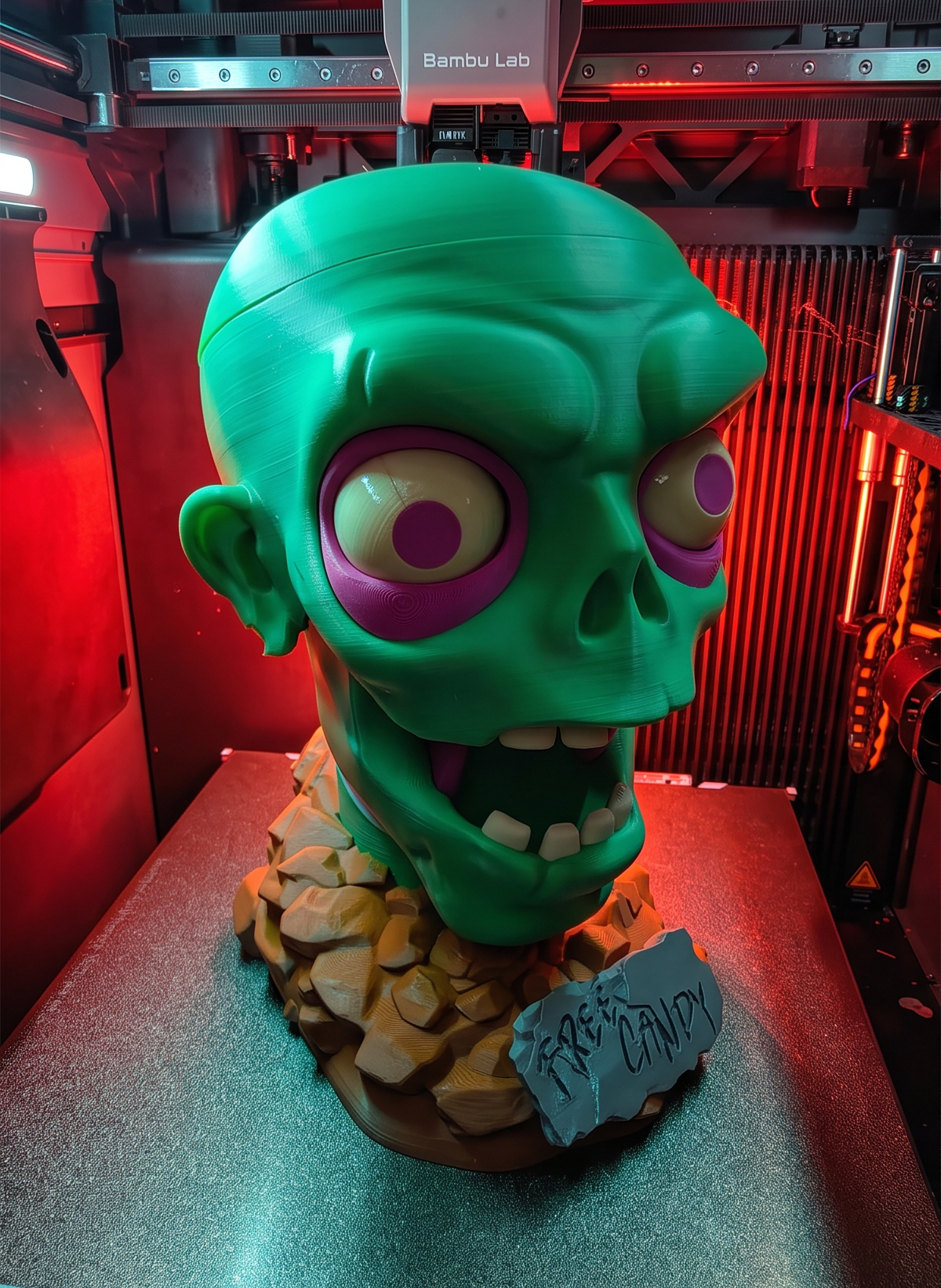


Its halloween season again so i thought i would make a candy dispenser.. I present to you the Zombie candy dispenser..
The model is printed without multicolor AMS required.. each part is printed with individual color and glued together..
Difficulty level:
- 3D printing - Easy
- Assembly - Challenging
- Wiring - Nop
- Painting - Nop
So lets begin..
Supplies

All you need is a 3d printer.. I made this with almost all the parts 3D printed including the springs and gears to control the dispenser mechanism.. the only hardware part is the magnets that will hold the candy bowl and the top head cap of the dispenser..
The magnet needs to be glued on.. you can use magnet size either 9mm x 4mm.. or 8mm x 4mm..
Files can be downloaded here:
https://makerworld.com/en/models/3419771-zombie-candy-dispenser-no-ams#profileId-3896501
How I Made It - BTS
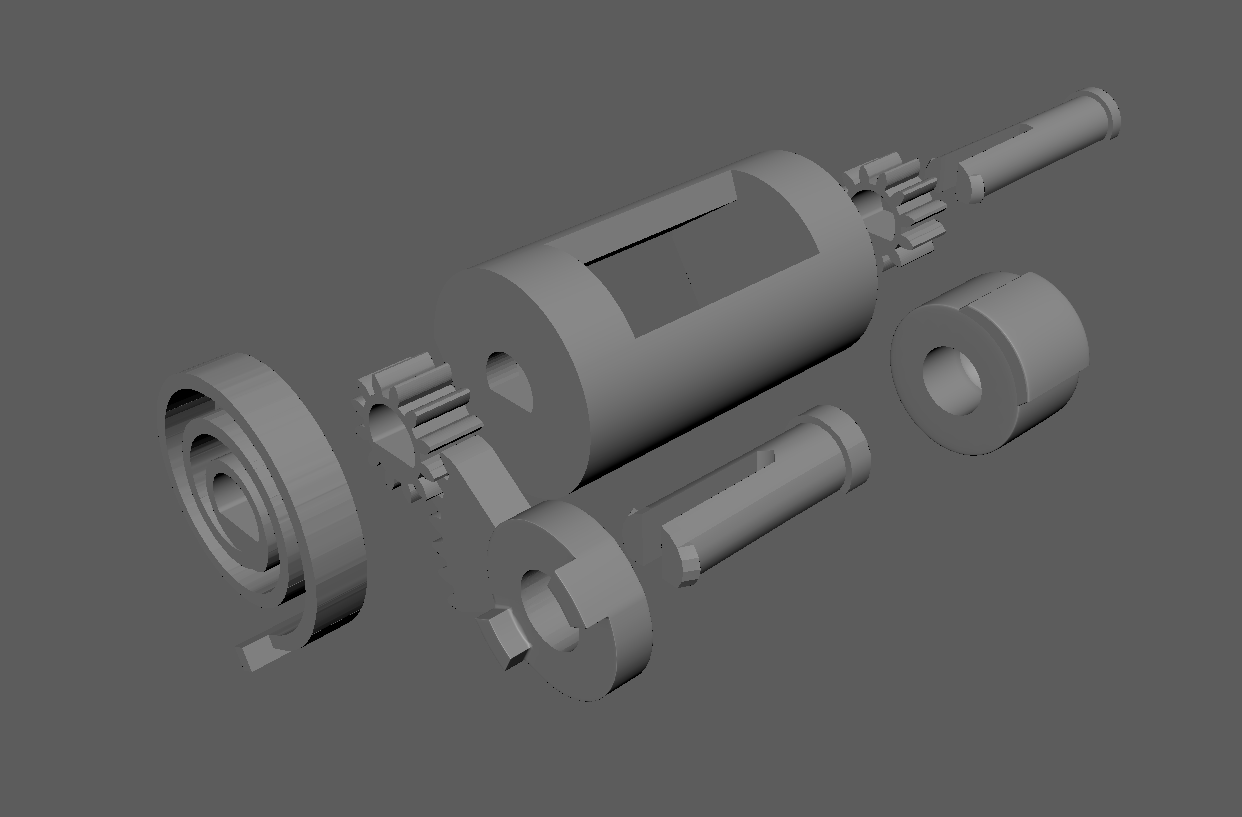
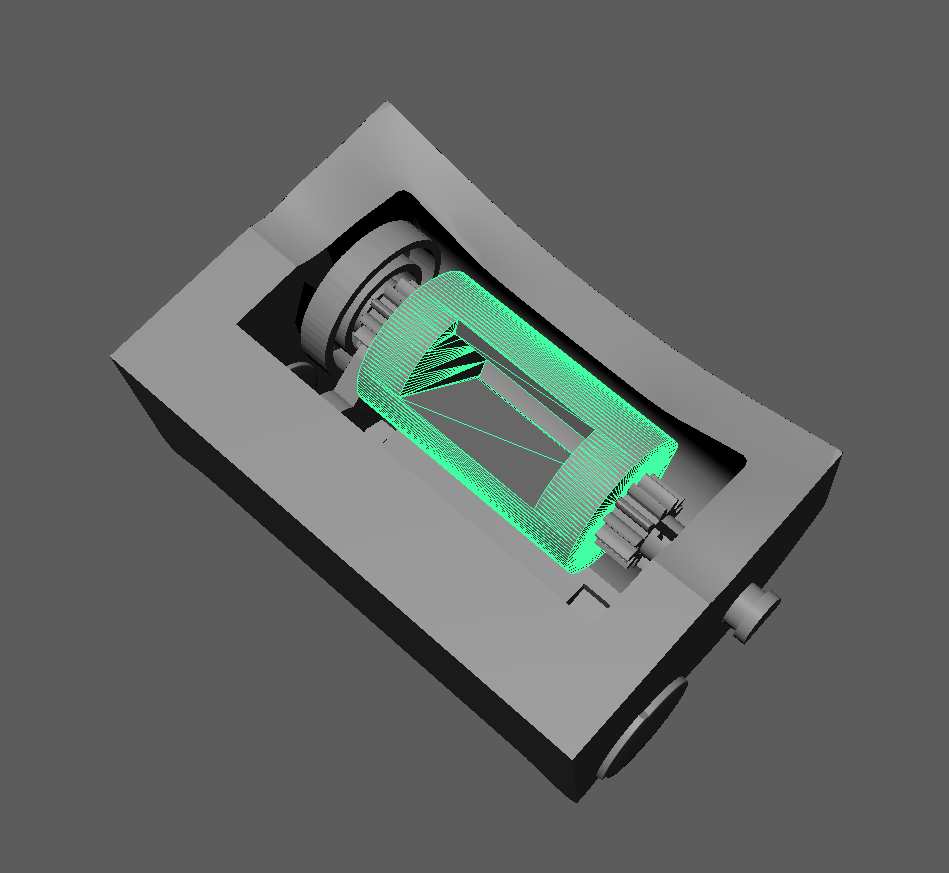


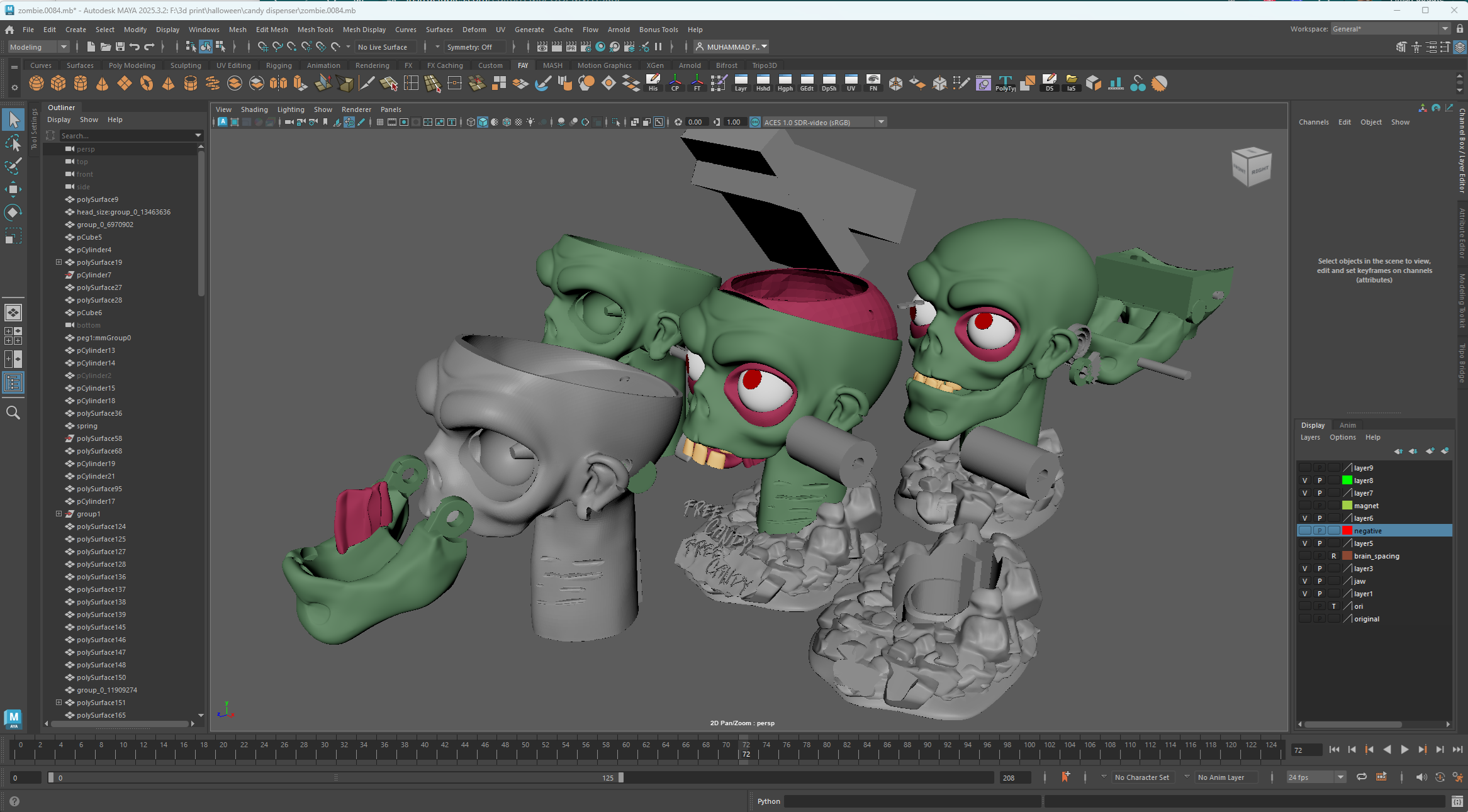
For the modelling.. I used Autodesk Maya to model everything.. it took me 84 itterations to get to the finished zombie dispenser
- The first thing i did was work on the dispenser mechanism.. how i wanted the candy to be dispensed.. i thought of making a lever type dispenser using gears and springs from my other projects.. i try to make a simple mechanism that anyone can understand and assemble..
- next is making the size and encasing for the mechanism.. i also thought on how to combine the reservoir for the candy and where the candy will be caught after dispensing..
- only then i start modelling my zombie.. instead of an actual lever for dispensing the candy.. i thought of making the jaw be the lever.. designing the jaw bigger makes it easier as the lever trigger as well as the receiver of the dispensed candy..
- after that it is just combining the mechanism and the zombie head together.. the tricky parts is not integrating the 2 parts together but how to assemble them later.. where do i put the pegs.. the position of the springs.. how big does the mouth needs to open.. how much teeth and degrees of the gear rotation do i need.. it took me a whole week of back and forth to figure everything out..
- last part was detailing and decorating the zombie itself..
- i purposely made the candy bowl in low poly (boxy) just so to make it a bit different than the zombie head itself..
As you can see from my last printscreen from maya.. i made so many changes and itterations of the zombie head.. As a modeller i usually do not delete my previous itterations.. you'll never know if that itterations has something useful you can use later on.. so the models just piles up on my scene.. i do organize them into layers and groups for easy access and organization..
3D Print Everything


Files can be downloaded here:
https://makerworld.com/en/models/3419771-zombie-candy-dispenser-no-ams#profileId-3896501
this is the first version prototype i made without the cosmetic details of the zombie head.. i printed this version to test the mechanism if it works or not..
one problem i had was the the candy dispenser holding area was too big and the dispenser would dispense too much candy.. and it looks like the zombie is vomitting candies all over the place..
after some changes.. i think it should work now.. if you push the jaw slightly.. a small amount of candies will be dispense but if you hold the jaw close too long and more candy will be dispense thus the zombie vomitting candies..
The zombie candy dispenser only works with smaller candy and M&M.. i also tried using jellybeans but it kept getting stuck in the dispenser since its too squishy..
How it works..
- Close the zombie's mouth and the candy is transfered to the dispenser holding space
- And when the springs push the jaw open the candy is dispensed..
- The longer the mouth is shut.. the more candy is being added into the dispenser holding space.. and the more candy comes out of the zombie's head
Glueing the Candy Dispenser


- All the cosmetic parts are pretty straight forward to install.. all cosmetic parts needs to be glued
- All the scars are printed in 2 parts and needs to be glued together into the scar channel on the right side of the zombie head..
- The eyeball and eye socket might be a bit struggle.. the eyeball will be loose inside of the eye socket.. so it look around..
- The left eye socket is inserted from the left side inward while the right eye socket goes straight in.. the eyeball and the eye socket should be inserted into the head at the same time..
- The upper teeth will have a hole in the base but the bottom one dont..
- The jaw gear should align easily since i made notches to align them..
Candy Dispenser Mechanism Assembly

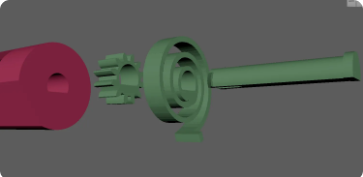


As for the dispenser mechanism.. it is all held by the 2 long pegs on each side.. since the pegs are printed laying down.. i used the flat part as reference for aliging all the parts of the dispenser.. making it easier to assemble..
The springs have a notch that needs to be inserted into a hole on the side of the head.. the gear is inserted into the inner part and the whole mechanism is lock with the pegs..
The dispenser should align with the pegs and the flat part of the dispenser is facing to the back of the head..
- First add the spring into the head and align the notch..
- The whole assembly mechanism hole are align with flat on the bottom..
- Align the gear hole to the long peg and lock it in place with the dispenser
- Do the same on the other side
The most tricky part is putting in the pegs for the jaw.. If you have big fingers.. please ask for assistance from younger children.. LOL
- first align the gear of the dispenser to the jaw.. the jaw should be open all the way..
- insert the 2 short pegs from the mouth and align it to the hole on the jaw
- this will take some few tries to get it to align since you'll be using only 1 finger to insert it into the hole.. if you have big fingers like me
- repeat on the other side too
I didnt put all the teeth in.. i thought it looks funnier if the zombie was missing a tooth.. but all the teeth is available to print..
- I also modelled the zombie tongue but i didnt use it.. since when the tongue is install.. all the candy would not get caught by the jaw and spew out of the zombie's mouth and went everywhere.. unless that is what you want to happen.. CHAOS!!
Test Mechanism
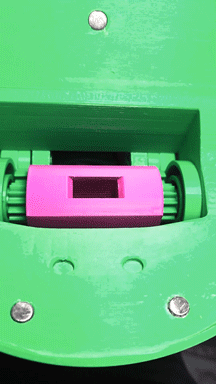


test out the mechanism by closing the jaw of the zombie..
- when mouth is open.. the dispenser hole should be at the back of the head
- when the mouth is close.. the hole should move to the center
you can test it out when you add the candy bowl..
- when mouth is open.. the dispenser hole disappears
- when the mouth is close.. the hole should be visible
Candy Dispenser Base

The base is split into 2 parts.. the base itself and the stone slab you can use as a plaque..
I made 3 version of the stone plaque..
- Halloween
- Free candy
- custom text that you can add youself
the stone slab needs to be glued to the base.. the center of the base is an empty hole for adding weights.. i used those car tyre balancing weights and just stuffed it to full.. the base needs to be heavy
After that you can just glue the head bust to the base
Commercialization

If you'd like to sell the candy dispenser.. i am offering a life-time commercial license with custom logo on my buymeacoffee page https://buymeacoffee.com/fay3dlab/e/585622
Conclusion

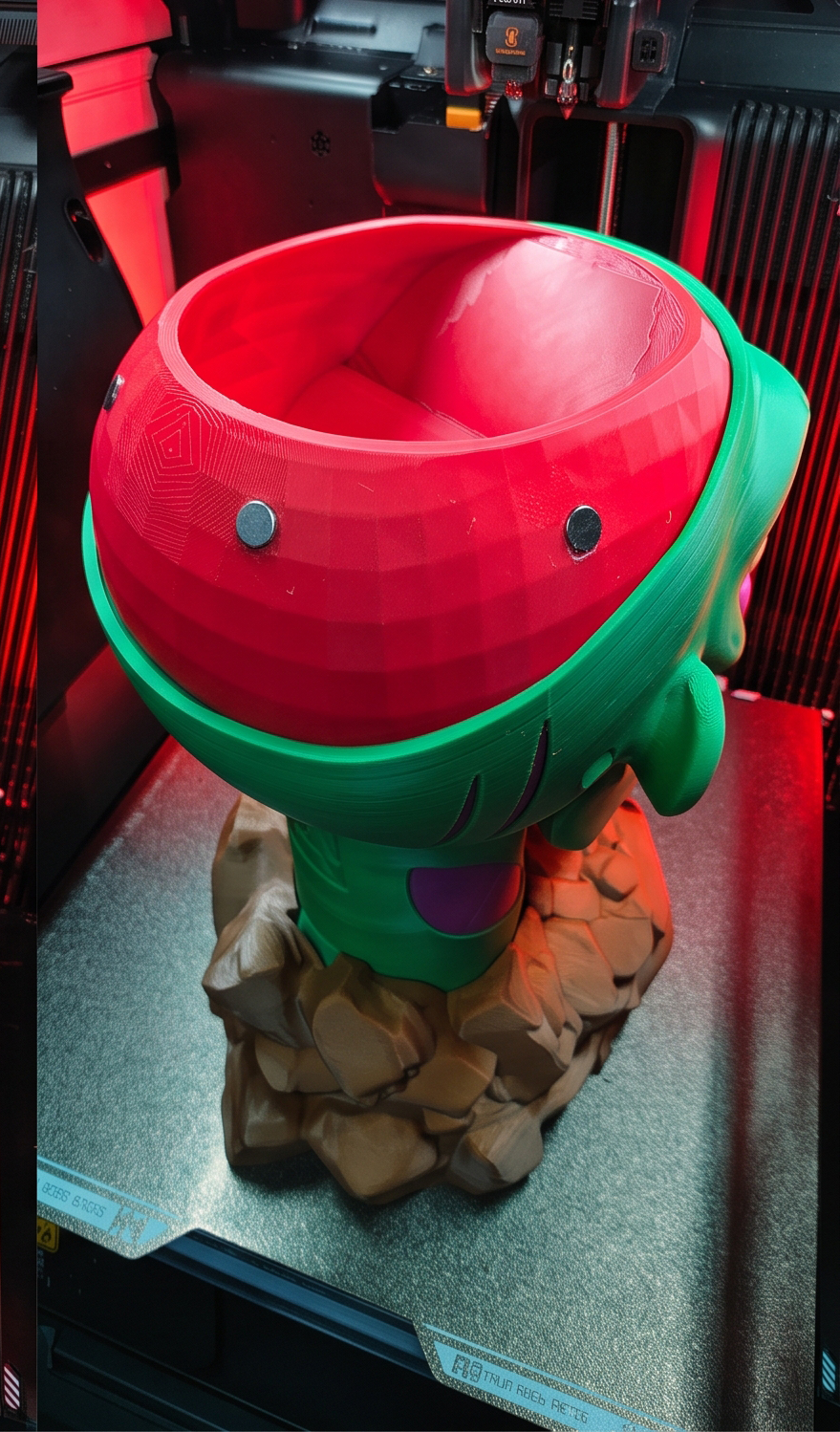

Making the zombie candy dispenser was a blast and challenging.. i had to stop a few times to take a breather when i got stuck with the mechanism and how to make the installation easier..
I hope you'll have fun making the Zombie Candy Dispenser and Happy Halloween..